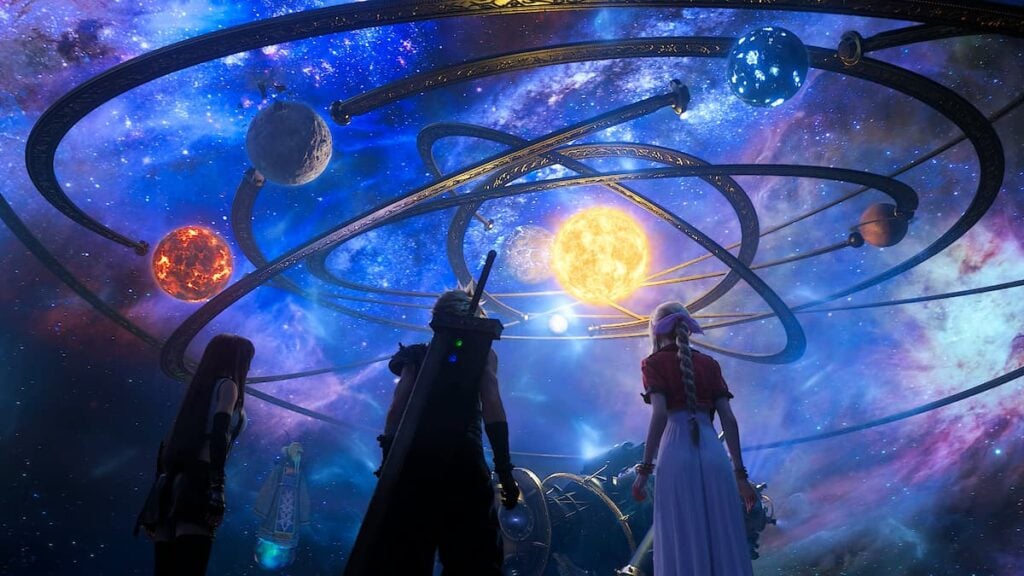
Final Fantasy 7 Rebirth is one, incredibly long game. There’s so much to do in every region that you visit and town that you come across that it can be a bit overwhelming. Fortunately, the end of the game offers you a chance to do everything you might have missed via the Chapter Select. To make the most of your post-game experience, here is a list of everything that you can do after beating FF7 Rebirth. Trust me when I say that the game becomes much easier once you realize that you can wait until the end to do so much.
What to Do After Beating FF7 Rebirth

Once you finish Final Fantasy 7 Rebirth, you’ll realize just how many things there are still left to do, regardless of how much you finished before getting to Chapter 14. In my opinion, you should:
- Go to Chapter 12.
- Change your Companion Settings for the special Chapter 12 date scene.
- Turn on Materials Auto-Collection in the main menu.
- Full out the rest of your map.
- Explore the entirety of the Meridian Ocean.
5. Go To Chapter 12

When you’re able to go back into every region at the very end of FF7 Rebirth, you’ll want to immediately go back to Chapter 12. This is because this is the last chapter that allows you to fast travel and visit previously visited areas. Chances are that you still have a few intel locations to uncover or side quests to complete. Going back to this point ensures that you can complete them without having certain things locked.
The pick which chapter you’d like to go to:
- Go into the Main Menu by pressing the Options button.
- Press the Settings option.
- Go into Chapter Select.
- Choose Chapter 12, or your preferred chapter.
4. Change Companion Settings

Now that the game is over, you know about the whole romance scene at Gold Saucer. Well, if it didn’t turn out the way you had expected, then you can redo it in Chapter Select. Not only that, but you can choose which companion is the one that takes you on a date in Chapter 12. You can also change out which companion joins you in Chapter 8. Changing these settings and replaying those specific chapters will give you new cutscenes that you haven’t seen before.
To do this:
- Press the Options button to go into the Main Menu.
- Go to System.
- Select Extra Settings.
- Change your Chapter 12 companion.
3. Turn on Materials Auto-Collection

There was nothing I hated more than bypassing good materials and forgetting to pick them up. Since there’s still so much to do in the game even after beating, I chose to focus more on that than on collecting resources. In turning on the auto-collection and bookmarking things to craft in the Item Transmuter, I was able to keep track of what I could craft while also doing other tasks that I needed to do.
To turn on the auto-collection:
- Press the Options button.
- Go to the System option.
- Go into Extra Settings.
- Toggle the Materials Auto-Collection selection.
2. Fill Out Your Map

Once you finish the game and officially unlock Chapter Selection, you’re free to pretty much go wherever you please (as long as you choose to go to Chapter 12). In doing this, every location that you hadn’t discovered before finishing the game will now be available for you to see on the map. Go back and discover every single Chocobo Stop and regional chest so that you can fill out your map. You’ll know which locations you haven’t visited yet by the symbol of a lock that will be in front of the map icon.
1. Explore the Meridian Ocean

Even though there isn’t a lot to find, there’s still a lot to explore in the Meridian Ocean. There are a variety of small islands with spots to park the Tiny Bronco now that it’s technically a boat. You can even discover the Pirate King’s Treasure in a side quest that asks you to find all sorts of monsters across the ocean. If you prefer a scenic drive, you can even take Cid’s ship across the sea from Costa del Sol all the way to Junon!