Close Menu
  • Gaming
    • Platforms
      • Nintendo
      • PC
      • PlayStation
      • Xbox
  • Entertainment
    • Movies
    • TV
    • Royals
  • Celebrity
    • Hollywood
  • Human Interest
  • Astrology
  • More
    • Reviews
Facebook X (Twitter) Instagram LinkedIn YouTube
  • About Us
  • Join Our Team
  • Meet the Team
  • Privacy Policy
  • DMCA Policy
  • Contact Us
  • Terms of Use
  • Sitemap
  • Editorial Guidelines
  • Advertising Policy
The Nerd Stash
  • Gaming
  • Celebrity
  • Hollywood
  • Human Interest
The Nerd Stash
Home»Gaming»Star Wars Jedi: Fallen Order Patch Update Delivers Photo Mode

Star Wars Jedi: Fallen Order Patch Update Delivers Photo Mode

A patch update for Star Wars Jedi: Fallen Order has arrived today. The update’s most notable feature will be the new photo mode. Once enabled…

Matt BaileyBy Matt BaileyDecember 11, 20192 Mins Read
Star Wars Jedi: Fallen Order
(Picture: Respawn Entertainment).
This article is over 6 years old and may contain outdated information.

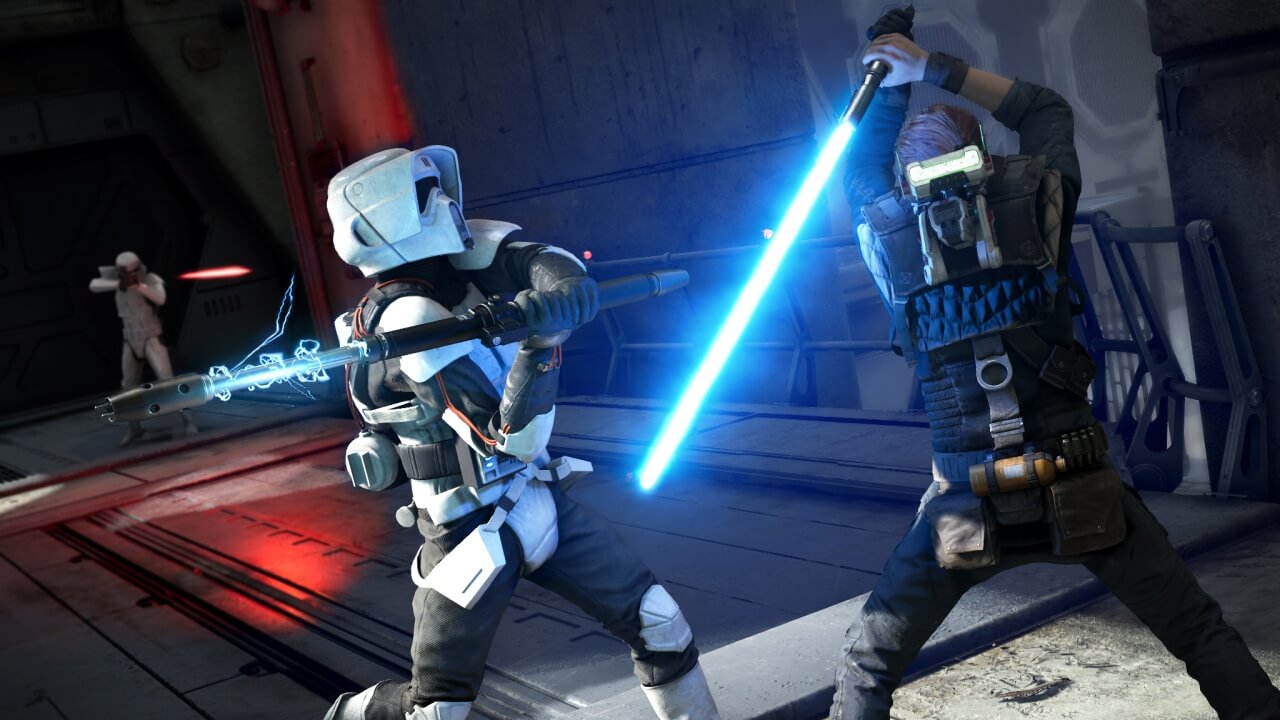
A patch update for Star Wars Jedi: Fallen Order has arrived today. The update’s most notable feature will be the new photo mode. Once enabled in settings, the mode can be accessed by pressing LS and RS, or L3 or R3 on a controller.

As a result, the game will pause, and provide the player with options to create the shot they want. In order to reset the scene, they’ll need to hit R3.

The list of individual options within photo mode is extensive, so in summary, a player will be able to construct their perfect Jedi shot with options such as camera height, focal distance, vignette, and the ability to altogether remove the AI and player from their desired shot.
Star Wars Jedi: Fallen Order
(Picture: Respawn Entertainment).

A big issue in Star Wars Jedi: Fallen Order concerned Cal’s lightsaber. The Star Wars community has requested the removal of a particular element of Cal’s lightsaber. Therefore, the developers appear to have discovered a resolution to the issue.

The fix can be achieved inside the lightsaber customization menu via a button toggle.
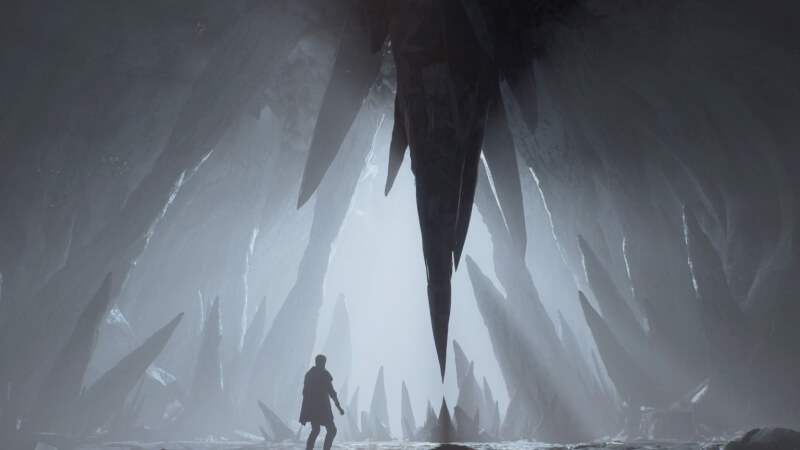
Star Wars Jedi: Fallen Order
(Picture: Respawn Entertainment).

Thirdly, the update has introduced many bug fixes. Star Wars Jedi: Fallen Order should now be more stable, as Respawn claims there should be fewer crashes. Collision issues across planets in the game have been fixed. Problem areas on Kashyyyk, Dothamir, Illum, and Bogano have been identified and fixed.

Further issues include Bracca, bounty hunters, problems with BD-1, Greeze on Dothamir, and Holomaps have all been tweaked.

For the full list of bug fixes and update features, check out the Reddit forum.

A Star Wars game is in the works, with EA handing the proposed project to Respawn Entertainment, makers of the acclaimed Titanfall 2.
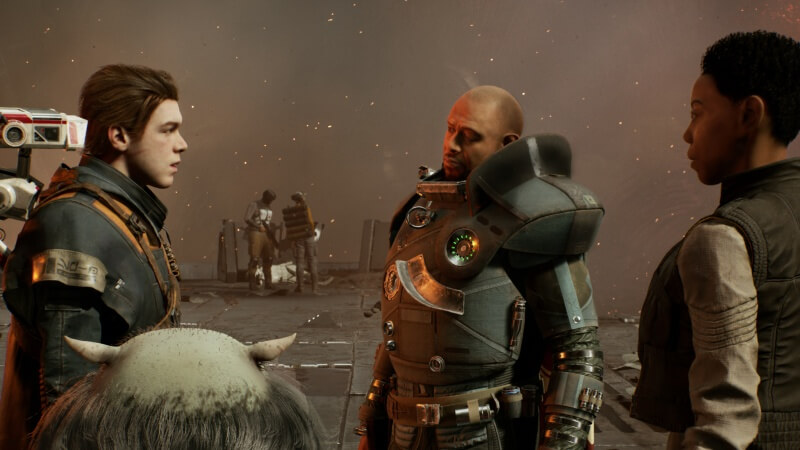
Star Wars Jedi: Fallen Order
(Picture: Respawn Entertainment).

Are you a fan of the new Star Wars game? Let us know in the comments!

Related Topics
StarWars
Share. Facebook Twitter LinkedIn Reddit Email
Matt Bailey
  • Website

Matt Bailey.
A musician under the alias I Dream Of Insomnia.
Writing articles of all kinds.
I co-wrote three scripts for a podcast drama, Mr. Jamison, now on Spotify.
I'm an avid reader, gamer, beatboxer and composer.

SUGGESTED READS

Zenless Zone Zero Version 3.1 Anniversary
Gaming

Zenless Zone Zero Celebrates Its 2-Year Milestone With Free S-Rank Agents and a Crossover Announcement

All Black Marketeer Locations in Palworld
Gaming

All Black Marketeer Locations in Palworld

Gaming

A New Wolverine Trailer Playing in Front of the Odyssey is Getting Obliterated by PlayStation Fans: ‘Can’t wait for my PHYSICAL COPY’

Texas State Rep. James Talarico challenged Attorney General Ken Paxton to three televised debates in a video posted on X after appearing on MSNBC’s Morning Joe. The post quickly drew attention as users pushed back on Talarico’s claims about billionaire handlers.
News

‘Billionaire Handlers, You Say?’: Talarico’s Televised Debate Challenge to Paxton Ignites Hypocrisy Claims in Texas

Pal Awakening Guide - Palworld
Gaming

Complete Palworld Pal Awakening Guide

How to get Radiant Gems In Palworld 1.0
Gaming

How to get Radiant Gems In Palworld 1.0

The Nerd Stash
Facebook X (Twitter) Instagram YouTube LinkedIn
  • About Us
  • Join Our Team
  • Meet the Team
  • Privacy Policy
  • DMCA Policy
  • Contact Us
  • Terms of Use
  • Sitemap
  • Editorial Guidelines
  • Advertising Policy
© 2026 The Nerd Stash. All Rights Reserved.

Type above and press Enter to search. Press Esc to cancel.