Close Menu
  • Gaming
    • Game Guides
    • Codes
    • Game News
    • Game Previews
    • Game Reviews
    • Game Features
    • Game Lists
    • Platforms
      • Nintendo
      • PC
      • PlayStation
      • Xbox
      • Mobile
  • Entertainment
    • Movies
    • Movie Features
    • Movie Reviews
    • TV
    • Reality TV
    • Royals
  • Celebrity
    • Hollywood
  • Human Interest
  • Astrology
  • Videos
  • More
    • Anime
    • Lists
    • Podcasts
    • Reviews
Facebook X (Twitter) Instagram LinkedIn YouTube
  • About Us
  • Join Our Team
  • Meet the Team
  • Privacy Policy
  • DMCA Policy
  • Contact Us
  • Terms of Use
  • Sitemap
  • Editorial Guidelines
  • Advertising Policy
The Nerd Stash
  • Gaming
  • Celebrity
    • Hollywood
  • Human Interest
  • Videos
The Nerd Stash
Home»Gaming»Pokémon Legends: Arceus 1.0.2 Update Patch Notes

Pokémon Legends: Arceus 1.0.2 Update Patch Notes

Pokémon Legends: Arceus 1.0.2 has landed, the second post-launch polish to Game Freak’s freshly-launched open-world catch-em-all action RPG. You’ll find the complete list of all the changes, improvements,…

Tom BardwellBy Tom BardwellFebruary 9, 20222 Mins Read
Pokémon Legends: Arceus 1.0.2 Update
This article is over 4 years old and may contain outdated information.

Pokémon Legends: Arceus 1.0.2 has landed, the second post-launch polish to Game Freak’s freshly-launched open-world catch-em-all action RPG. You’ll find the complete list of all the changes, improvements, and fixes bundled into this latest Pokémon Legends: Arceus update right here on this page.

Light in both size and reach, Pokémon Legends: Arceus 1.0.2 targets four fixes with little else besides. The patch fixes an offline freeze issue when picking up a lost satchel, a bug that made Cherrim too challenging to catch, a mission event trigger block, and, finally, a problem where players were catching duplicates of the same Pokémon, preventing them from completing the Pokedex.

Check out the latest Pokémon Legends: Arceus patch notes just below.
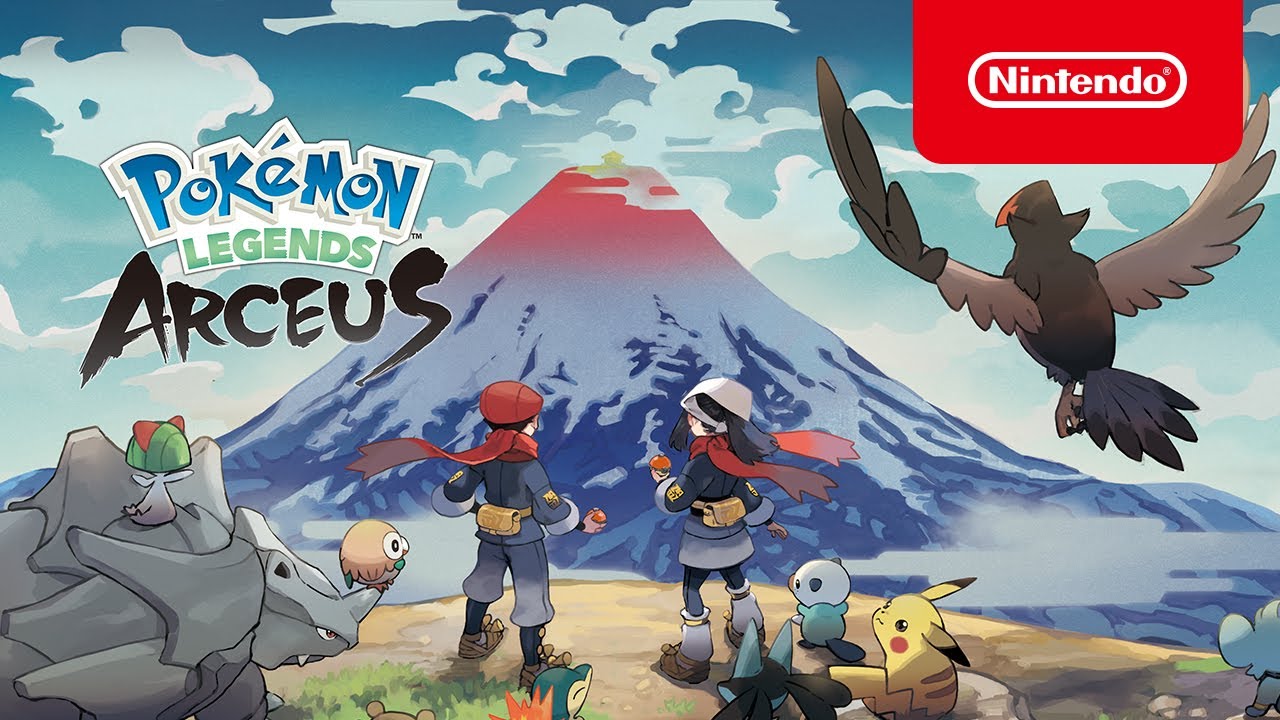
Pokémon Legends: Arceus - Overview Trailer - Nintendo Switch

Pokémon Legends: Arceus 1.0.2 Update Patch Notes

  • Fixed an issue where, while offline, the screen could freeze after trying to pick up a lost satchel by throwing out a ball that contains a Pokémon.
  • Fixed an issue that sometimes made it difficult to catch Cherrim.
  • Fixed an issue where a certain event would not occur during a particular Mission, preventing the scenario from proceeding as intended.
  • Fixed an issue where players could obtain certain Pokémon twice instead of once only as intended, prohibiting the player from obtaining other certain Pokémon. The relevant Pokémon will appear for players who were unable to catch those certain Pokémon due to this issue.

Here’s how to download and install Pokémon Legends: Arceus 1.0.2 on your Switch courtesy of Nintendo:

  1. Connect the Nintendo Switch console to the internet.
  2. From the HOME Menu, select the icon for the software you wish to update without starting the game or application.
  3. Press the + or – Button on your controller, then select Software Update followed by Via the Internet.
  4. Once the update is installed, the newest version number will be displayed on the title screen.

Pokémon Legends: Arceus is out now for Nintendo Switch. For more details about the patch, visit the official Nintendo support page at this link here.


Related Topics
Pokemon Pokémon legends: arceus
Share. Facebook Twitter LinkedIn Reddit Email
Tom Bardwell
  • X (Twitter)

UK-based word spewer with a taste for everything weird and wonderful about games kick-started by a transformative play-through of Metal Gear Solid many moons ago.

SUGGESTED READS

Blender Bee Swarm Simulator
Game Guides

Where Is the Blender in Bee Swarm Simulator on Roblox? Answered

How to Get Blue Extract in Bee Swarm Simulator on Roblox
Game Guides

How to Get Blue Extract in Bee Swarm Simulator on Roblox

Norse Oath of Blood PC Review
7
Game Reviews

NORSE: Oath of Blood Review – Not Ready for Valhalla

Secret Lucky Block Steal a Brainrot
Game Guides

How To Easily Get Secret Lucky Blocks in Steal a Brainrot in Roblox

Roblox Adopt Me! Players Scramble as Dire Wolf Arrives and Giant Panda Leaves: 'NOOO I Dont Have One'
Game News

Roblox Adopt Me! Players Scramble as Dire Wolf Arrives and Giant Panda Leaves: ‘NOOO I Dont Have One’

Ohio State University
News

Ohio Reels Again as OSU Gynecologist Under Epstein Investigation: ‘He Knew $120,000 a Year’

The Nerd Stash
Facebook X (Twitter) Instagram YouTube LinkedIn
  • About Us
  • Join Our Team
  • Meet the Team
  • Privacy Policy
  • DMCA Policy
  • Contact Us
  • Terms of Use
  • Sitemap
  • Editorial Guidelines
  • Advertising Policy
© 2026 The Nerd Stash. All Rights Reserved.

Type above and press Enter to search. Press Esc to cancel.