Do you want to know how to get a sword in Roblox Pixel Piece? Roblox is full of great adventure games, and Pixel Piece is no different. The game offers a wide selection of weapons, including swords. This guide will tell you how to get a sword in Roblox Pixel Piece.
What is A Sword in Roblox Pixel Piece?
Roblox Pixel Piece players waited a long time to get this update, and it is finally in the game. If you’re looking for a powerful weapon in Pixel Piece, look no further than the Sword. With its long reach and damage-over-time ability, the Sword is perfect for taking out enemies from afar or wearing them down if they get too close.
How To Get a Sword In Roblox Pixel Piece?
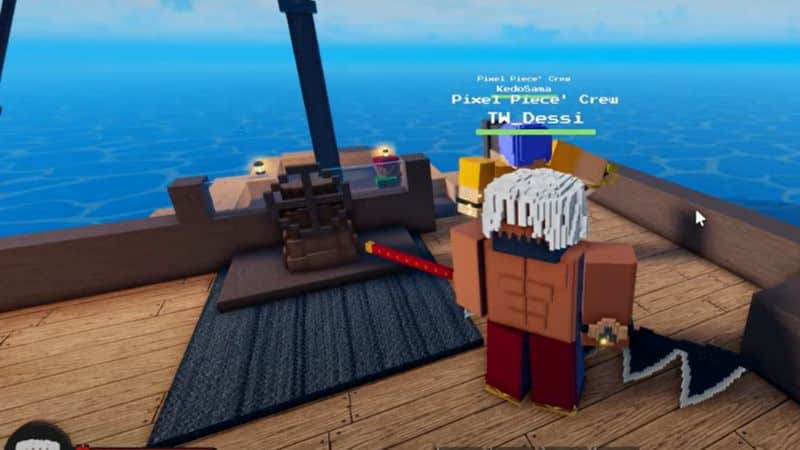
You can get a Sword in Roblox Pixel Piece from the Store in Spawn Island for 50 Gold. Here are the steps you need to follow.
- Log in to the game and go forward from the Spawn location until you meet the parrot.
- Turn left and go until you see a Folk in the road.
- Turn right, and you will see the Store Board from a distance.
- Go inside the shop and see a Sword to the left on the floor.
- Interact with the Sword, and you can buy it for 50 Gold.
How to Get The One Sword Style?
Once you have acquired the Sword in Roblox Pixel Piece, you need to get the Sword Style. Here is how you should do it.
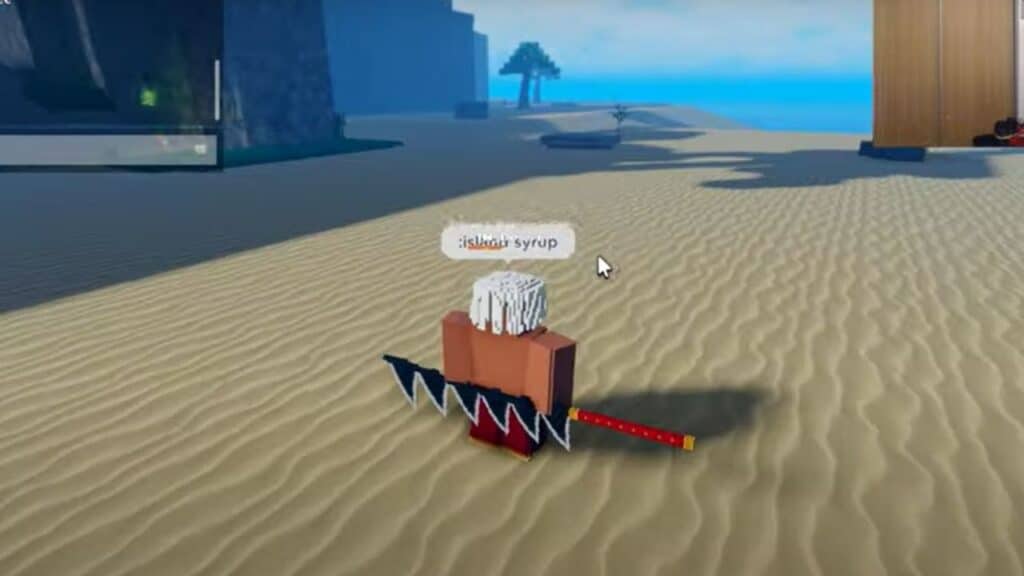
- Get into the Rowboat and head to Syrup island. It is located Southeast of the Island you start the game.
- Once you arrive on the Island, you will see a Ramp in the distance. Head up the Ramp and go left at the end of the Ramp.
- Jump down at the end of the path to the Beachside.
- You will pass a small corner with a cave to the right.
- Go inside the Cave, and you will see an NPC at the corner of the Cave.
- Interact with the NPC, and buy One Sword Style for 1500 Gold.
So there you have it! Our guide on how to get a sword in Roblox Pixel Piece. The Sword is a powerful weapon that can help you take out enemies quickly and efficiently. If you’re looking for a great adventure game to play, be sure to check out Pixel Piece. Thanks for reading, and happy gaming!
Roblox is available now for PC, iOS, Android, and Xbox One.