Close Menu
  • Gaming
    • Game Guides
    • Codes
    • Game News
    • Game Previews
    • Game Reviews
    • Game Features
    • Game Lists
    • Platforms
      • Nintendo
      • PC
      • PlayStation
      • Xbox
      • Mobile
  • Entertainment
    • Movies
    • Movie Features
    • TV
    • Reality TV
    • Royals
  • Celebrity
    • Hollywood
  • Human Interest
  • Astrology
  • More
    • Anime
    • Lists
    • Podcasts
    • Reviews
Facebook X (Twitter) Instagram LinkedIn YouTube
  • About Us
  • Join Our Team
  • Meet the Team
  • Privacy Policy
  • DMCA Policy
  • Contact Us
  • Terms of Use
  • Sitemap
  • Editorial Guidelines
  • Advertising Policy
The Nerd Stash
  • Gaming
  • Celebrity
  • Hollywood
  • Human Interest
The Nerd Stash
Home»Game Guides»How to Block in Street Fighter 6

How to Block in Street Fighter 6

True fighters know how to be aggressive and attack, but smart fighters know how to block and win in Street Fighter 6. While punching and…

Anuj GuptaBy Anuj GuptaJune 5, 20232 Mins Read
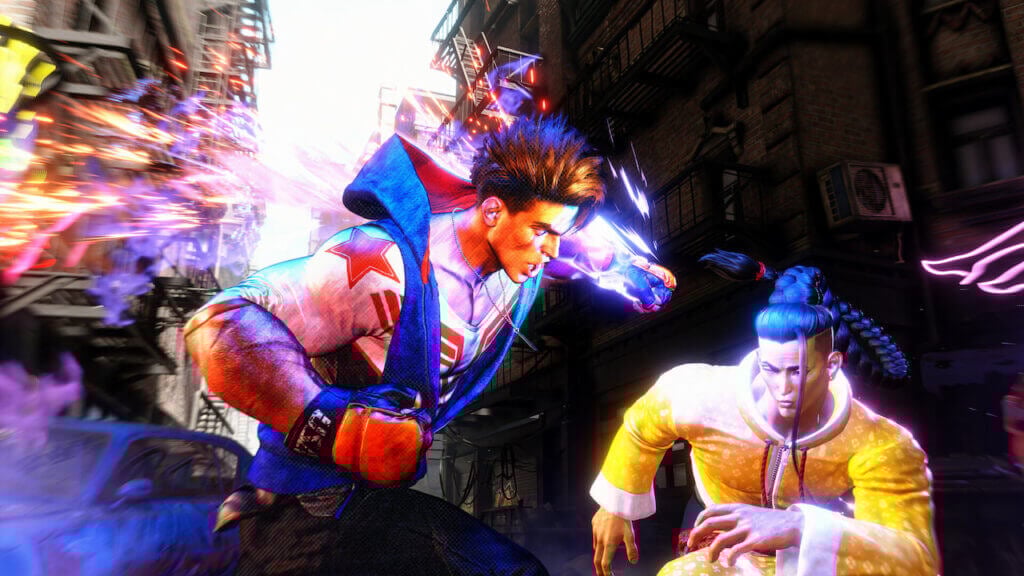
A player trying to block in Street Fighter 6
Image Source: Capcom
This article is over 2 years old and may contain outdated information.

True fighters know how to be aggressive and attack, but smart fighters know how to block and win in Street Fighter 6. While punching and kicking your way to win is certainly viable, it’s not necessarily the most efficient. An experienced fighter knows how to block and counterattack the opponent. Fortunately, the blocking mechanic isn’t very tricky to learn in the game. Here’s a guide to help you understand how to block in Street Fighter 6.

Guide to Using Block in Street Fighter 6
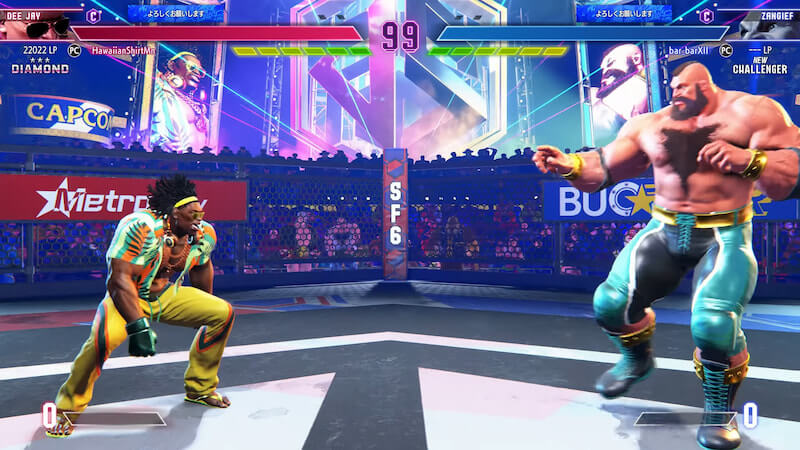
Two characters starting a fight in Street Fighter 6
Image Source: StreetFighterWorldX YouTube Channel

In order to block the enemy’s attack in Street Fighter 6, you need to tilt the left stick away from your opponent’s side. Doing this will block all normal attacks on the upper body. However, blocking against lower body blows is different. If want to protect the lower body, you need to learn crouch blocking. Tilting the left stick diagonally downwards and away from the opponent’s side. The joystick controls for blocking are the same on all platforms, including PlayStation, Xbox, and PC.

How to Block Drive Impacts

Unlike normal attacks, Drive Impacts are more powerful and easily break regular blocks. To successfully block Drive Impacts, you need to use Drive Parry. To perform this with new game control settings, press the R1 button on PlayStation or the RB button on the Xbox. However, if you are on classic controls, hold down the Triangle and Circle buttons on PlayStation or Y and B buttons on the Xbox.

If Drive Parry sounds better than a normal block, it isn’t. You can’t use Drive Parry always because it leaves you vulnerable to attacks and there’s a limit to the number of times you can spam it. We suggest mixing blocks and Parry together and using them appropriately.

Successful blocks give you extra time to react and launch a counter. This way, you take less damage and inflict killing blows on the opponent.

Related:

How to Fix Communication Errors in Street Fighter 6

Street Fighter 6 is available on PS5, PS4, PC, and Xbox Series X|S.

Street Fighter 6 - 10 Essential Gameplay Tips to Know

Related Topics
Guide Street Fighter 6
Share. Facebook Twitter LinkedIn Reddit Email
Anuj Gupta
  • Website

SUGGESTED READS

Pragmata Solar Power Plant Mini Cabin Figures Locations
Game Guides

All Solar Power Plant Mini Cabin Locations in Pragmata

Pragmata Mass Production Array Mini Cabin Figures
Game Guides

All Mass Production Array Mini Cabin Figure Locations in Pragmata

how to make gunpowder Windrose
Game Guides

How to Make Gunpowder in Windrose

Best Server Settings Windrose
Game Guides

Best Server Settings for Windrose

All Materials in Windrose
Game Guides

Windrose: All Materials (& How to Obtain Them)

Best mods for Project Zomboid Build 42
Game Guides

Top 10 Best Project Zomboid Mods (Updated for Build 42.16)

The Nerd Stash
Facebook X (Twitter) Instagram YouTube LinkedIn
  • About Us
  • Join Our Team
  • Meet the Team
  • Privacy Policy
  • DMCA Policy
  • Contact Us
  • Terms of Use
  • Sitemap
  • Editorial Guidelines
  • Advertising Policy
© 2026 The Nerd Stash. All Rights Reserved.

Type above and press Enter to search. Press Esc to cancel.