Close Menu
  • Gaming
    • Game Guides
    • Codes
    • Game News
    • Game Previews
    • Game Reviews
    • Game Features
    • Game Lists
    • Platforms
      • Nintendo
      • PC
      • PlayStation
      • Xbox
      • Mobile
  • Entertainment
    • Movies
    • Movie Features
    • Movie Reviews
    • TV
    • Reality TV
    • Royals
  • Celebrity
    • Hollywood
  • Human Interest
  • Astrology
  • Videos
  • More
    • Anime
    • Lists
    • Podcasts
    • Reviews
Facebook X (Twitter) Instagram LinkedIn YouTube
  • About Us
  • Join Our Team
  • Meet the Team
  • Privacy Policy
  • DMCA Policy
  • Contact Us
  • Terms of Use
  • Sitemap
  • Editorial Guidelines
  • Advertising Policy
The Nerd Stash
  • Gaming
  • Celebrity
    • Hollywood
  • Human Interest
  • Videos
The Nerd Stash
Home»Game Guides»Best PC Settings for Payday 3

Best PC Settings for Payday 3

Don’t you want to play Payday 3 in the best way possible?

Nat CollazoBy Nat CollazoSeptember 20, 20233 Mins Read
Best PC Settings for Payday 3
Image Source: Starbreeze Studios
This article is over 2 years old and may contain outdated information.

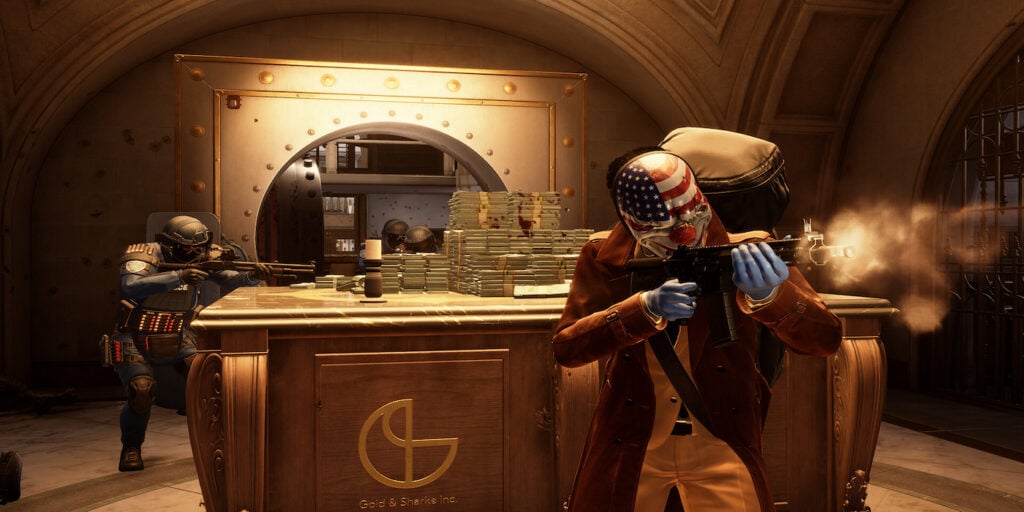
Being at the top of your game will always be important, especially for high-profile, online games like Payday 3. Fortunately, having the right settings on your PC can make for the best possible experience in completing heists and joining your friends. Considering that, we wrote out the best PC settings for PayDay 3 down below so that you just have to apply them and keep going.

Top PC Settings for Payday 3

Best PC Settings for Payday 3
Image Source: Starbreeze Studios

If you’re looking for the top gameplay experience as you immerse yourself in Payday 3, then these are the settings you’re going to want to ensure you’re using. These settings were checked on a PC with the following specs: AMD Ryzen 7 5800X 8-Core, NVIDIA GeForce RTX 3070, 32GB of DDR4 3200MHz RAM, MSI B560 motherboard, and Windows 11 OS.

  • Anti-aliasing:
    • Off
  • Effects:
    • Ultra
  • Foliage:
    • Ultra
  • Postprocessing:
    • Ultra
  • Shadows:
    • Ultra
  • Textures:
    • Ultra
  • Upscaling:
    • Off
  • View Distance:
    • Ultra
  • Nvidia DLSS:
    • Quality

Although Payday 3 isn’t really the most graphically heavy game, though when heists get to the peak of their excitement, it can definitely get a little chaotic on-screen. Having the best settings will lessen the strain that your hardware will feel as things are happening, so it would be in your best interest to ensure that they’re as optimized as they can be.

There also isn’t an in-game benchmark for the best settings, so you’ll need to simply test them by playing the game and then adjusting them to better fit your ideal. To be transparent, we tested everything at 1080p, so pushing for a higher or lower resolution might compromise the settings that we put.

Regardless, in our experience, we were able to get a decent 120 frames per second with the above settings which really would only drop as, like we explained, there were too many things going on at the same time on-screen.

Will You Need A Great PC To Play Payday 3?

Fortunately, you will not need the best gear or the most expensive products in order to enjoy Payday 3 to its full potential. It’s completely accessible to those who have the best of the best hardware in their PC as well as for those who have a very basic PC.

Related:

How To Fix the Nebula Data Error in Payday 3

If anything, we recommend using a friends-only lobby to see how far you can push your PC and really get your game going.


Related Topics
Guide Payday 3
Share. Facebook Twitter LinkedIn Reddit Email
Nat Collazo
  • Website
  • X (Twitter)
  • Instagram

I am a game journalist and guide writer with ten years of experience as well as the CEO/ Founder of Frowns Marketing, a marketing company that caters to indie games, tabletop games, and board games to help developers get more wishlists, backers, and players!

SUGGESTED READS

Stellar Blade Studio CEO Says AI Is Necessary to Compete With China's Ever-Growing Gaming Industry: 'One Person Can Do the Work of 100'
Features

Stellar Blade Studio CEO Says AI Is Necessary to Compete With China’s Ever-Growing Gaming Industry: ‘One Person Should Do the Work of 100’

The Expanse Osiris Reborn Romance
Game News

The Expanse: Osiris Reborn Is Not Forgetting Its Sci-Fi Drama Roots With Romance and Tough Choices

Avowed, Grounded 2, and Towerborne Updates
Game News

Xbox Kicks Off 2026 By Announcing Huge Updates to 3 Of Its Games

The Blood of the Dawnwalker New Game Plus Show
Game News

The Blood of Dawnwalker Unveils More Gameplay and Lore Details

Warner Bros. Games Lays Off Team Behind Free-to-Play Projects Amid Netflix Acquisition
Game News

Warner Bros Games Lays Off Team Behind Free-to-Play Projects Amid Netflix Acquisition

Persona 4 Revival Announcements
Game News

Persona Producer Just Confirmed Persona 4 Revival Is Progressing Steadily, and Teased New Announcements for The Series’ 30th Anniversary

Trending
Stellar Blade Studio CEO Says AI Is Necessary to Compete With China's Ever-Growing Gaming Industry: 'One Person Can Do the Work of 100'

Stellar Blade Studio CEO Says AI Is Necessary to Compete With China’s Ever-Growing Gaming Industry: ‘One Person Should Do the Work of 100’

The Expanse Osiris Reborn Romance

The Expanse: Osiris Reborn Is Not Forgetting Its Sci-Fi Drama Roots With Romance and Tough Choices

Avowed, Grounded 2, and Towerborne Updates

Xbox Kicks Off 2026 By Announcing Huge Updates to 3 Of Its Games

The Blood of the Dawnwalker New Game Plus Show

The Blood of Dawnwalker Unveils More Gameplay and Lore Details

The Nerd Stash
Facebook X (Twitter) Instagram YouTube LinkedIn
  • About Us
  • Join Our Team
  • Meet the Team
  • Privacy Policy
  • DMCA Policy
  • Contact Us
  • Terms of Use
  • Sitemap
  • Editorial Guidelines
  • Advertising Policy
© 2026 The Nerd Stash. All Rights Reserved.

Type above and press Enter to search. Press Esc to cancel.