Close Menu
  • Gaming
    • Platforms
      • Nintendo
      • PC
      • PlayStation
      • Xbox
  • Entertainment
    • Movies
    • TV
    • Royals
  • Celebrity
    • Hollywood
  • Human Interest
  • Astrology
  • More
    • Reviews
Facebook X (Twitter) Instagram LinkedIn YouTube
  • About Us
  • Join Our Team
  • Meet the Team
  • Privacy Policy
  • DMCA Policy
  • Contact Us
  • Terms of Use
  • Sitemap
  • Editorial Guidelines
  • Advertising Policy
The Nerd Stash
  • Gaming
  • Celebrity
  • Hollywood
  • Human Interest
The Nerd Stash
Home»Gaming»How To Fix the Festival Media Streaming Error Detected in Fortnite

How To Fix the Festival Media Streaming Error Detected in Fortnite

Festival error in Fortnite? Restart and dance away the glitch!

Asanga WijeratneBy Asanga WijeratneJanuary 18, 20242 Mins Read
How To Fix the Festival Media Streaming Error Detected in Fortnite
Image Source: Epic Games
This article is over 2 years old and may contain outdated information.

When you get this Error in Fortnite, you often get disconnected from the main stage. This is very frustrating, especially if you are in the middle of an exciting moment. This error occurs for various reasons, including server overload, internet connection issues, corrupt game files, etc. However, there are some simple fixes for the Festival Media Streaming Error in Fortnite.

Troubleshooting the Festival Media Streaming Error in Fortnite

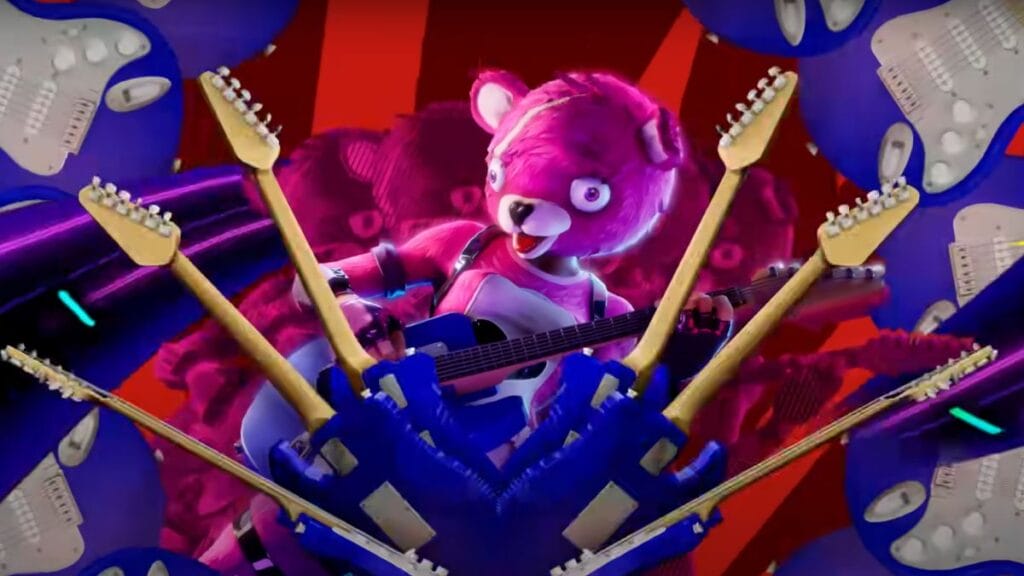
Festival Media Streaming Error in Fortnite
Image Source: Epic Games

You can fix this error with the methods below. However, before trying anything, I recommend checking for any server issues. If there are any, you cannot do much to fix them. You can quickly check this on the official X page.

  1. Restart the game: The most straightforward fix for this error is closing Fortnite and restarting the game. This method may be frustrating since you must close and restart the game again. But this is the most successful method so far and the recommended method from Epic Games.
  2. Switch the internet connection from Ethernet to WiFi: This is also a method recommended by Epic Games. Switching the internet connection from WiFi to Ethernet is commonly remanded. But for some unknown reason, they have recommended this method. But, still, you can try it and see whether it fixes the Festival Media Streaming Error in Fortnite.
  3. Do not emote at the count’s end: Surprisingly, one of the players has found that this error often occurs when someone in the squad is emoting right as the stage countdown ends. The error was gone when they stopped emoting at the count’s end. This is a weird fix for the Festival Media Streaming Error in Fortnite. But it’s still worth trying rather than restarting the entire game.

Related:

How To Use a Guitar Hero Controller in Fortnite

However, none of these are guaranteed methods to fix Fortnite‘s Festival Media Streaming Error. As we have noticed, this looks like an in-game glitch, and the developer needs to fix it permanently. However, it is worth trying the above solutions until they come up with a permanent fix.

Related Topics
Fortnite Guide
Share. Facebook Twitter LinkedIn Reddit Email
Asanga Wijeratne
  • Website

SUGGESTED READS

MW4 DMZ Level Up Guide
Gaming

How To Level Up Fast in MW4 DMZ (Best XP Farming Methods)

MW4 DMZ 3D Printer Guide
Gaming

How To Unlock and Use the 3D Printer in MW4 DMZ

Gaming

Once Human: Isles of Abyss Impressions: A Refreshing Reason to Return

Final Fantasy Resonance Review
9.5
Gaming

Final Fantasy Resonance Review – The Quintessential Final Fantasy Experience

Roblox 99 Nights in the Forest Halloween Event
Gaming

How To Get Candy Fast in Roblox 99 Nights in the Forest (2026 Halloween Event)

Roblox Dress to Impress Halloween Event
Gaming

How To Farm Candy in Roblox Dress To Impress, Fast and Easy: Tarot Cards Minigame Guide

The Nerd Stash
Facebook X (Twitter) Instagram YouTube LinkedIn
  • About Us
  • Join Our Team
  • Meet the Team
  • Privacy Policy
  • DMCA Policy
  • Contact Us
  • Terms of Use
  • Sitemap
  • Editorial Guidelines
  • Advertising Policy
© 2026 The Nerd Stash. All Rights Reserved.

Type above and press Enter to search. Press Esc to cancel.