Close Menu
  • Gaming
    • Game Guides
    • Codes
    • Game News
    • Game Previews
    • Game Reviews
    • Game Features
    • Game Lists
    • Platforms
      • Nintendo
      • PC
      • PlayStation
      • Xbox
      • Mobile
  • Entertainment
    • Movies
    • Movie Features
    • Movie Reviews
    • TV
    • Reality TV
    • Royals
  • Celebrity
  • Human Interest
  • Astrology
  • Videos
  • More
    • Anime
    • Lists
    • Podcasts
    • Reviews
Facebook X (Twitter) Instagram LinkedIn YouTube
  • About Us
  • Join Our Team
  • Meet the Team
  • Privacy Policy
  • DMCA Policy
  • Contact Us
  • Terms of Use
  • Sitemap
  • Editorial Guidelines
  • Advertising Policy
The Nerd Stash
  • Gaming
  • Celebrity
  • Human Interest
  • Videos
The Nerd Stash
Home»Game Guides»How To Split Stacks in Nightingale (& Other Inventory Tips)

How To Split Stacks in Nightingale (& Other Inventory Tips)

Some for the fire. Some for the forge.

Patrick ArmstrongBy Patrick ArmstrongFebruary 21, 20242 Mins Read
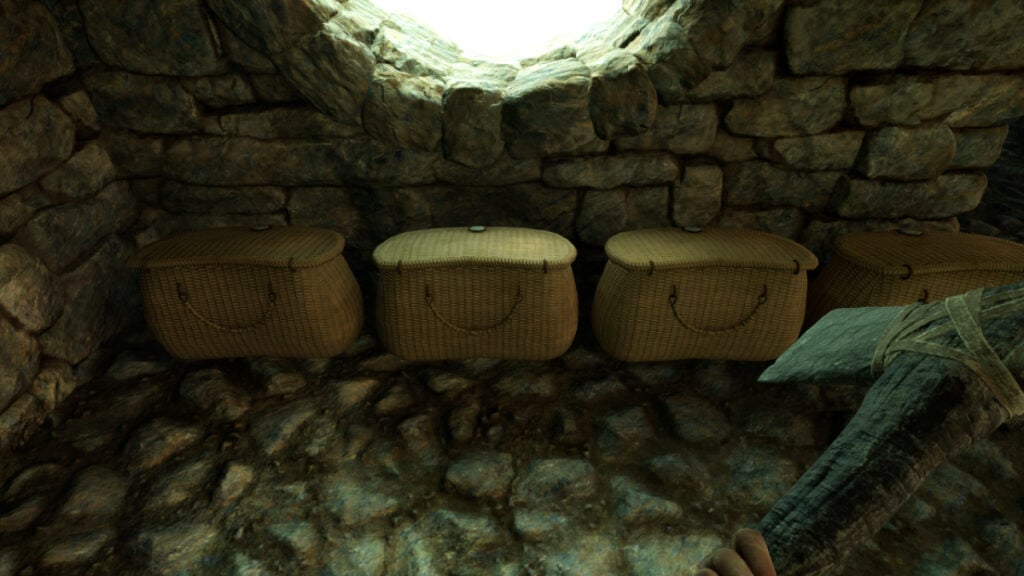
Containers sitting side by side on the floor in Nightingale
Image Source: Inflexion Games via The Nerd Stash
This article is over 1 years old and may contain outdated information.

Managing your inventory in Nightingale isn’t as difficult as it is in Resident Evil, but the game doesn’t exactly make it easy either. That’s because there’s no convenient way to split stacks of items in your inventory. If you want to do so, you’ll need to use a somewhat clumsier method. As you journey through this fantasy survival game you’ll inevitably wind up with giant piles of rocks, sticks, bones, and other resources that you’ll want to devote to various purposes. Dividing your resources to dedicate to different cooking and crafting projects is all but mandatory. Here’s how to split stacks in Nightingale.

Splitting Stacks in Nightingale

The split stacks screen in Nightingale's inventory
Image Source: Inflexion Games via The Nerd Stash

After getting a bunch of animal meat, wood, or other resources, you’ll often want to split your stacks to stay organized. That’s easier said than done, because the game won’t let you do so from your inventory. Nightingale only allows you to split stacks when interacting with containers, crafting stations, and other items outside. Here’s how to split stacks in Nightingale:

  • Open a container
  • Shift-click the stack you want to split and move it to the “Drop Here” box
  • Choose the amount you want to split and click “Confirm”

When interacting with crafting stations such as the campfire, mortar station, or forge, you’ll also have the option of splitting stacks. That allows you to use part of your wood to refuel your campfire, for example, while saving the rest to build an addition to your house.

Related:

How To Fast Travel and Use Estate Cairns in Nightingale

Now that you know how to split stacks in Nightingale, you may wonder about other ways to clean up your inventory and reduce encumbrance. One of the best is by reducing resources to Essence Dust. To do so, right-click on an item or stack in your inventory and choose “Extract.” If you select a stack, you’ll get to choose how much of that stack to Extract. Extraction is the easiest way to clean unneeded items from your inventory without wasting them. You can also trade the Essence with the Essence Trader for resources or crafting recipes. Beware, however: once an item is Extracted, it’s gone for good.

Nightingale is available for PC in early access.

Related Topics
Guide Nightingale
Share. Facebook Twitter LinkedIn Reddit Email
Patrick Armstrong
  • Website

Artist and writer with a lifelong love of video games. Their favorite games include Dead by Daylight, Meet Your Maker, and Project Zomboid.

SUGGESTED READS

Warhammer 40,000 Darktide Hive Scum Class Preview
Game Previews

Warhammer 40,000: Darktide Hive Scum Hands-On Impressions – Agile and Deadly

Steam Machine price
Game News

Valve’s Steam Machine Could Save Us From Gaming PC Price-Gouging as Experts Predict $700 Price

Nintendo Takes Over Bandai Namco Subsidiary, the Team Once Responsible for Metroid Prime 4, to Strengthen 'Its Development Structure'
Game News

Nintendo Takes Over Bandai Namco Subsidiary, the Team Once Responsible for Metroid Prime 4, to Strengthen ‘Its Development Structure’

Steam Black Friday Deals
Game Features

Best Steam Black Friday Deals of 2025

Gadgets

Every Black Friday Gaming Holiday Gift Under $100 You Should Buy

Destiny 2 Renegades All Artifact Perks
Game Guides

Destiny 2: Renegades – All Artifact Perks

Trending
Warhammer 40,000 Darktide Hive Scum Class Preview

Warhammer 40,000: Darktide Hive Scum Hands-On Impressions – Agile and Deadly

Steam Machine price

Valve’s Steam Machine Could Save Us From Gaming PC Price-Gouging as Experts Predict $700 Price

Nintendo Takes Over Bandai Namco Subsidiary, the Team Once Responsible for Metroid Prime 4, to Strengthen 'Its Development Structure'

Nintendo Takes Over Bandai Namco Subsidiary, the Team Once Responsible for Metroid Prime 4, to Strengthen ‘Its Development Structure’

Steam Black Friday Deals

Best Steam Black Friday Deals of 2025

The Nerd Stash
Facebook X (Twitter) Instagram YouTube LinkedIn
  • About Us
  • Join Our Team
  • Meet the Team
  • Privacy Policy
  • DMCA Policy
  • Contact Us
  • Terms of Use
  • Sitemap
  • Editorial Guidelines
  • Advertising Policy
© 2025 The Nerd Stash. All Rights Reserved.

Type above and press Enter to search. Press Esc to cancel.