
Close Menu
  • Gaming
    • Game Guides
    • Codes
    • Game News
    • Game Previews
    • Game Reviews
    • Game Features
    • Game Lists
    • Platforms
      • Nintendo
      • PC
      • PlayStation
      • Xbox
      • Mobile
  • Entertainment
    • Movies
    • Movie Features
    • Movie Reviews
    • TV
    • Reality TV
    • Royals
  • Celebrity
    • Hollywood
  • Human Interest
  • Astrology
  • Videos
  • More
    • Anime
    • Lists
    • Podcasts
    • Reviews
Facebook X (Twitter) Instagram LinkedIn YouTube
  • About Us
  • Join Our Team
  • Meet the Team
  • Privacy Policy
  • DMCA Policy
  • Contact Us
  • Terms of Use
  • Sitemap
  • Editorial Guidelines
  • Advertising Policy
The Nerd Stash
  • Gaming
  • Celebrity
    • Hollywood
  • Human Interest
  • Videos
The Nerd Stash
Home»Game Guides»How To Unlock Hard Mode in Final Fantasy 7 Rebirth

How To Unlock Hard Mode in Final Fantasy 7 Rebirth

We need a bigger Buster Sword.

Patrick ArmstrongBy Patrick ArmstrongFebruary 28, 20242 Mins Read
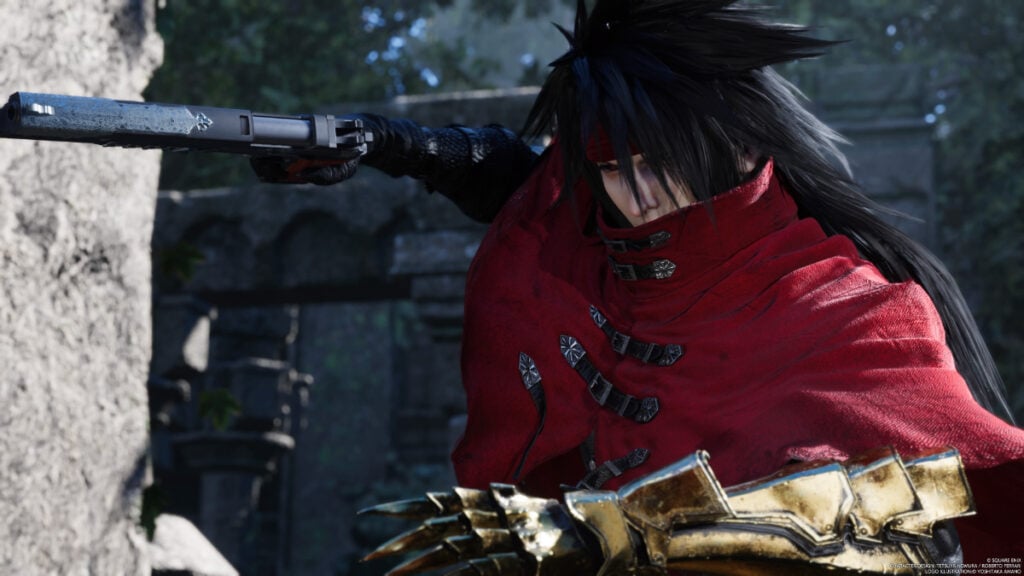
A close-up of Vincent posing with his weapon in Final Fantasy 7 Rebirth
Image Source: Square Enix via The Nerd Stash
This article is over 1 years old and may contain outdated information.

The original Final Fantasy 7 sometimes posed a tough challenge even for players familiar with the series. Sephiroth proved to be a devilish antagonist, but he wasn’t even the hardest enemy in the game. Determined players could track down and face off against the five WEAPON enemies, including the devastatingly powerful Ruby and Emerald Weapons. Rebirth continues that legacy of difficulty, although it approaches things differently. By taking the proper steps you can unlock Hard Mode, restricting your support options to put yourself to the ultimate test. Here’s how to unlock Hard Mode in Final Fantasy 7 Rebirth.

Final Fantasy 7 Hard Mode Guide

An in-game pop-up explains the challenges of Hard Mode in Final Fantasy 7 Rebirth
Image Source: Square Enix via The Nerd Stash

If Rebirth‘s default difficulty isn’t tough enough for you, Hard Mode is the way to go. Unfortunately, to unlock Hard Mode you’ll need to beat the Final Fantasy 7 Rebirth first. That might not be easy, but at least it’s straightforward. Once you’ve completed all 14 chapters, here’s what you need to do next:

  • Open the main menu
  • Navigate to “System”
  • Navigate to “Chapter Select”
  • Select the Chapter you want to play
  • Select “Hard Mode”

Related:

5 Games That Need The Final Fantasy 7 Rebirth Treatment

Once you begin a chapter on Hard Mode, your choice is locked in and you won’t be able to change it, so make sure you’re ready. In this mode you can’t use items, so gone are the days of chugging 30 Potions to get through a tricky boss fight. In addition, rest spots now only recover HP, meaning you’ll need to manage your resources much more carefully. Combined with the Chapter Select system, Hard Mode is one of the best ways to squeeze more value from Rebirth. In a game already so dense with content, it doesn’t get much better.

Final Fantasy 7 Rebirth Full Parade March Mini-game No Commentary

Final Fantasy 7 Rebirth is available for PlayStation 5.

Related Topics
Final Fantasy 7 Rebirth Guide
Share. Facebook Twitter LinkedIn Reddit Email
Patrick Armstrong
  • Website

Artist and writer with a lifelong love of video games. Their favorite games include Dead by Daylight, Meet Your Maker, and Project Zomboid.

SUGGESTED READS

Destiny 2 Shadow and Order Delay
Game News

‘At This Point, I Don’t Think It’s Enough to Save the Game,’ Destiny 2 Players Heartbroken After Shadow and Order Delay

How to Spectate a Trade in Adopt Me on Roblox
Game Guides

How to Spectate a Trade in Adopt Me on Roblox

People of Note Release Date
Game News

Musical RPG, People of Note, Announces Its Release Date and Launches Public Demo

People of Note Demo Hands-on Impressions
Game Previews

People of Note Demo Hands-On Impressions – Embrace the Beat

Blender Bee Swarm Simulator
Game Guides

Where Is the Blender in Bee Swarm Simulator on Roblox? Answered

How to Get Blue Extract in Bee Swarm Simulator on Roblox
Game Guides

How to Get Blue Extract in Bee Swarm Simulator on Roblox

The Nerd Stash
Facebook X (Twitter) Instagram YouTube LinkedIn
  • About Us
  • Join Our Team
  • Meet the Team
  • Privacy Policy
  • DMCA Policy
  • Contact Us
  • Terms of Use
  • Sitemap
  • Editorial Guidelines
  • Advertising Policy
© 2026 The Nerd Stash. All Rights Reserved.

Type above and press Enter to search. Press Esc to cancel.





