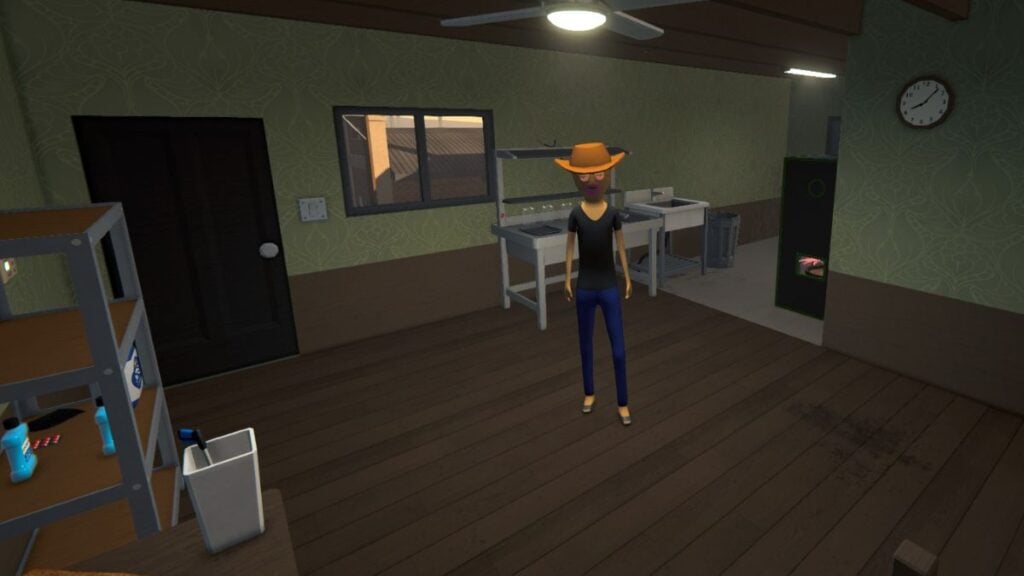
After building up your drug empire in your second-floor apartment above the local Chinese restaurant, it’s time to start hiring your own employees. In theory, this sounds like something that should be easy to do, right? Well, being a major drug lord doesn’t necessarily come with management skills. So, the following will go over everything from what sort of employees you can white to how to assign and pay them in Schedule 1.
Every Employee Type in Schedule 1
There are a total of four different employees you can hire in Schedule 1. Before you can even get started with the hiring process, you need to have reached Hoodlum V and started the Wretched Hive of Scum and Misery quest. The employees you can hire after that are:
| Employee Type | Sign-On Fee | Payment | Job Description |
|---|---|---|---|
| Botanist | $1,000 | $200 per day. | They will grow and harvest product when assigned seeds and soil. |
| Chemist | $1,500 | $300 per day. | They will use mixing stations and overs to create product. |
| Cleaner | $500 | $100 per day. | They will clean the workplace. |
| Handler | $1,000 | $200 per day. | They will move product around the warehouse. |
How to Hire Employees
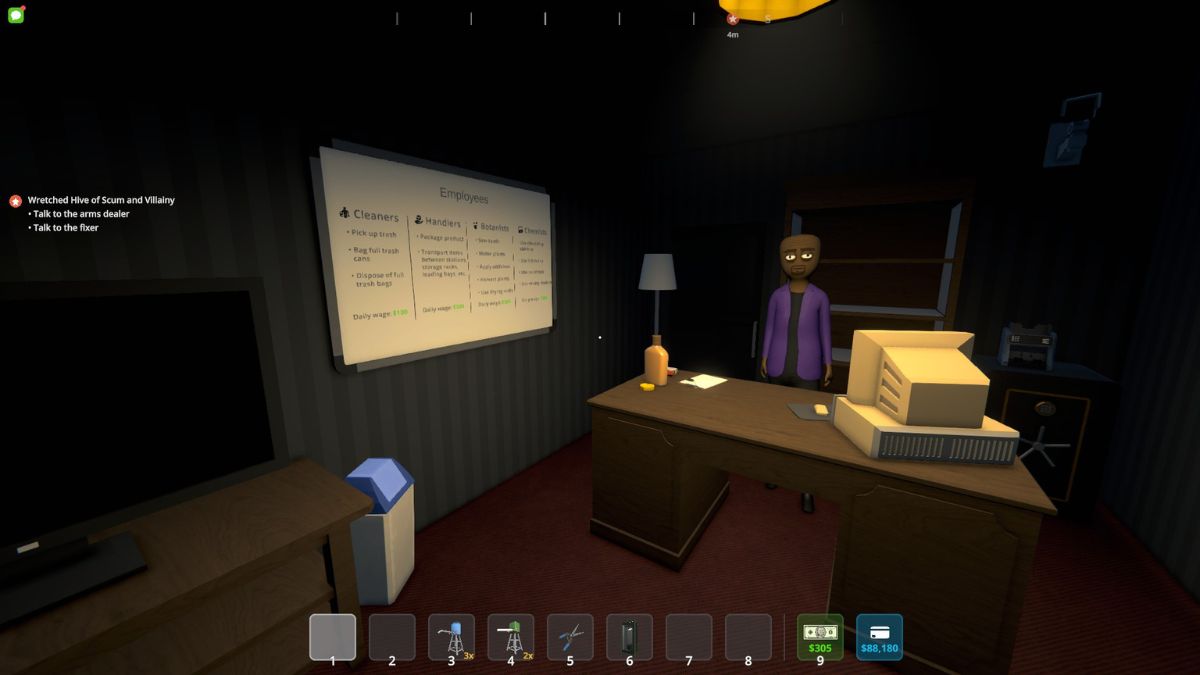
After making it into the warehouse behind the liquor store for the Wretched Hive of Scum and Misery quest, head upstairs after 6 pm and talk to Manny. He will be able to help you hire all the employees you need as well as hand you a clipboard to better help you assign them to different tasks. After hiring your first employee, you’ll need to choose where they will live. The employee will be waiting for you to assign them a bed and work in that location.
How to Assign Different Employees
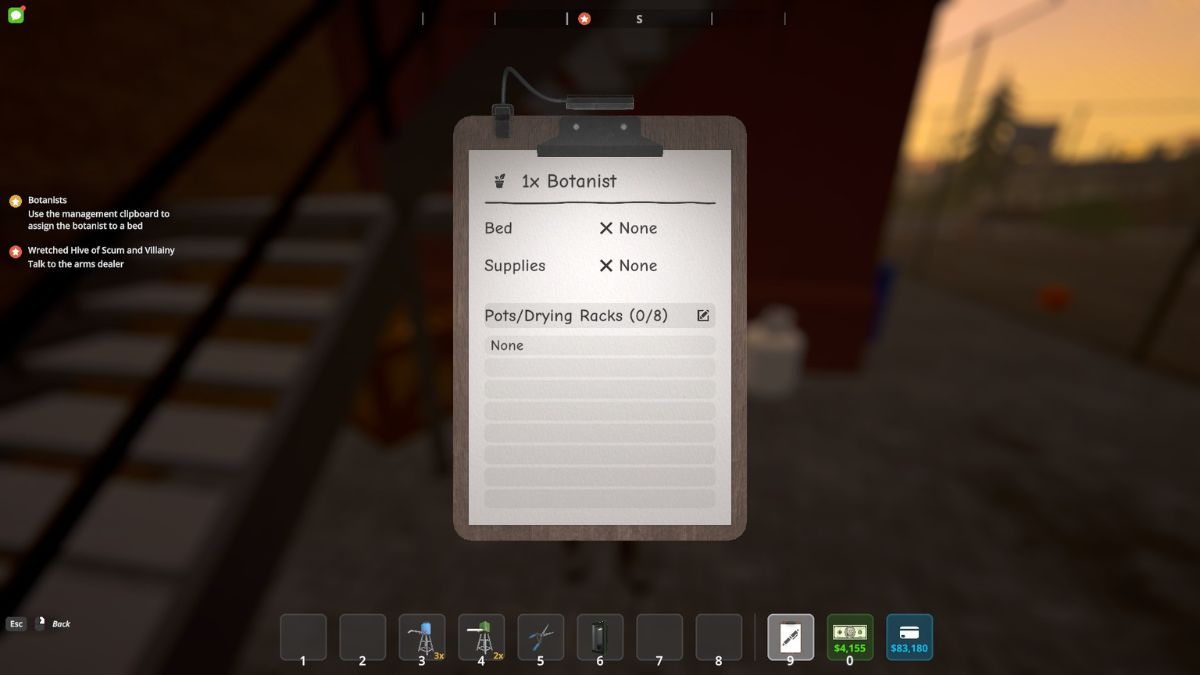
Assigning employees to anything was the tricky part. You’ll receive a clipboard from Manny that you can get to by pressing 9 on your keyboard or using your scroll wheel in your inventory. With the clipboard out, talk to your employee using the E key. The clipboard will be brought up with information about the employee’s sleeping arrangements, where they expect to get their supplies, and what exactly they’ll be working on.
To assign the employee anything, hover over where it says X None and click it. You will see that you are in assigning mode at the top of the screen. Now, you can walk over to an available bed and click on it to assign it. This will only work if you’re in assignment mode, so take a look at the top of the screen to see what mode you’re in before trying to assign. The same sentiment goes for what product you want your employee to handle.
How to Pay Employees
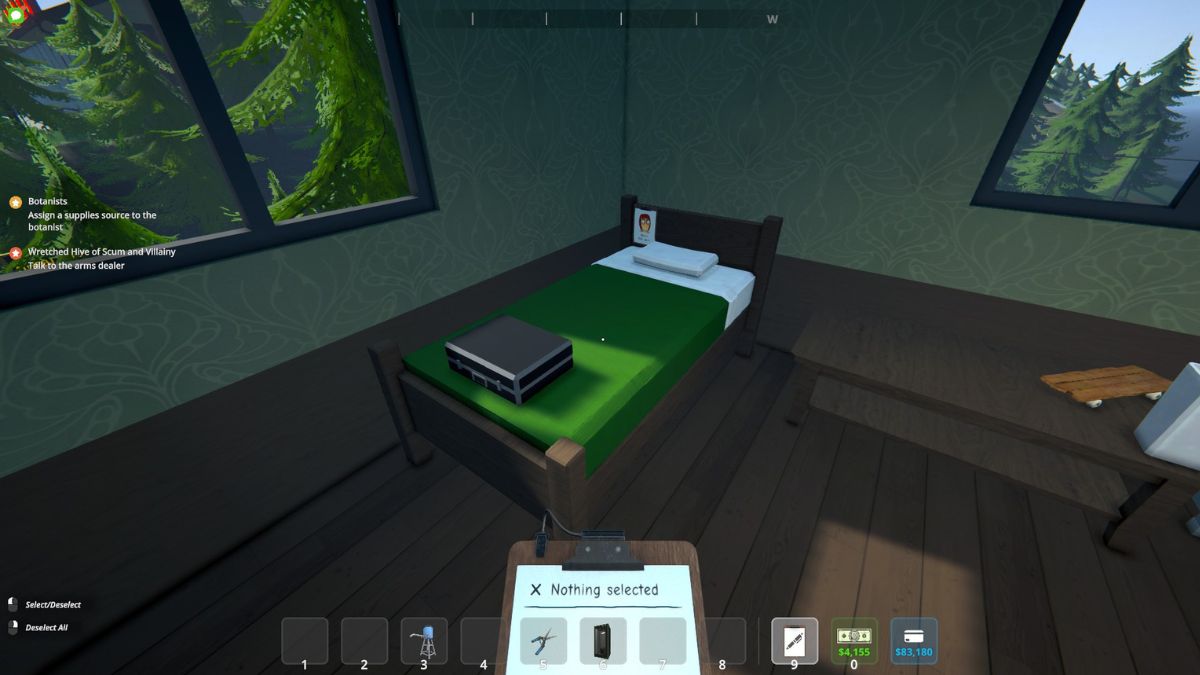
Paying employees seems to be the only easy part of all this. At the end of every day, employees can be paid at the briefcase that appears over their bed. This can get annoying having to do every day, so I recommend dumping a week’s worth of cash each time you do go to pay.
What Are Employee Limits?
Every location you can house employees at has an employee limit. Here are the limits for every location you can upgrade to in the game:
| Motel Room | None |
| Apartment | One employee. |
| Bungalow | Five Employees. |
| Barn | Ten Employees. |
| Docks | Ten Employees. |
Schedule 1 is available to play in Early Access on PC via Steam.