

Close Menu
  • Gaming
    • Platforms
      • Nintendo
      • PC
      • PlayStation
      • Xbox
  • Entertainment
    • Movies
    • TV
    • Royals
  • Celebrity
    • Hollywood
  • Human Interest
  • Astrology
  • More
    • Anime
    • Reviews
Facebook X (Twitter) Instagram LinkedIn YouTube
  • About Us
  • Join Our Team
  • Meet the Team
  • Privacy Policy
  • DMCA Policy
  • Contact Us
  • Terms of Use
  • Sitemap
  • Editorial Guidelines
  • Advertising Policy
The Nerd Stash
  • Gaming
  • Celebrity
  • Hollywood
  • Human Interest
The Nerd Stash
Home»Gaming»Best Graphical Settings for Crimson Desert (Optimization Guide)

Best Graphical Settings for Crimson Desert (Optimization Guide)

A visual marvel

Julio La PineBy Julio La PineMarch 19, 20263 Mins Read
Best Graphical Settings in Crimson Desert
Image Source: Pearl Abyss via The Nerd Stash

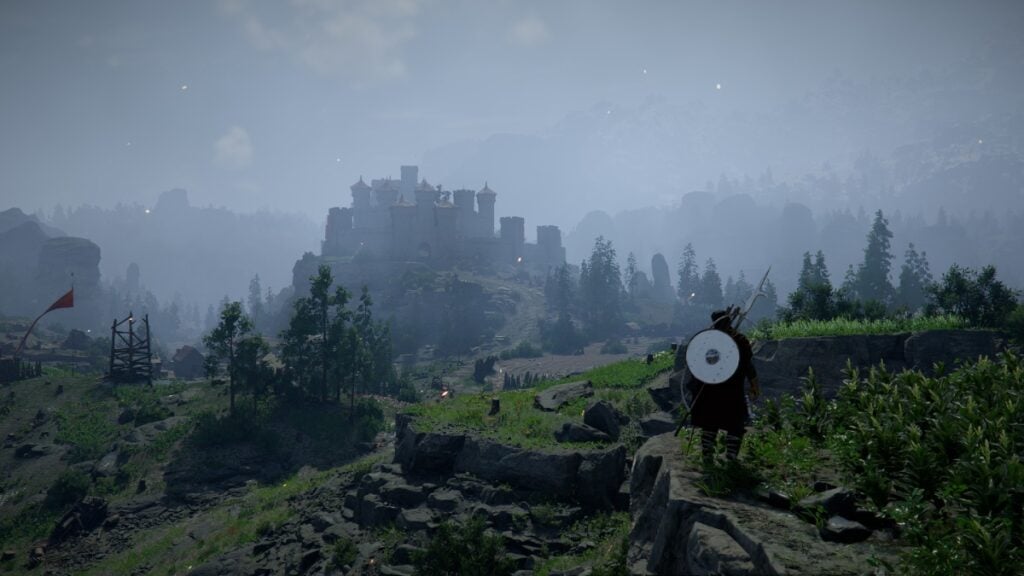
It might be hard to read this in 2026, but Crimson Desert is truly one of the best-optimized games out there. We can thank this to the many years the studio worked on the game, the in-house engine, or something else, but the truth is that it is a visual wonder and one that won’t give players some of the modern gaming hiccups we’ve grown used to. Still, some might experience a couple of issues during their journey, so for that reason, we’ve prepared a quick guide to show you the best graphical settings for Crimson Desert.

Crimson Desert: Recommended Graphical Settings
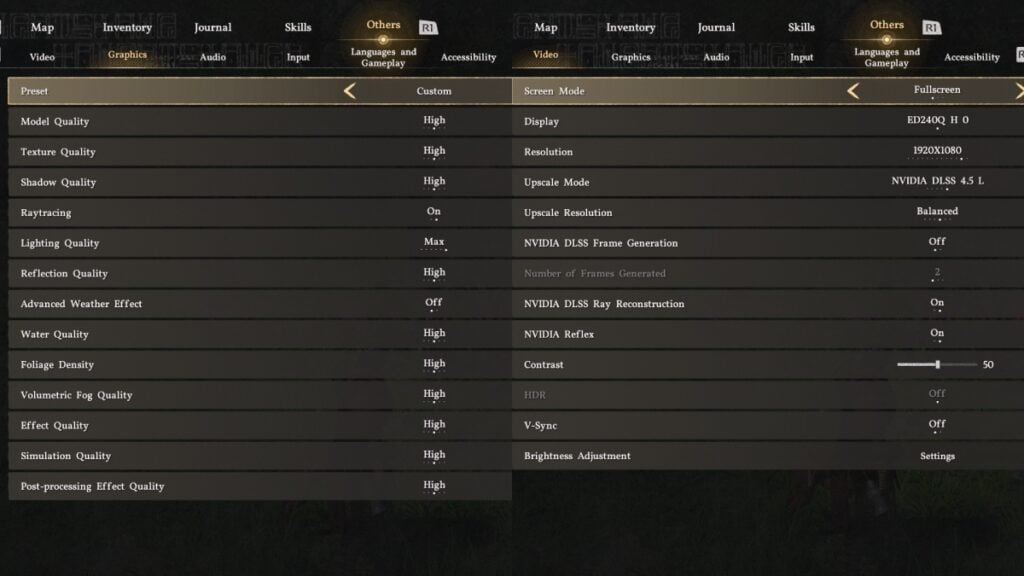
Crimson Desert Graphical Settings
Image Source: Pearl Abyss via The Nerd Stash

As a quick note and disclaimer, remember that the experience may vary for every player. We tested this on our 5070 rig with a mid-range Ryzen 5 5600x CPU, and we never had any issues with the following graphical settings.

  • Preset: Custom
  • Model Quality: High
  • Shadow Quality: High
  • Raytracing: On
  • Lighting Quality: Max
  • Reflection Quality: High
  • Advanced Weather Effect: Off
  • Water Quality: High
  • Foliage Density: High
  • Volumetric Fog Quality: High
  • Effect Quality: High
  • Simulation Quality: High
  • Post-processing Effect Quality: High
  • Upscale Mode: DLSS 4.5L
  • Frame Generation: Off
  • Ray Reconstruction: On
  • NVIDIA Reflex: On
  • Vsync: Off

With this setup, we were able to hit around 100 FPS at times, with some dips to the 90 FPS in certain situations, and just one instance of hard frame drops during a boss fight, but it was only during that situation.

Yet, for those who don’t have access to some of these options, we recommend turning off the following options for a performance boost:

  • Ray Reconstruction
  • Raytracing
  • Lighting Quality to High or lower
  • Shadow Quality to Medium

From what we saw, Shadows and Lighting take the biggest toll on a PC, meaning that lowering these will help. Yet there’s a downside to some parts of the map, especially in faraway areas where the illumination looks strange. Also, without ray reconstruction, some hair effects and light that bounces off certain models might look off, but you get used to it after a while.

Also, ray reconstruction nearly doubles GPU usage, so turning it off can help with that in case you don’t want your GPU running at almost a 100%. Furthermore, we noticed that leaving everything in Cinematic quality with ray reconstruction feels like a middle ground between gorgeous looks and top-notch performance.
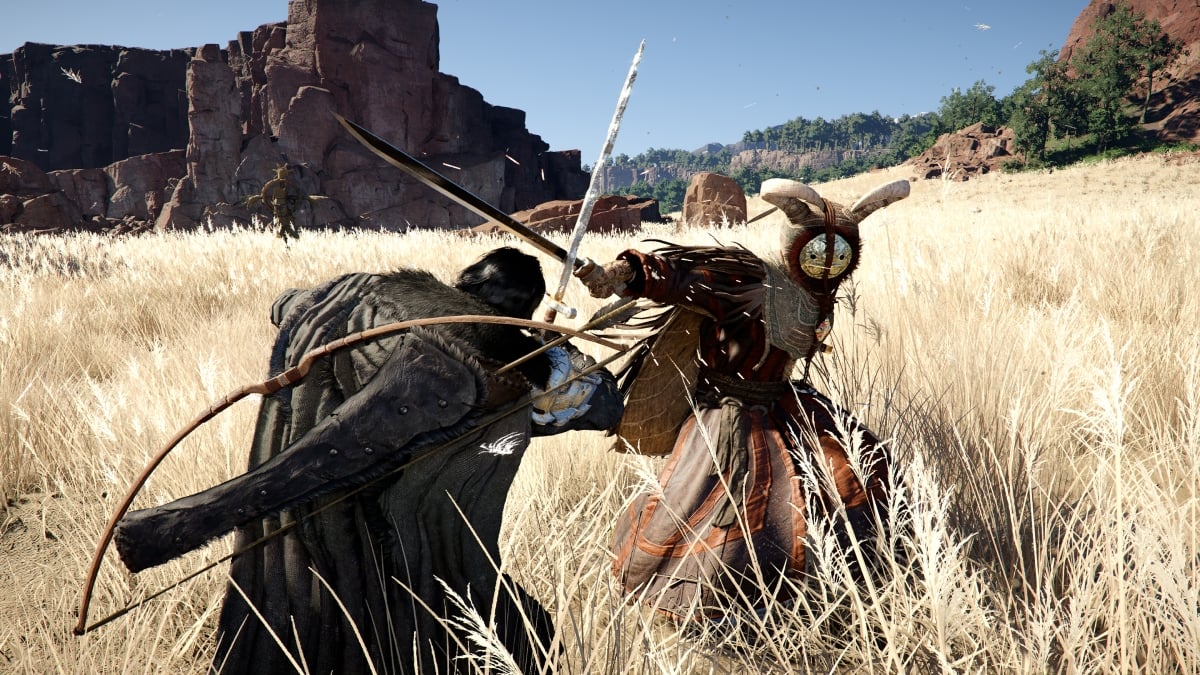
Crimson Desert Just Dropped a New Showcase With More Weapons and Wrestling Moves
Related: Crimson Desert Just Dropped a New Showcase With More Weapons and Wrestling Moves

In the end, it is up to you to experiment with the graphic settings of Crimson Desert. But the truth of the matter is that you might not need to do that. The game is flawlessly optimized, so you’ll rarely suffer from performance woes.


Related Topics
Crimson Desert Guide
Share. Facebook Twitter LinkedIn Reddit Email
Julio La Pine
  • Website

Been gaming since '99! I am a huge JRPG fan and my favorite franchise is Final Fantasy. I love writing about games and I hope I can do it for the rest of my days!

SUGGESTED READS

Diablo 4 Season 13 Tier List
Gaming

Class Tier List for Diablo 4 Season 13 (Best Classes for Endgame & Leveling)

Take-Two Boss Finally Explains Why GTA 6 Is Skipping PC at Launch: 'We'll See How It Works Out'
Gaming

Take-Two Boss Finally Explains Why GTA 6 Is Skipping PC at Launch: ‘We’ll See How It Works Out’

Rockstar Employee Review Claims 'Unrealistic' Crunch as GTA 6 Development Intensifies: 'Had to Work Till 3AM'
Gaming

Rockstar Employee Review Claims ‘Unrealistic’ Crunch as GTA 6 Development Intensifies: ‘Had to Work Till 3AM’

All Rewards from Admin Abuse Eggs & Box in Roblox Adopt Me
Gaming

All Rewards from Admin Abuse Eggs & Box in Roblox Adopt Me

Gaming

World Heroes Perfect Reminds Me of the Golden Age of Fighting Games

Fatal Fury City of the Wolves Mr Karate Reveal
Gaming

Fatal Fury: City of the Wolves Unveils Its Next Season 2 Fighter, and It’s a Classic

The Nerd Stash
Facebook X (Twitter) Instagram YouTube LinkedIn
  • About Us
  • Join Our Team
  • Meet the Team
  • Privacy Policy
  • DMCA Policy
  • Contact Us
  • Terms of Use
  • Sitemap
  • Editorial Guidelines
  • Advertising Policy
© 2026 The Nerd Stash. All Rights Reserved.

Type above and press Enter to search. Press Esc to cancel.



