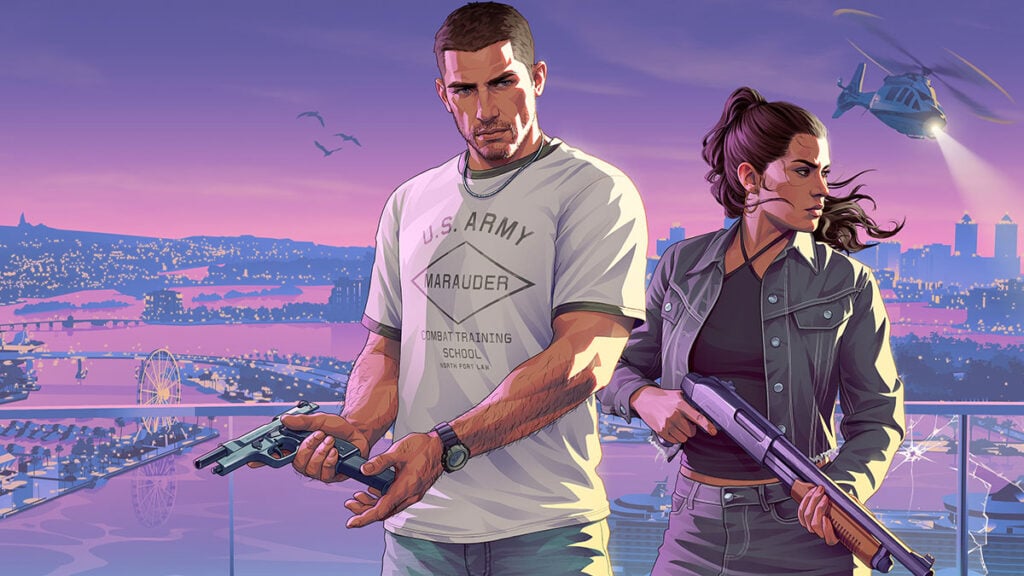
With Grand Theft Auto 6 costing $80 for the Standard Edition and $100 for the Ultimate Edition, even buying the base game alone isn’t exactly easy on the wallet. Thankfully, PS5 owners can ease that burden a bit by using the console’s Console Sharing feature to access games purchased on another account. But does PS5 account sharing also work for GTA 6 Ultimate Edition bonuses? Here’s what we know so far.
Can You Share GTA 6 Ultimate Edition Content on PS5?
According to GTAForums users, both the base GTA 6 copy and the Ultimate Edition content can be shared across PS5 consoles and profiles. Poster concolt tested it using their second PS5 and wrote, “It downloaded the ultimate content onto my second profile.” Another member, Red Dead Rebel, explained why this method should work, “The bonus content licenses are installed as add-ons on the console and not tied to an in-game account so I expect it to be shareable.”
However, do take note that GTA 6 won’t launch until November 19. With that in mind, it’s still unclear whether all 16 exclusive content and the Vintage Vice City pack preorder bonuses will actually be fully shareable.
How to Share GTA 6 With Another PS5 Account
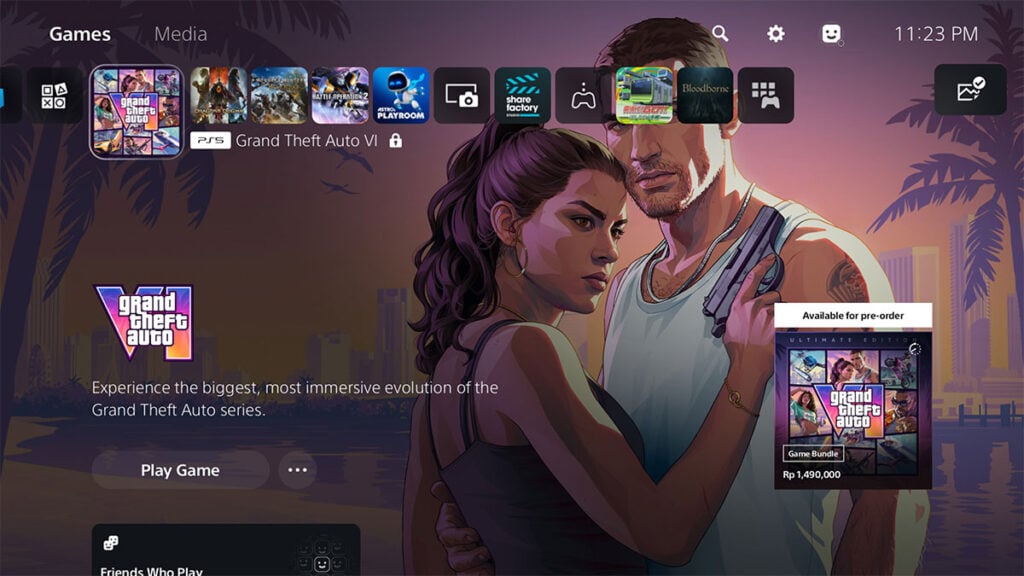
If you’re looking to save some cash until GTA 6 Online eventually drops, then you can play the game for ‘free’ with PS5’s Console Sharing feature. Of course, assuming a brother or friend who owns the game is willing to share their account with you.
According to PlayStation’s official support page, here’s how you can enable Console Sharing on the PS5:
- Sign in to the PS5 using the account that purchased GTA 6.
- Open ‘Settings’ > ‘Users and Accounts’ > ‘Other.’
- Select ‘Console Sharing and Offline Play.’
- Choose ‘Enable.’
- Download GTA 6 and its available add-ons from the purchasing account.
- Switch to another user profile on that PS5 to access the shared game.

Keep in mind that Console Sharing can only be enabled on one PS5 per account at a time. The purchasing account can still access its games on another PS5 while signed in. But when they log in, you will instantly be booted to the home screen — that is, unless you’re playing in offline mode.
Meanwhile, using accounts from different PSN regions could also mess with DLC compatibility. So make sure you’re logged in to the right PS account if you plan to upgrade to the Ultimate Edition down the line.