Close Menu
  • Gaming
    • Game Guides
    • Codes
    • Game News
    • Game Previews
    • Game Reviews
    • Game Features
    • Game Lists
    • Platforms
      • Nintendo
      • PC
      • PlayStation
      • Xbox
      • Mobile
  • Entertainment
    • Movies
    • Movie Features
    • Movie Reviews
    • TV
    • Reality TV
    • Royals
  • Celebrity
    • Hollywood
  • Human Interest
  • Astrology
  • Videos
  • More
    • Anime
    • Lists
    • Podcasts
    • Reviews
Facebook X (Twitter) Instagram LinkedIn YouTube
  • About Us
  • Join Our Team
  • Meet the Team
  • Privacy Policy
  • DMCA Policy
  • Contact Us
  • Terms of Use
  • Sitemap
  • Editorial Guidelines
  • Advertising Policy
The Nerd Stash
  • Gaming
  • Celebrity
    • Hollywood
  • Human Interest
  • Videos
The Nerd Stash
Home»Game Guides»FIFA 23: How to Invite and Play With Friends

FIFA 23: How to Invite and Play With Friends

FIFA 23 is finally here, and it is time to challenge our soccer fan friends to settle who is the better player. While everyone can enjoy…

Masoud KazemiBy Masoud KazemiSeptember 27, 20222 Mins Read
how to invite and play with friends in fifa 23
This article is over 3 years old and may contain outdated information.

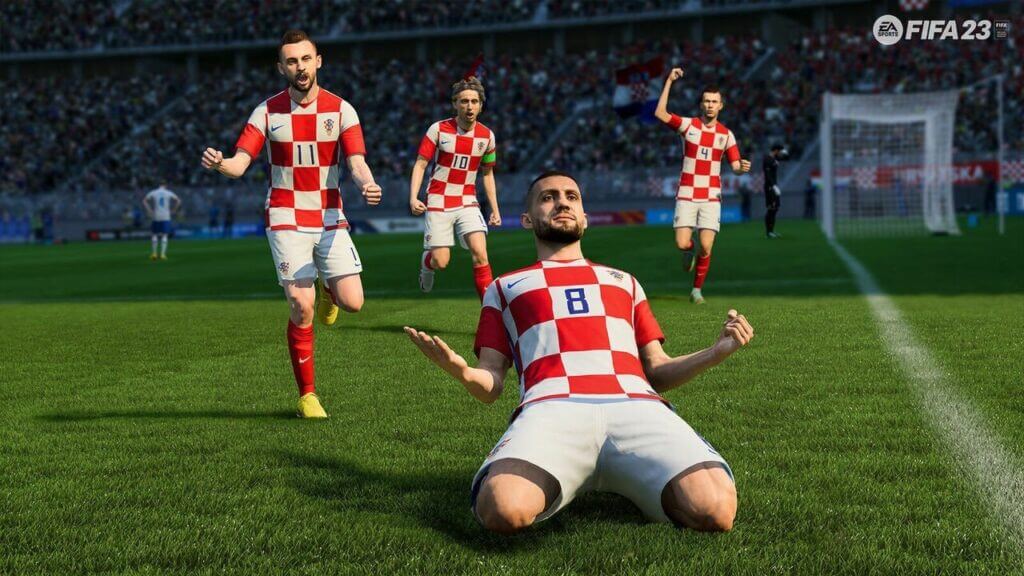
FIFA 23 is finally here, and it is time to challenge our soccer fan friends to settle who is the better player. While everyone can enjoy the solo session, the real beauty of games like FIFA 23 is to play it with other players, specifically with friends. So here is a thorough guide on how to invite and play with friends in FIFA 23.

How to Invite and Play With Friends in FIFA 23

There is nothing compared to some good old fashion FIFA match with friends to settle an argument; mostly which is around who is a better player in the game. The real fun of FIFA 23 is to play it couch co-op; we all have friends that are miles away, but that doesn’t mean we can’t play with them.

Inviting your friends to a soccer session in FIFA 23 is quite easy, and there is no difficulty in learning it. The first step is to go to your Friends tab. You can access this tab by pressing R2 on PlayStation, RT on Xbox, and ZR on Nintendo Switch on the main menu.
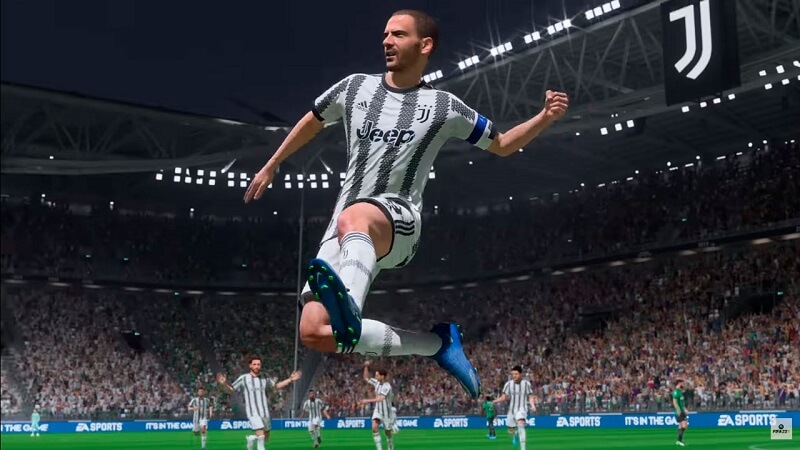
how to invite and play with friends in fifa 23

In this tab, you should be able to see the list of your friends. If you didn’t see their name, you can always search their name with the search bar. Once you found the friend you want to play a match with, you can select their name and send an invite.

In case you searched the name of your friend and couldn’t find it, make sure to check if both of you have the same version of the game. If your FIFA versions don’t match up, there is a great chance you wouldn’t be able to find them in your friends’ tab.

The good thing about FIFA 23 is that its crossplay. This means you can play with any friends regardless of the platform they are using to play the game.


Related Topics
FIFA 23 Guide
Share. Facebook Twitter LinkedIn Reddit Email
Masoud Kazemi
  • Website
  • X (Twitter)

I don't care about the real world. I cared only about the world of fiction. -Woody Allen

SUGGESTED READS

The Game Awards Winners
Features

All The Game Awards 2025 Winners (Live Coverage)

Game Guides

How to Get the Darksaber-Inspired Dark Matter Crystal in Destiny 2: Renegades

Destiny 2 The Dawning 2025 Guide
Game Guides

Destiny 2 – The Dawning 2025 Guide

Winter's Jest Event Guide
Game Guides

Phasmophobia – Winter’s Jest Guide

Pokemon Go Winter Holiday Part 1
Game Guides

Pokemon Go Winter Holiday Part 1 Guide

FFXIV Starlight Celebration 2025 Event
Game Guides

FFXIV Starlight Celebration 2025 Event Guide

Trending
The Game Awards Winners

All The Game Awards 2025 Winners (Live Coverage)

How to Get the Darksaber-Inspired Dark Matter Crystal in Destiny 2: Renegades

Destiny 2 The Dawning 2025 Guide

Destiny 2 – The Dawning 2025 Guide

Winter's Jest Event Guide

Phasmophobia – Winter’s Jest Guide

The Nerd Stash
Facebook X (Twitter) Instagram YouTube LinkedIn
  • About Us
  • Join Our Team
  • Meet the Team
  • Privacy Policy
  • DMCA Policy
  • Contact Us
  • Terms of Use
  • Sitemap
  • Editorial Guidelines
  • Advertising Policy
© 2025 The Nerd Stash. All Rights Reserved.

Type above and press Enter to search. Press Esc to cancel.