Close Menu
  • Gaming
    • Platforms
      • Nintendo
      • PC
      • PlayStation
      • Xbox
  • Entertainment
    • Movies
    • TV
    • Royals
  • Celebrity
    • Hollywood
  • Human Interest
  • Astrology
  • More
    • Anime
    • Reviews
Facebook X (Twitter) Instagram LinkedIn YouTube
  • About Us
  • Join Our Team
  • Meet the Team
  • Privacy Policy
  • DMCA Policy
  • Contact Us
  • Terms of Use
  • Sitemap
  • Editorial Guidelines
  • Advertising Policy
The Nerd Stash
  • Gaming
  • Celebrity
  • Hollywood
  • Human Interest
The Nerd Stash
Home»Gaming»Fortnite: How to Fix ‘Successfully Logged Out’ Error

Fortnite: How to Fix ‘Successfully Logged Out’ Error

Fortnite is a famous battle royale video game that is played by millions of people around the world. Unfortunately, some players have experienced problems with…

Asanga WijeratneBy Asanga WijeratneJanuary 18, 20233 Mins Read
Fortnite: How to Fix ‘successfully logged out’ Error
This article is over 3 years old and may contain outdated information.

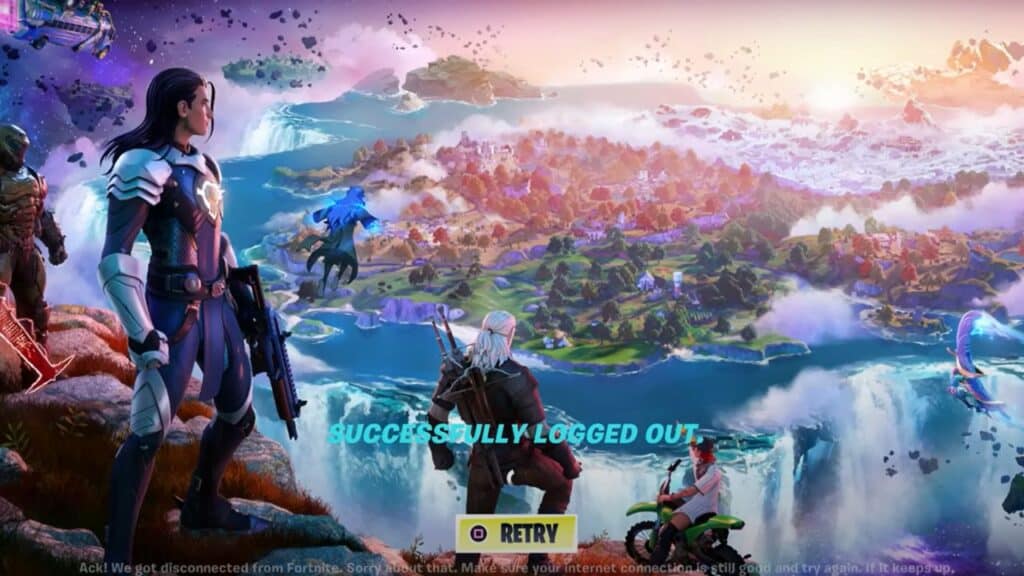
Fortnite is a famous battle royale video game that is played by millions of people around the world. Unfortunately, some players have experienced problems with logging in and out of their accounts. Also, if you’re receiving a ‘successfully logged out’ error message, there are a few steps you can take to try to fix the problem. This guide will tell you how to fix the ‘successfully logged out’ error in Fortnite.

What is the ‘successfully logged out’ error in Fortnite?

The ‘successfully logged out’ error in Fortnite is an issue that has been frustrating players for some time now. It prevents users from logging into their accounts and is often caused by the game server. When the server experiences issues, it can result in players being unexpectedly logged out of the game, limiting their access and denying them the chance to play.

For most gamers, this issue can be incredibly irritating, and it can cause delays in playing if they cannot log back in again quickly. As such, players may have no choice but to wait until the issue with the server has been fixed before they can get back into the game and recommence play.

How to Fix the ‘successfully logged out’ Error in Fortnite?

[Updated on September 2, 2024 – Updated information and links]
Fortnite: How to Fix ‘successfully logged out’ Error
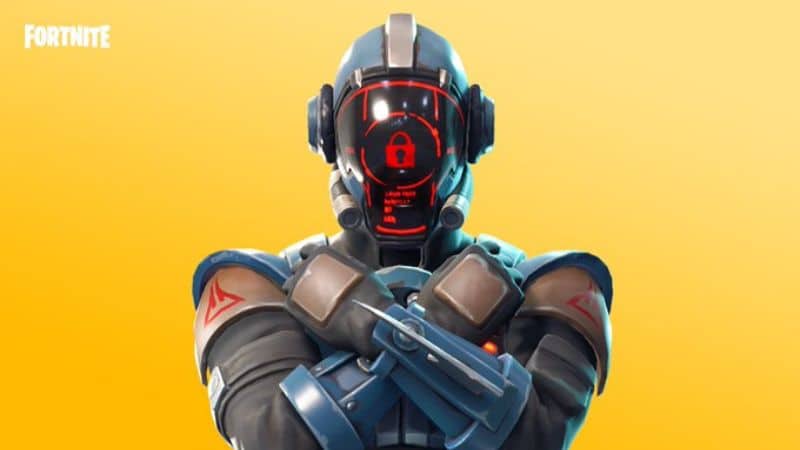
Image via Fortnite

Currently, there is no permanent fix for the  ‘successfully logged out’ error in Fortnite. If you are experiencing this error, you must first check the Fortnite server status. You can do this on the official Fortnite website or the game itself. If the server is down, there may be a broader issue affecting multiple players. It is best to wait until the server is back up and running before logging in again.

If the game server isn’t the problem, you can try a few other quick fixes.

  1. Check your internet connection to ensure it is running correctly and that there are no issues.
  2. Try signing out of your account and then signing back in again after a few minutes.
  3. Restart your device and the game, then try logging in again.
  4.  If none of these steps work, you may need to contact the Fortnite Support team for assistance.

So, these are a few tips on how to fix the ‘successfully logged out’ error in Fortnite.  Hopefully, you can successfully log in and get back to playing Fortnite again. Good luck!

Related Topics
Fortnite Guide
Share. Facebook Twitter LinkedIn Reddit Email
Asanga Wijeratne
  • Website

SUGGESTED READS

MindsEye Layoffs 2026
Gaming

Studio Behind GTA-like Game, MindsEye, Hit With More Layoffs, and Nobody is Surprised: ‘Shocked There’s Even a Janitor Working There’

Princess Peach Spin-Off Movie May Already Be in Development, Job Listing Suggests
Gaming

Princess Peach Spin-Off Movie May Already Be in Development, Job Listing Suggests

Xbox's New CEO Wants to Reconnect With the 'Community,' Yet Brings In More CoreAI Leaders
Gaming

Xbox’s New CEO Wants to Reconnect With the ‘Community,’ Yet Brings In More CoreAI Leaders

Diablo 4 Season 13 Tier List
Gaming

Class Tier List for Diablo 4 Season 13 (Best Classes for Endgame & Leveling)

Take-Two Boss Finally Explains Why GTA 6 Is Skipping PC at Launch: 'We'll See How It Works Out'
Gaming

Take-Two Boss Finally Explains Why GTA 6 Is Skipping PC at Launch: ‘We’ll See How It Works Out’

Rockstar Employee Review Claims 'Unrealistic' Crunch as GTA 6 Development Intensifies: 'Had to Work Till 3AM'
Gaming

Rockstar Employee Review Claims ‘Unrealistic’ Crunch as GTA 6 Development Intensifies: ‘Had to Work Till 3AM’

The Nerd Stash
Facebook X (Twitter) Instagram YouTube LinkedIn
  • About Us
  • Join Our Team
  • Meet the Team
  • Privacy Policy
  • DMCA Policy
  • Contact Us
  • Terms of Use
  • Sitemap
  • Editorial Guidelines
  • Advertising Policy
© 2026 The Nerd Stash. All Rights Reserved.

Type above and press Enter to search. Press Esc to cancel.