Gears of War: E-Day brings cooperative play back in a big way, letting you experience the Locust invasion alongside friends. Whether you prefer sharing a couch or assembling an online squad, the game provides several ways to play together across its Campaign and Horde Siege modes.
How To Start Co-Op in Gears of War: E-Day
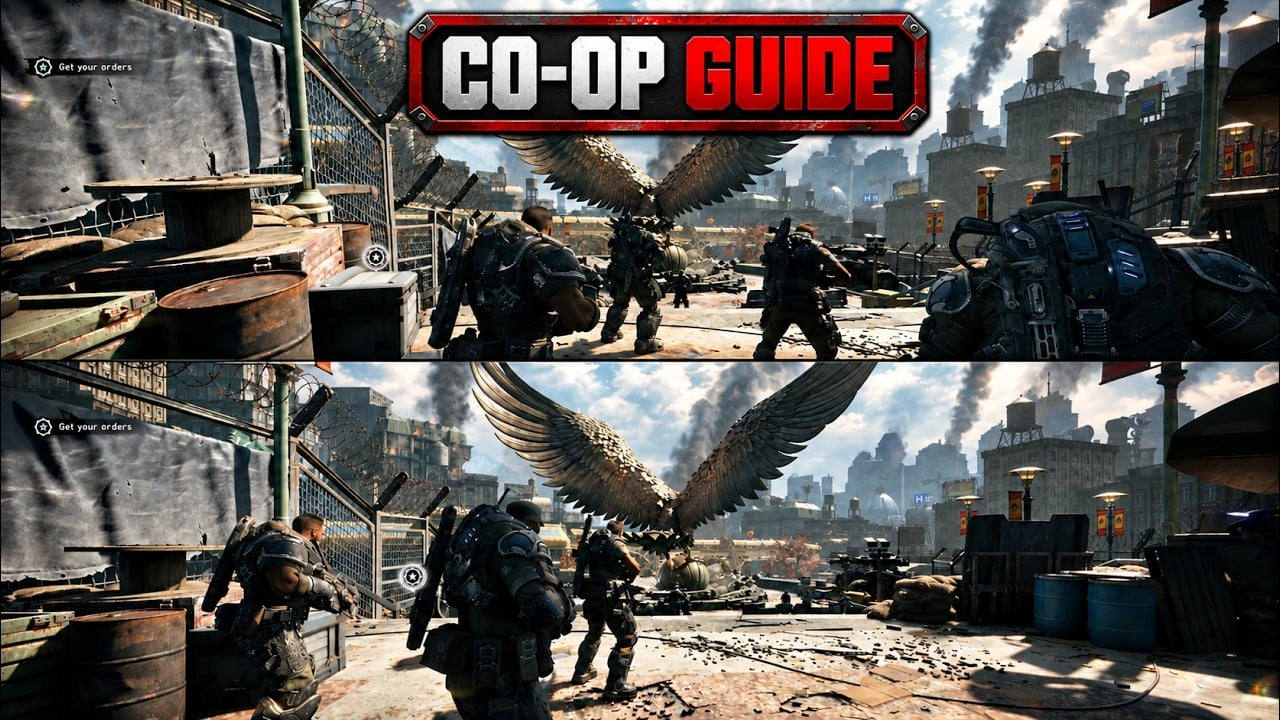
If you want visual help, use our video guide placed above. From the main menu, select Campaign and create or load a save. You can invite friends into your party before beginning a chapter or allow them to join your active session. Online Campaign supports parties of up to four players, while console players can also use two-player local split-screen.
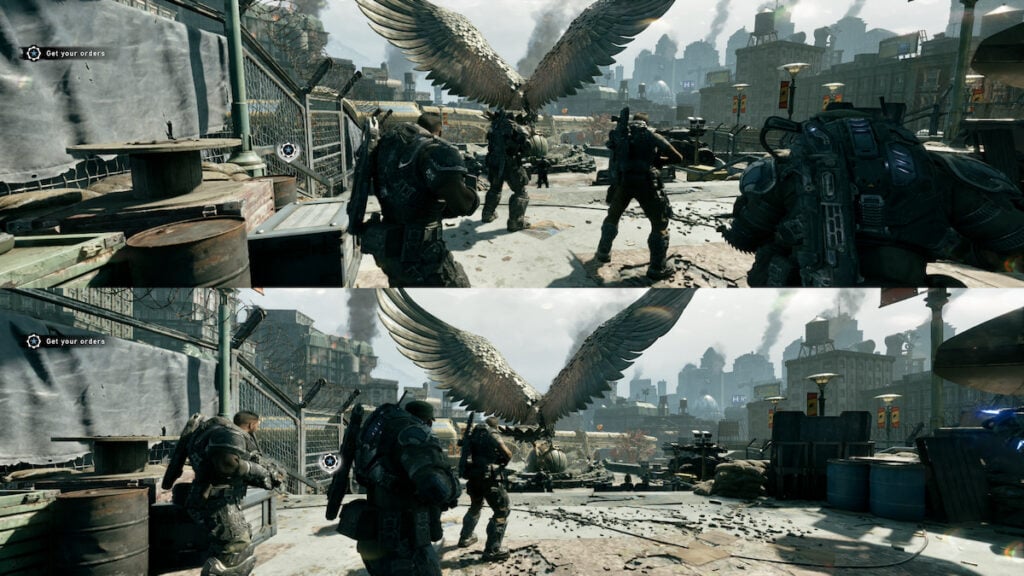
To begin split-screen, connect a second controller and have the additional player sign in to an Xbox profile. Split-screen players can also join an online session with other users, allowing two people on one console to fill part of a four-player party.
Each player can choose their own difficulty setting during cooperative Campaign play. This means one person can select a more forgiving experience while another plays on a harder difficulty without forcing the entire squad to use the same setting.
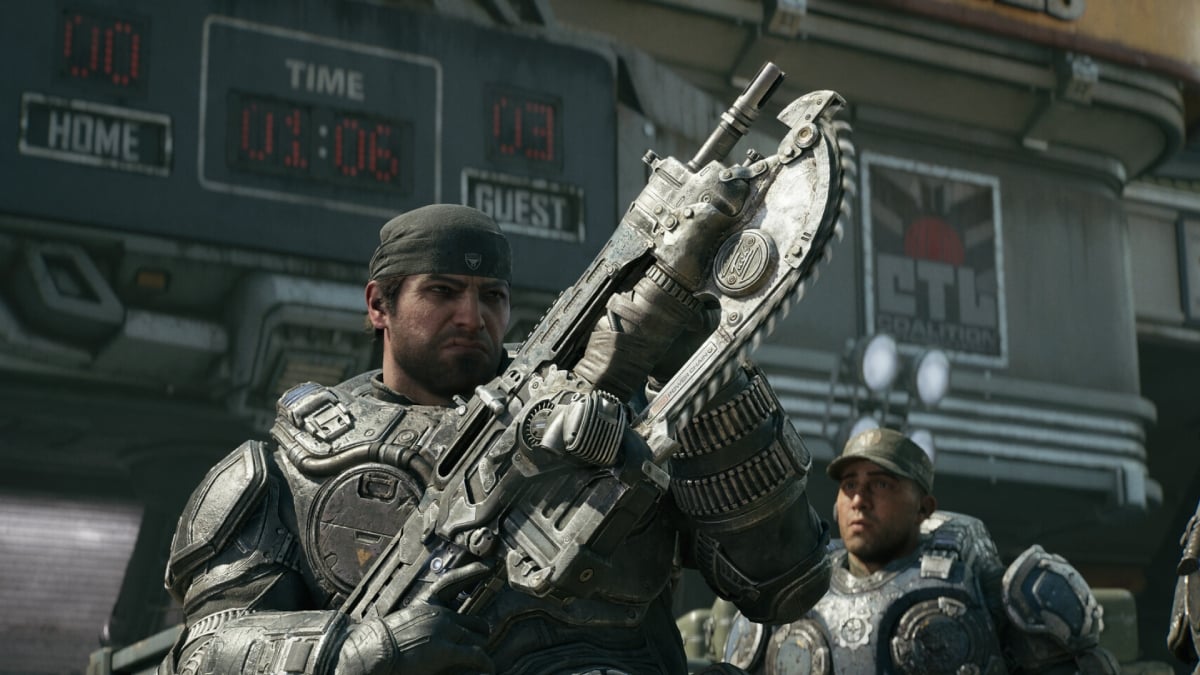
Collectibles are also shared across the group. If one squad member finds and collects an item, everyone in the session receives credit for it. Your team therefore does not need to pick up the same collectible four separate times.
Playing Horde Siege With Friends
Horde Siege supports four-player squads and expands the traditional wave-based mode with larger battlefields. Players choose from Assault, Marksman, Medic, and Breacher classes before fighting increasingly dangerous Locust forces.
The entire co-op setup is refreshingly straightforward. The framerate stays a steady 30 fps on split-screen; however, it delivers the full experience without compromise. Also, each player’s achievements unlock customization options that can be used across a variety of modes.