
With a huge open world to explore, Grand Theft Auto 6 offers plenty of sights to see across Leonida. Seeing them through the right camera angle can help you appreciate the little details and make exploring Vice City feel even more immersive. However, if you’re hoping to experience the whole game through Jason and Lucia‘s eyes in first-person mode, you might be a little disappointed. Here’s everything you need to know about the camera angles and settings in GTA 6.
Does GTA 6 Have First-Person Mode?
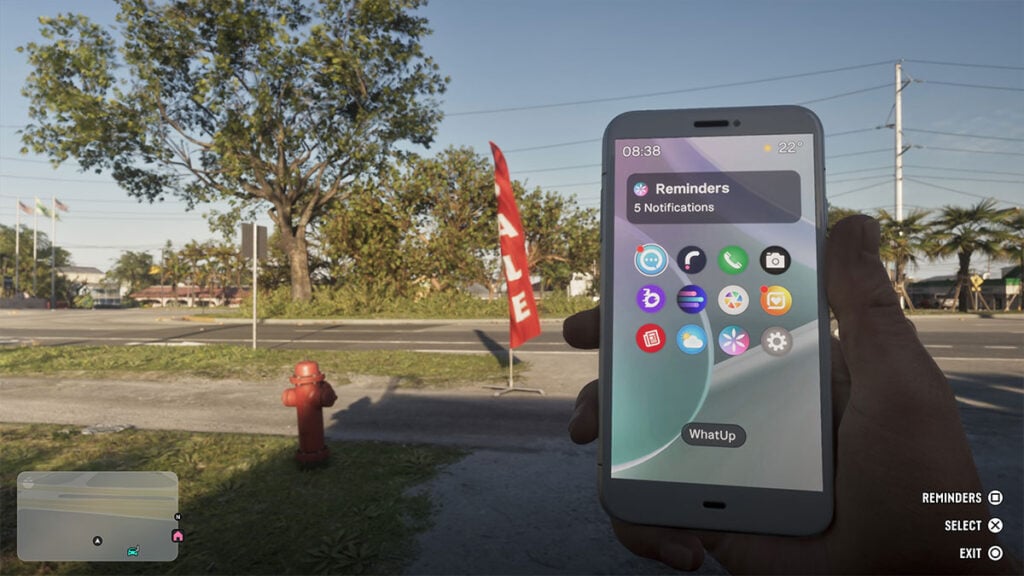
No, GTA 6 does not have a proper first-person mode, unlike in GTA 5 and RDR 2. However, there are a few exceptions.
The Camera settings let you switch between an angled, over-the-shoulder look and first-person view when using the in-game smartphone. Meanwhile, select weapons and vehicles support first-person control, and scripted sequences could briefly switch perspectives. You can also hold L2/LT and activate a first-person view to inspect your surroundings — but you have to keep standing still. Walking around will immediately switch back to third-person camera.
There’s still hope, though. After all, GTA 5 didn’t have first-person mode at its original PS3 and Xbox 360 launch. Rockstar only added it when the PS4 and Xbox One versions were released in 2014. GTA 6 could follow a similar approach with its eventual PC port or perhaps an Enhanced Edition for PS6 and Project Helix.
How to Change Camera Angles in GTA 6
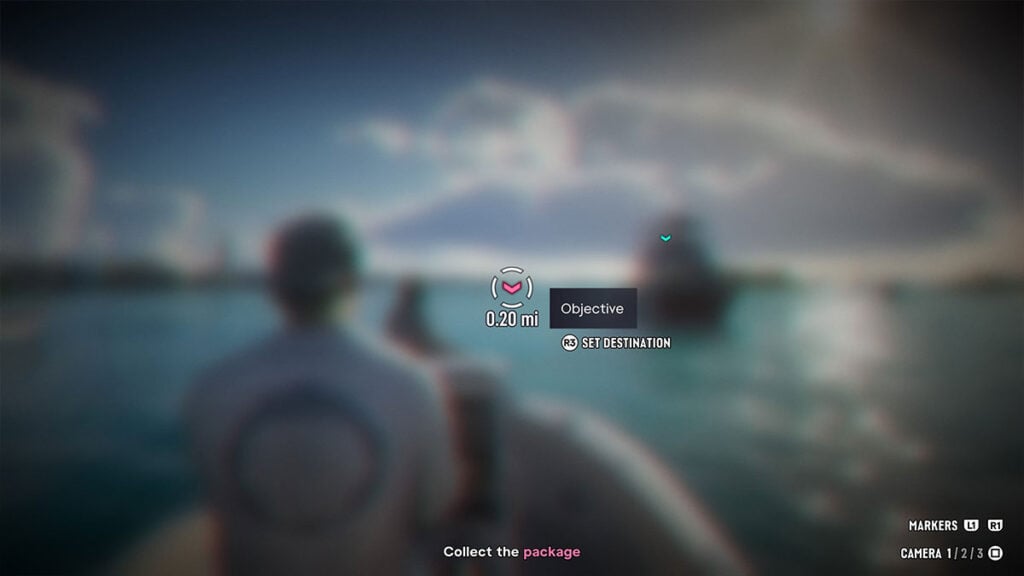
While traditional first-person gameplay is missing, GTA 6 offers three third-person camera distances:
- Near: Keeps the camera very close to your character or vehicle.
- Medium: Offers a balance between visibility and immersion.
- Far: Pulls the camera back, making it easier to see your surroundings.
To switch between camera angles, first hold Down on the D-pad while on foot or Left if you’re driving. Then simply press the Camera button shown in the quick menu, which is Square on PS5 or X on Xbox. Alternatively, you can also adjust the camera height and follow behavior through the Pause Menu > Settings > Camera option.