Close Menu
  • Gaming
    • Game Guides
    • Codes
    • Game News
    • Game Previews
    • Game Reviews
    • Game Features
    • Game Lists
    • Platforms
      • Nintendo
      • PC
      • PlayStation
      • Xbox
      • Mobile
  • Entertainment
    • Movies
    • Movie Features
    • Movie Reviews
    • TV
    • Reality TV
    • Royals
  • Celebrity
    • Hollywood
  • Human Interest
  • Astrology
  • Videos
  • More
    • Anime
    • Lists
    • Podcasts
    • Reviews
Facebook X (Twitter) Instagram LinkedIn YouTube
  • About Us
  • Join Our Team
  • Meet the Team
  • Privacy Policy
  • DMCA Policy
  • Contact Us
  • Terms of Use
  • Sitemap
  • Editorial Guidelines
  • Advertising Policy
The Nerd Stash
  • Gaming
  • Celebrity
    • Hollywood
  • Human Interest
  • Videos
The Nerd Stash
Home»Game Guides»How To Farm (& Use) Papaya in Coral Island

How To Farm (& Use) Papaya in Coral Island

A few fruit trees never hurt.

Artur NovichenkoBy Artur NovichenkoNovember 23, 20233 Mins Read
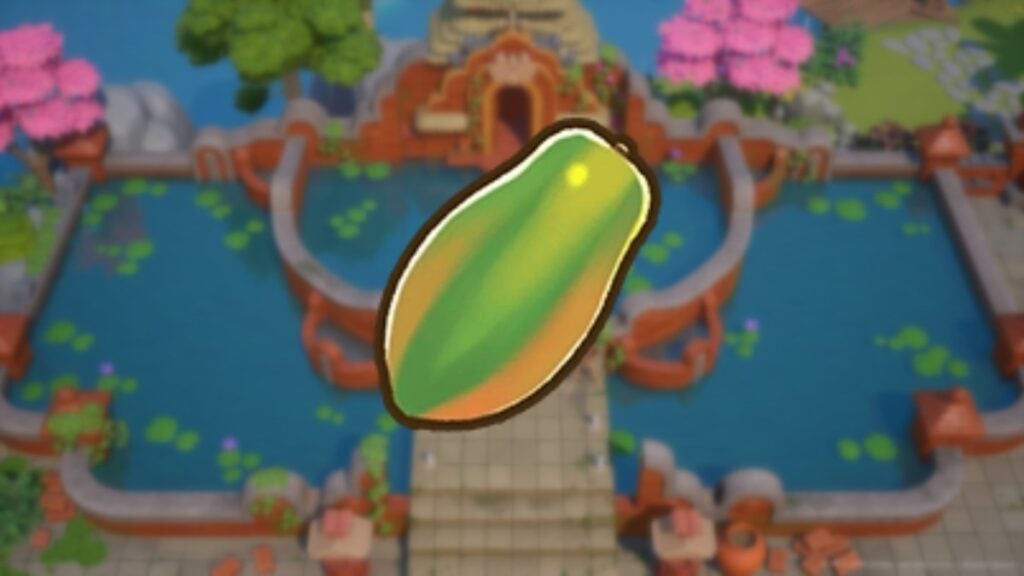
Coral Island Papaya
Image Source: Stairway Games via The Nerd Stash

Skip To...

  • How To Farm Papaya in Coral Island
  • How To Use Papaya in Coral Island
This article is over 2 years old and may contain outdated information.

Although Coral Island offers many fruits and vegetables you can grow on your farm, Papaya may appear less useful than most. After all, this fruit is not used as an offering for any seasonal altar, but it has a lot of other benefits. Besides being a good option for HP and Energy recovery, you can use it to create nutritious dishes or give it to some NPCs. Luckily, getting Papaya won’t require much effort if you have spent enough time in the game.

How To Farm Papaya in Coral Island

How To Get Papaya in Coral Island
Image Source: Stairway Games via YouTube Quests

First, to get Papaya in Coral Island, you must reach at least Town rank E. After that, you can visit Sam’s General Store and buy Papaya seedlings for 1,350 coins. Of course, the price may seem high, but the result will pay for your expenses.

Once you receive the seeds, you only need to plant them on your farm and wait a little. The Papaya tree will take five days to fully grow, after which you can collect the first fruits. After this, you can harvest every third day, getting an average of about 2 Papaya per tree.

It is important to note that you can only grow Papaya in Summer and Fall. So, keep this in mind before purchasing seeds. It may be more logical to plant other crops in Winter or Spring.

How To Use Papaya in Coral Island

Once you get some Papaya, you can eat them. Each fruit will restore between 44 and 88 HP and 24 to 48 Energy. Alternatively, you can sell Papaya for 68-136 coins, depending on the rarity of each fruit. However, these are just basic options, so you can also spend a few for one of the following actions:

  • Once you reach Farming level 3, you can create a Mason jar. Place one fruit there, and you will get Papaya Jam.
  • You can also create a Keg at Farming level 6. And by placing just one fruit there, you will get Papaya Juice.
  • Finally, fruit makes a good gift for most NPCs, and Papaya is no exception. But we do not recommend giving it to NPCs like Scott, Pablo, Leah, Lily, and Macy, as they will not like such a gift.

Finally, we will only add that choose how to use Papaya based on its rarity. The basic version of the fruit makes a great gift or resource for making juice and jam. But the rarer varieties are best left for sale.

Related:

How To Make a Scarecrow in Coral Island

Coral Island is available on Xbox Series X|S, PlayStation 5, and PC.

Related Topics
Coral Island Guide
Share. Facebook Twitter LinkedIn Reddit Email
Artur Novichenko
  • Website

Artur is a copywriter and SEO specialist, as well as a small business owner. In his free time, he loves to play computer games and is glad that he was able to connect his professional career with his hobby.

SUGGESTED READS

Minecraft Accused of Mocking Lonely Kids, Sparking Mental Health Backlash: 'One of the Ickiest Things I've Seen'
Features

Minecraft Accused of Mocking Lonely Kids, Sparking Mental Health Backlash: ‘One of the Ickiest Things I’ve Seen’

Destiny 2 Renegades PS5 Review
8.5
Features

Destiny 2: Renegades Review – The Shooter Strikes Back

Clair Obscur: Expedition 33 Loses GOTY, Other Award from Indie Game Awards Over Generative AI: 'Some Weird Performative BS'
Game News

GOTY Stripped Over AI?: Clair Obscur: Expedition 33 Loses Awards at Indie Game Awards, ‘Some Weird Performative BS’

Sony Patents Real-time AI Game Censorship Tech That Could Even Make GTA 6 Kid-Friendly
Game News

Sony Patents Real-Time AI Game Censorship Tech That Could Even Make GTA 6 Kid-Friendly

Zenless Zone Zero Version 2.5 Announcement
Game News

Zenless Zone Zero Version 2.5 Is Ready To Wrap Up the Year With Two New Agents and a Free Outfit

PC Gamers Can't Catch a Break as Nvidia Plans 40% GeForce GPU Production Cuts, Report: 'Who Needs a PC Anyways'
Game News

PC Gamers Can’t Catch a Break as Nvidia Reportedly Plans 40% GeForce GPU Production Cuts: ‘Who Needs a PC Anyways’

Trending
Minecraft Accused of Mocking Lonely Kids, Sparking Mental Health Backlash: 'One of the Ickiest Things I've Seen'

Minecraft Accused of Mocking Lonely Kids, Sparking Mental Health Backlash: ‘One of the Ickiest Things I’ve Seen’

Destiny 2 Renegades PS5 Review
8.5

Destiny 2: Renegades Review – The Shooter Strikes Back

Clair Obscur: Expedition 33 Loses GOTY, Other Award from Indie Game Awards Over Generative AI: 'Some Weird Performative BS'

GOTY Stripped Over AI?: Clair Obscur: Expedition 33 Loses Awards at Indie Game Awards, ‘Some Weird Performative BS’

Sony Patents Real-time AI Game Censorship Tech That Could Even Make GTA 6 Kid-Friendly

Sony Patents Real-Time AI Game Censorship Tech That Could Even Make GTA 6 Kid-Friendly

The Nerd Stash
Facebook X (Twitter) Instagram YouTube LinkedIn
  • About Us
  • Join Our Team
  • Meet the Team
  • Privacy Policy
  • DMCA Policy
  • Contact Us
  • Terms of Use
  • Sitemap
  • Editorial Guidelines
  • Advertising Policy
© 2025 The Nerd Stash. All Rights Reserved.

Type above and press Enter to search. Press Esc to cancel.