
Close Menu
  • Gaming
    • Platforms
      • Nintendo
      • PC
      • PlayStation
      • Xbox
  • Entertainment
    • Movies
    • TV
    • Royals
  • Celebrity
    • Hollywood
  • Human Interest
  • Astrology
  • More
    • Anime
    • Reviews
Facebook X (Twitter) Instagram LinkedIn YouTube
  • About Us
  • Join Our Team
  • Meet the Team
  • Privacy Policy
  • DMCA Policy
  • Contact Us
  • Terms of Use
  • Sitemap
  • Editorial Guidelines
  • Advertising Policy
The Nerd Stash
  • Gaming
  • Celebrity
  • Hollywood
  • Human Interest
The Nerd Stash
Home»Gaming»How To Fast Travel in Return to Moria

How To Fast Travel in Return to Moria

Travel to Moria in style.

Misael DuranBy Misael DuranOctober 26, 20233 Mins Read
How To Fast Travel in The Lord of the Rings: Return to Moria
Image Source: Free Range Games via All Things Middle Earth on YouTube
This article is over 2 years old and may contain outdated information.

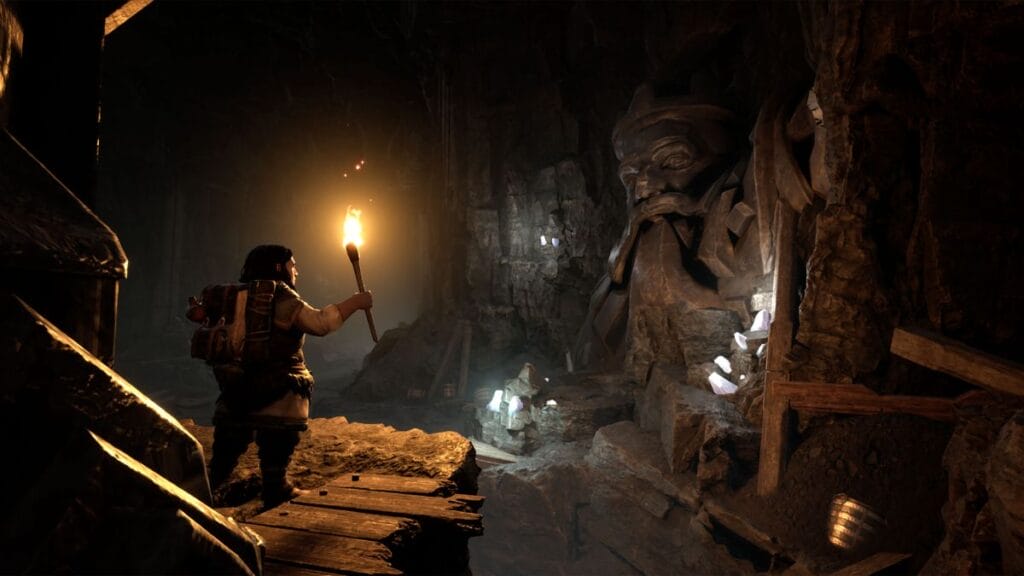
The Lord of the Rings: Return to Moria features a large map you can mine through as a Dwarf, and getting from one area to another can be challenging because the map is so large. Fortunately, Return to Moria offers a fast travel mechanic to help you get to certain places faster. Fast travel requires you to use Map Stones, which you can activate and create with Black Diamonds.

How To Use Fast Travel in Lord of the Rings: Return to Moria
How To Use Fast Travel in Lord of the Rings: Return to Moria
Image Source: Free Range Games via All Things Middle Earth on YouTube

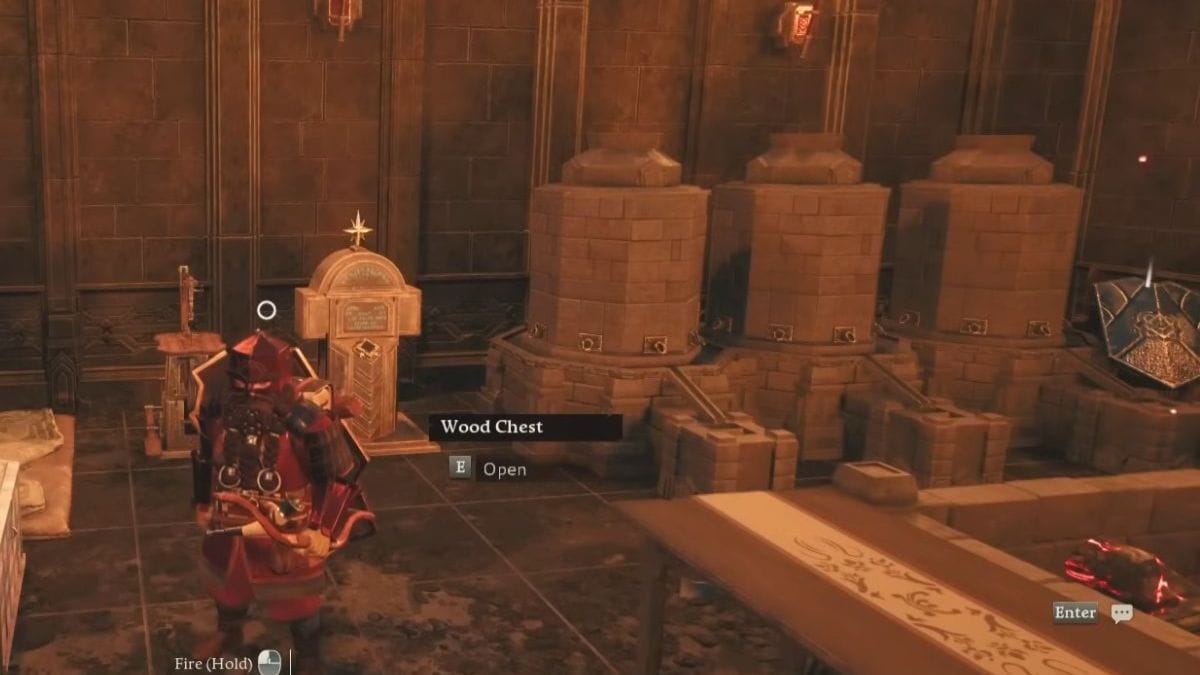
You can only use fast travel by interacting with a Map Stone and teleporting to an area with another Map Stone. The interactable item looks like a white gravestone with a star on top. You will find your first stone in the first camp you encounter in the tutorial of Return to Moira. It’s damaged, but you can repair it with a Black Diamond.

Black Diamonds are typically found in Orc Chests located near Orc camps. You can only open these chests with Orc Keys, which you can obtain by breaking down any nearby wooden structures with your pickaxe. Orc Chests are not common, so your opportunity to get Black Diamonds is limited. You should hold onto your Diamonds until you need them.
How To Increase Inventory Size in Return to Moria
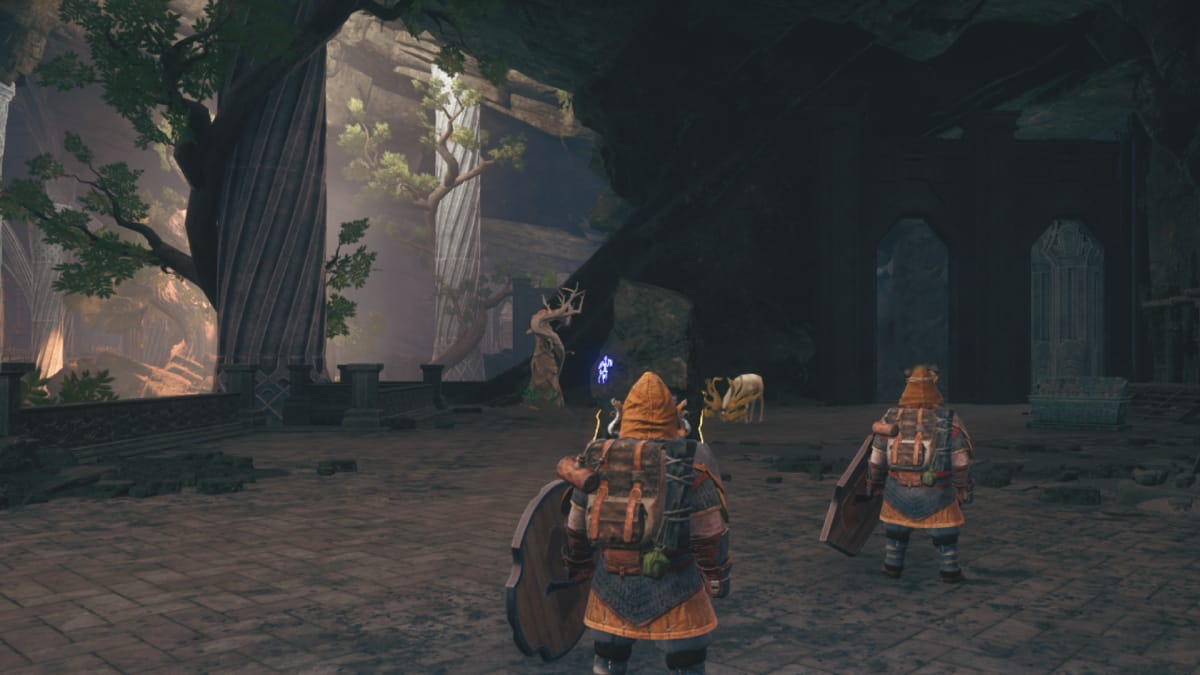
Related: How To Increase Inventory Size in Return to Moria

Once you have your first Black Diamond, return to the camp and repair the Map Stone. However, even with it fixed, you can’t use fast travel until you activate a second Map Stone. Other camps have broken stones that you can repair. Each world in Return to Moira is procedurally generated, meaning there are no guaranteed locations for other stones for you to fix. Nonetheless, you can build your own Map Stones.

How To Build a Map Stone
How To Build a Map Stone in Lord of the Rings Return to Moria
Image Source: Free Range Games via All Things Middle Earth on YouTube

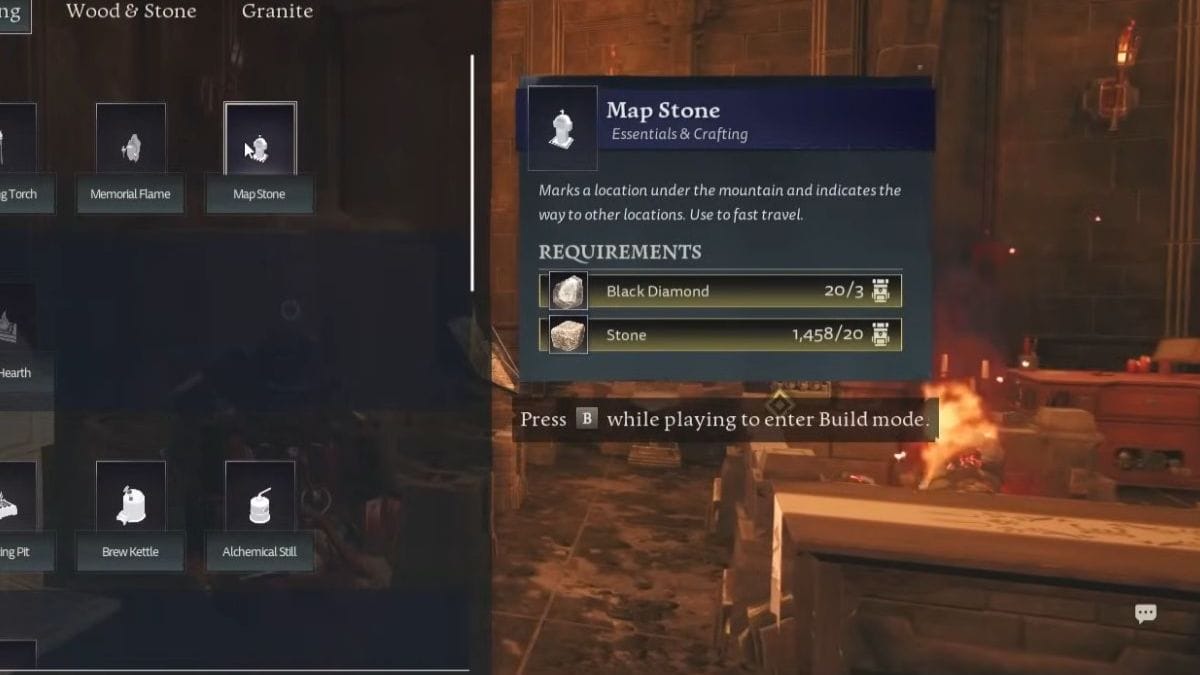
You can craft a Map Stone at a Camp Hearth and place it on a map in Return to Moira. The material you need to build the item is below:

  • Black Diamonds x3
  • Stone x20

Once you have at least two Map Stones activated, you can interact with one to fast-travel to another. Having these landmarks all over your mines of Moira will make traversing the tunnels much easier, but don’t waste all your Black Diamonds making these items.

To summarize, here’s how you unlock fast travel in Return to Moria:

  1. Loot Orc Chests for Black Diamonds.
  2. Collect Stone.
  3. Combine the two materials at a Camp Hearth to make a Map Stone.
  4. Place down multiple Map Stones to fast travel between them.
Related Topics
Guide Lord of the Rings: Return to Moria
Share. Facebook Twitter LinkedIn Reddit Email
Misael Duran
  • Website
  • Instagram

With over seven years of experience, I've worked on some of the biggest websites on the internet, including IGN, Comic Book Resource, and TheGamer.

SUGGESTED READS

Honkai Star Rail Version 4.3 Announcements
Gaming

Honkai: Star Rail Version 4.3 Unveils Blade’s New Form and More Fate Collab Characters

Take-Two CEO Reveals Fans Will Be Forced To Wait a Bit Longer for GTA 6 News 'This Summer,' But Insiders Disagree
Gaming

Take-Two CEO Reveals Fans Will Be Forced To Wait a Bit Longer for GTA 6 News ‘This Summer,’ But Insiders Disagree

007 First Light Launch Trailer
Gaming

007 First Light Celebrates the Long-Awaited Return of James Bond With Its Launch Trailer

Destiny 2 Final Update
Features

Destiny 2 Is Dead: Bungie’s Divisive Franchise Going on Maintenance Mode With Its Last Update Launching on June 9

GTA Studio's Secrets Stay Buried Forever as Rockstar Reportedly Enforces 'Lifetime NDAs' on Ex-Developers
Gaming

GTA Studio’s Secrets Stay Buried Forever as Rockstar Reportedly Enforces ‘Lifetime NDAs’ on Ex-Developers

Warhammer 40,000 Boltgun 2 Hands-On Preview
Features

Warhammer 40,000: Boltgun 2 Hands-On Preview – Retro-Shooting for the Emperor

The Nerd Stash
Facebook X (Twitter) Instagram YouTube LinkedIn
  • About Us
  • Join Our Team
  • Meet the Team
  • Privacy Policy
  • DMCA Policy
  • Contact Us
  • Terms of Use
  • Sitemap
  • Editorial Guidelines
  • Advertising Policy
© 2026 The Nerd Stash. All Rights Reserved.

Type above and press Enter to search. Press Esc to cancel.





