

Close Menu
  • Gaming
    • Game Guides
    • Codes
    • Game News
    • Game Previews
    • Game Reviews
    • Game Features
    • Game Lists
    • Platforms
      • Nintendo
      • PC
      • PlayStation
      • Xbox
      • Mobile
  • Entertainment
    • Movies
    • Movie Features
    • Movie Reviews
    • TV
    • Reality TV
    • Royals
  • Celebrity
    • Hollywood
  • Human Interest
  • Astrology
  • Videos
  • More
    • Anime
    • Lists
    • Podcasts
    • Reviews
Facebook X (Twitter) Instagram LinkedIn YouTube
  • About Us
  • Join Our Team
  • Meet the Team
  • Privacy Policy
  • DMCA Policy
  • Contact Us
  • Terms of Use
  • Sitemap
  • Editorial Guidelines
  • Advertising Policy
The Nerd Stash
  • Gaming
  • Celebrity
    • Hollywood
  • Human Interest
  • Videos
The Nerd Stash
Home»Game Guides»How To Fix Error C-107880-4 in Dying Light: The Beast

How To Fix Error C-107880-4 in Dying Light: The Beast

Not as bad as you think

Julio La PineBy Julio La PineSeptember 18, 20253 Mins Read
Dying Light The Beast Error CE 107880 4 Solution
Image Source: Techland via The Nerd Stash

PS5 users trying to jump into Dying Light: The Beast might encounter error CE-107-880-4. While it might be scary to see this before entering the game, the truth is that it isn’t a serious issue, and it can be fixed with a bit of patience and a few workarounds. Below is all you need to know about how to fix error CE-107-880-4 in Dying Light: The Beast.

What Is Error CE-107-880-4 and How to Fix It
Dying Light The Beast Campaign
Image Source: Techland via The Nerd Stash

Error CE-107-880-4 might show up for many PS5 users, and it pertains to downloadable content, which, in the case of Dying Light: The Beast, refers to the Deluxe Edition items. The reason this error happens is because of an issue when downloading the game, and the console does not recognize your DLC licenses. Fortunately, there are a few quick fixes for this that are usually more on the console’s side and not the game itself.

To fix error CE-107880-4, the first thing you should do is restore your PS5 licenses. Usually, the error appears when the game doesn’t check your licenses correctly during download. If that happens, restoring your licenses tends to do the trick. To do so, follow these steps:

  • Head to your Settings and go to Users and Accounts.
  • Select Other and then Restore Licenses.

It will take a while, but once it finishes, you should be able to re-download your add-ons. As a safety measure, we recommend doing a full reinstall of Dying Light: The Beast to see if the error CE-107880-4 is finally gone.

If that doesn’t work, there’s a solution from a few years ago that happened to a Reddit user who played Saints Row, and it seemed to work, according to this post.

Assuming restoring licenses doesn’t resolve the issue, you can then uninstall everything and download it through your PS mobile app. You’ll need to link your app to your console first, but this is a pretty straightforward process that tends to work for many. By doing this, you circumvent the faulty console downloads and any other errors that stem from your PS5.
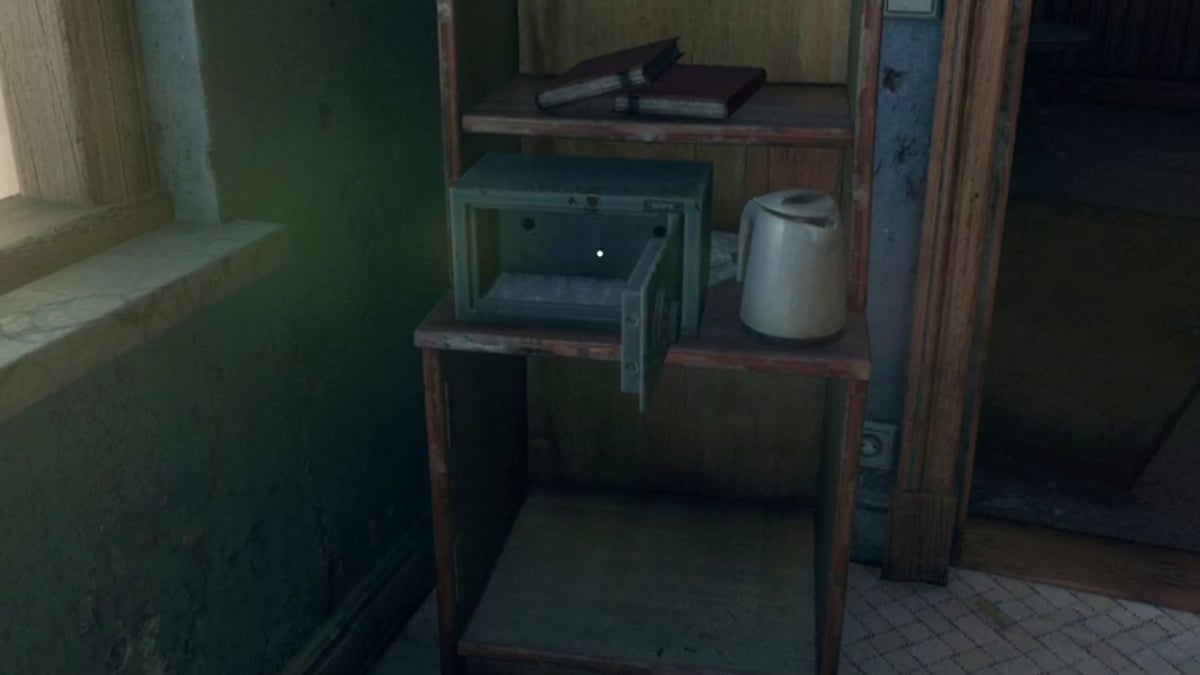
How To Open the Hotel Safe in Dying Light: The Beast
Related: How To Open the Hotel Safe in Dying Light: The Beast

In the worst-case scenario, it could be an issue between the developers and the platform, meaning that you’ll need to wait for a fix on their end so you can enjoy your DLC. Hopefully, that won’t be the case, but if it is, waiting a couple of hours before jumping into Castor Woods might be the best choice.


Related Topics
Dying Light: The Beast Guide
Share. Facebook Twitter LinkedIn Reddit Email
Julio La Pine
  • Website

Been gaming since '99! I am a huge JRPG fan and my favorite franchise is Final Fantasy. I love writing about games and I hope I can do it for the rest of my days!

SUGGESTED READS

Destiny 2 Renegades PS5 Review
8.5
Features

Destiny 2: Renegades Review – The Shooter Strikes Back

Clair Obscur: Expedition 33 Loses GOTY, Other Award from Indie Game Awards Over Generative AI: 'Some Weird Performative BS'
Game News

GOTY Stripped Over AI?: Clair Obscur: Expedition 33 Loses Awards at Indie Game Awards, ‘Some Weird Performative BS’

Sony Patents Real-time AI Game Censorship Tech That Could Even Make GTA 6 Kid-Friendly
Game News

Sony Patents Real-Time AI Game Censorship Tech That Could Even Make GTA 6 Kid-Friendly

Zenless Zone Zero Version 2.5 Announcement
Game News

Zenless Zone Zero Version 2.5 Is Ready To Wrap Up the Year With Two New Agents and a Free Outfit

PC Gamers Can't Catch a Break as Nvidia Plans 40% GeForce GPU Production Cuts, Report: 'Who Needs a PC Anyways'
Game News

PC Gamers Can’t Catch a Break as Nvidia Reportedly Plans 40% GeForce GPU Production Cuts: ‘Who Needs a PC Anyways’

Destiny 2 How to Get the Praxic Blade
Game Guides

How to Get the Praxic Blade in Destiny 2: Renegades

Trending
Destiny 2 Renegades PS5 Review
8.5

Destiny 2: Renegades Review – The Shooter Strikes Back

Clair Obscur: Expedition 33 Loses GOTY, Other Award from Indie Game Awards Over Generative AI: 'Some Weird Performative BS'

GOTY Stripped Over AI?: Clair Obscur: Expedition 33 Loses Awards at Indie Game Awards, ‘Some Weird Performative BS’

Sony Patents Real-time AI Game Censorship Tech That Could Even Make GTA 6 Kid-Friendly

Sony Patents Real-Time AI Game Censorship Tech That Could Even Make GTA 6 Kid-Friendly

Zenless Zone Zero Version 2.5 Announcement

Zenless Zone Zero Version 2.5 Is Ready To Wrap Up the Year With Two New Agents and a Free Outfit

The Nerd Stash
Facebook X (Twitter) Instagram YouTube LinkedIn
  • About Us
  • Join Our Team
  • Meet the Team
  • Privacy Policy
  • DMCA Policy
  • Contact Us
  • Terms of Use
  • Sitemap
  • Editorial Guidelines
  • Advertising Policy
© 2025 The Nerd Stash. All Rights Reserved.

Type above and press Enter to search. Press Esc to cancel.



