
Close Menu
  • Gaming
    • Platforms
      • Nintendo
      • PC
      • PlayStation
      • Xbox
  • Entertainment
    • Movies
    • TV
    • Royals
  • Celebrity
    • Hollywood
  • Human Interest
  • Astrology
  • More
    • Anime
    • Reviews
Facebook X (Twitter) Instagram LinkedIn YouTube
  • About Us
  • Join Our Team
  • Meet the Team
  • Privacy Policy
  • DMCA Policy
  • Contact Us
  • Terms of Use
  • Sitemap
  • Editorial Guidelines
  • Advertising Policy
The Nerd Stash
  • Gaming
  • Celebrity
  • Hollywood
  • Human Interest
The Nerd Stash
Home»Gaming»How To Fix Modern Warzone 2 Error Code DIVER

How To Fix Modern Warzone 2 Error Code DIVER

Although Modern Warzone 2 worked long and hard, it did not save her from the fate of any other game in the world. After all,…

Artur NovichenkoBy Artur NovichenkoNovember 16, 20223 Mins Read
how-to-fix-modern-warzone-2-error-code-diver
This article is over 3 years old and may contain outdated information.

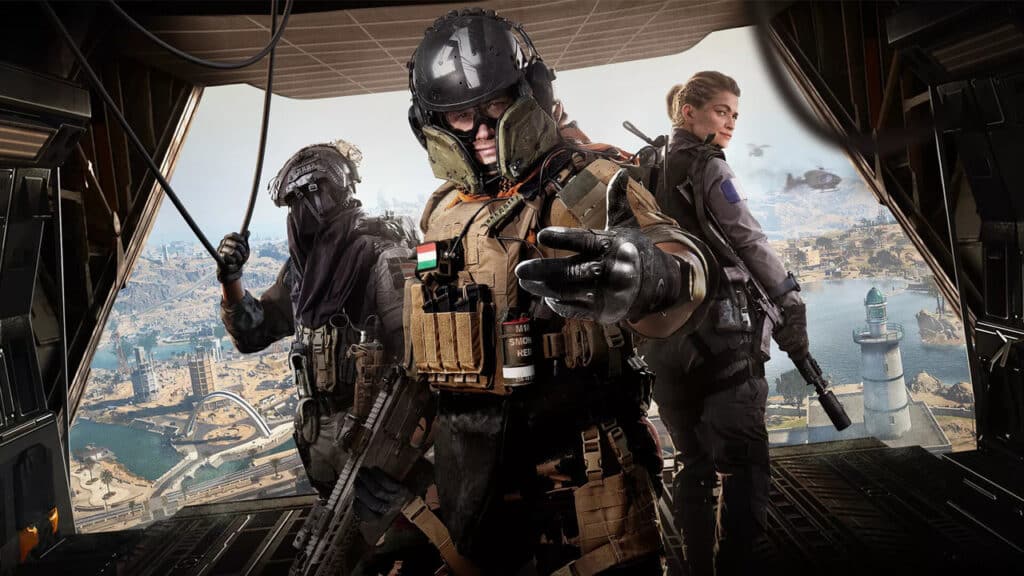
Although Modern Warzone 2 worked long and hard, it did not save her from the fate of any other game in the world. After all, no matter how good the game is, one way or another, sooner or later, errors occur in it. Sometimes, the problem is related to the game servers or a flaw in the developers; 99% of the problems arise for simpler reasons. One of the most common errors players encounter in Modern Warzone 2 is Error Code DIVER. If you see a notification like this, don’t worry, you’re not alone; we will tell you how to fix this issue.

[Updated August 22, 2024 – Updated links]

How To Fix Modern Warzone 2 Error Code DIVER

Although Error Code DIVER only occurs when the game fails to load, there can be several reasons for this behavior. It can happen because of damaged game files, outdated updates, or a poor internet connection. So, we’ve listed below some of the best solutions to fix Modern Warzone 2 Error Code DIVER.

Check for Updates

One of the most common reasons for such an error is the up-to-date updates. The game servers update your game automatically, but the issue can happen if there are too many players. Auto-update happens on a first-come, first-served basis, and if it’s not your turn yet, you may see Error Code DIVER. In this case, you need to check for updates and, if necessary, update the game yourself:

  • Console. Click the Start or Menu button and select Check for Updates.
  • Battle.net. Click the Settings gear icon and Check for Updates.
  • Steam. Steam players rarely have issues with updates. But if there are, right-click on the title, select Properties, and then click Updates.

Verify the Integrity of the Files

This reason is less common, but still, it is not an exception. Moreover, if the previous method did not help solve the problem, you must check and verify the integrity of the files. To do this, you must do the same as we described in the previous method, choosing the following items depending on your platform:

  • Verify the Integrity of Game Files
  • Scan and Repair
  • Verify and Repair

Reboot Game

If none of the above methods helped, you should reinstall the game. It is possible that some game files are much more damaged, or other problems may have occurred. In this case, a complete reinstallation of the game is the best option to return everything to its original state. PC.

Related Topics
Guide warzone 2.0
Share. Facebook Twitter LinkedIn Reddit Email
Artur Novichenko
  • Website

Artur is a copywriter and SEO specialist, as well as a small business owner. In his free time, he loves to play computer games and is glad that he was able to connect his professional career with his hobby.

SUGGESTED READS

MindsEye Layoffs 2026
Gaming

Studio Behind GTA-like Game, MindsEye, Hit With More Layoffs, and Nobody is Surprised: ‘Shocked There’s Even a Janitor Working There’

Princess Peach Spin-Off Movie May Already Be in Development, Job Listing Suggests
Gaming

Princess Peach Spin-Off Movie May Already Be in Development, Job Listing Suggests

Xbox's New CEO Wants to Reconnect With the 'Community,' Yet Brings In More CoreAI Leaders
Gaming

Xbox’s New CEO Wants to Reconnect With the ‘Community,’ Yet Brings In More CoreAI Leaders

Diablo 4 Season 13 Tier List
Gaming

Class Tier List for Diablo 4 Season 13 (Best Classes for Endgame & Leveling)

Take-Two Boss Finally Explains Why GTA 6 Is Skipping PC at Launch: 'We'll See How It Works Out'
Gaming

Take-Two Boss Finally Explains Why GTA 6 Is Skipping PC at Launch: ‘We’ll See How It Works Out’

Rockstar Employee Review Claims 'Unrealistic' Crunch as GTA 6 Development Intensifies: 'Had to Work Till 3AM'
Gaming

Rockstar Employee Review Claims ‘Unrealistic’ Crunch as GTA 6 Development Intensifies: ‘Had to Work Till 3AM’

The Nerd Stash
Facebook X (Twitter) Instagram YouTube LinkedIn
  • About Us
  • Join Our Team
  • Meet the Team
  • Privacy Policy
  • DMCA Policy
  • Contact Us
  • Terms of Use
  • Sitemap
  • Editorial Guidelines
  • Advertising Policy
© 2026 The Nerd Stash. All Rights Reserved.

Type above and press Enter to search. Press Esc to cancel.




