Close Menu
  • Gaming
    • Game Guides
    • Codes
    • Game News
    • Game Previews
    • Game Reviews
    • Game Features
    • Game Lists
    • Platforms
      • Nintendo
      • PC
      • PlayStation
      • Xbox
      • Mobile
  • Entertainment
    • Movies
    • Movie Features
    • Movie Reviews
    • TV
    • Reality TV
    • Royals
  • Celebrity
    • Hollywood
  • Human Interest
  • Astrology
  • More
    • Anime
    • Lists
    • Podcasts
    • Reviews
Facebook X (Twitter) Instagram LinkedIn YouTube
  • About Us
  • Join Our Team
  • Meet the Team
  • Privacy Policy
  • DMCA Policy
  • Contact Us
  • Terms of Use
  • Sitemap
  • Editorial Guidelines
  • Advertising Policy
The Nerd Stash
  • Gaming
  • Celebrity
  • Hollywood
  • Human Interest
The Nerd Stash
Home»Game Guides»How To Fix The Finals Error Code TFLA0002

How To Fix The Finals Error Code TFLA0002

When in doubt, give your PC a timeout! Restart, refresh, and resume gaming!

Asanga WijeratneBy Asanga WijeratneJanuary 16, 20242 Mins Read
How To Fix The Finals Error Code TFLA0002
Image Source: Embark Studios
This article is over 2 years old and may contain outdated information.

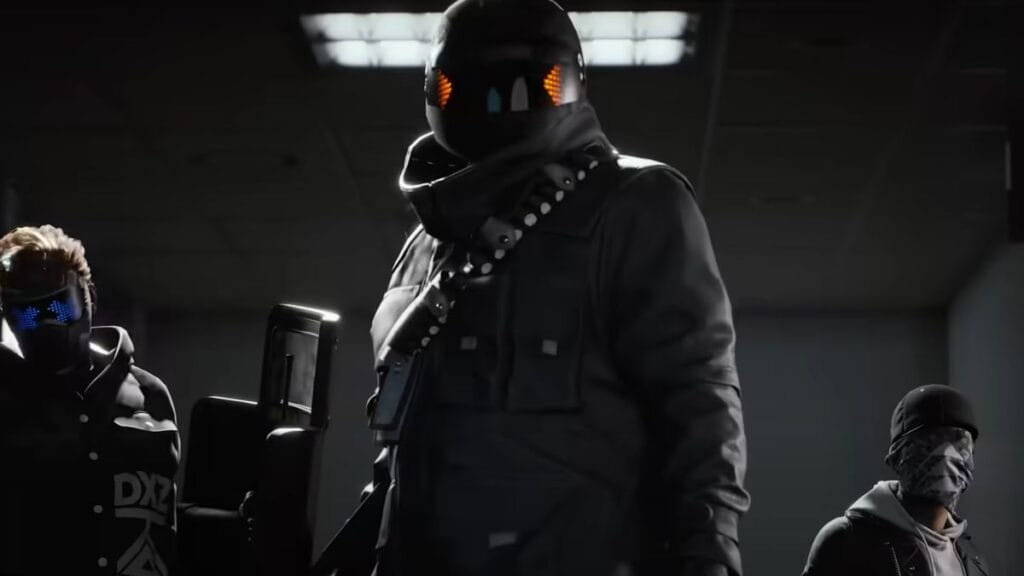
The Finals Error Code TFLA0002 mostly pops up when you try to log in to the game. Mostly, the root cause of this error is associated with connectivity problems. However, this issue can pop up for various reasons, from internet connectivity issues to server maintenance or even corrupted game files. However, some effective fixes for The Finals Error Code TFLA0002 are given by various other players. Let’s look at some of the most successful methods to overcome this problem.

Troubleshooting Steps for Final Error Code TFLA0002
The Finals Error Code TFLA0002
Image Source: Embark Studios

The most successful methods to overcome this error are linking Steam and creating an embark ID,  Using a VPN, Restarting the PC, and Verifying the game files. But before jumping to any of the above methods, ensure game servers are up and running. If there are no issues with game servers, Then you can try those methods.

1. Link Steam and Create an Embark ID

  1. Log in to the official Embark website.
  2. Go to the Connect Platform and select the account you want to connect.

Most players say that after these steps, The Finals Error Code TFLA0002 is fixed, and they can play the game without errors.

2. Use a VPN

You can access the game’s menu and potentially resolve the error by using a VPN connection originating from the same country you are in. After changing the region to the one nearest you, exit the game and turn off the VPN connection. Connect from your home IP, and you should be able to play usually again and fix The Finals Error Code TFLA0002. If you’re still having trouble, consider requesting a new static or dynamic IP from your service provider.

Related:

How To Use Arena Carriables in The Finals, Explained

3. Restart your PC

Surprisingly, some players said that even though other methods were not working, restarting the PC worked to fix The Finals Error Code TFLA0002. Restarting the PC will reset all the network connections, so if there is any related issue, it will be resolved automatically.

4. Verify Game Files

This must be the last method you must try since it will take some time. But still, this old-school method works with many players. Go to Steam, navigate to the game’s properties, and select “verify the integrity of game files.” you allow Steam to scan for any corrupted or missing files and automatically replace them.


Related Topics
The Finals
Share. Facebook Twitter LinkedIn Reddit Email
Asanga Wijeratne
  • Website

SUGGESTED READS

how to make gunpowder Windrose
Game Guides

How to Make Gunpowder in Windrose

Best Server Settings Windrose
Game Guides

Best Server Settings for Windrose

Skate Nike SB Limited-time Event
Game News

Skate. Kicks Off a Limited-time Event With Nike SB, and It’s Free For All

All Materials in Windrose
Game Guides

Windrose: All Materials (& How to Obtain Them)

Bloodborne Anime Announced, Sony Keeps It R-Rated to Stay 'True' to the Game
Game News

Bloodborne Anime Movie Announced, Sony Keeps It R-Rated to Stay ‘Very True’ to the Game

Pragmata PS5 Review
9.5
Game Features

Pragmata Review – Bold, Beautiful, and Unforgettable

The Nerd Stash
Facebook X (Twitter) Instagram YouTube LinkedIn
  • About Us
  • Join Our Team
  • Meet the Team
  • Privacy Policy
  • DMCA Policy
  • Contact Us
  • Terms of Use
  • Sitemap
  • Editorial Guidelines
  • Advertising Policy
© 2026 The Nerd Stash. All Rights Reserved.

Type above and press Enter to search. Press Esc to cancel.