
Close Menu
  • Gaming
    • Game Guides
    • Codes
    • Game News
    • Game Previews
    • Game Reviews
    • Game Features
    • Game Lists
    • Platforms
      • Nintendo
      • PC
      • PlayStation
      • Xbox
      • Mobile
  • Entertainment
    • Movies
    • Movie Features
    • Movie Reviews
    • TV
    • Reality TV
    • Royals
  • Celebrity
    • Hollywood
  • Human Interest
  • Astrology
  • More
    • Anime
    • Lists
    • Podcasts
    • Reviews
Facebook X (Twitter) Instagram LinkedIn YouTube
  • About Us
  • Join Our Team
  • Meet the Team
  • Privacy Policy
  • DMCA Policy
  • Contact Us
  • Terms of Use
  • Sitemap
  • Editorial Guidelines
  • Advertising Policy
The Nerd Stash
  • Gaming
  • Celebrity
  • Hollywood
  • Human Interest
The Nerd Stash
Home»Game Guides»How To Get Deep Dive Keys in Destiny 2

How To Get Deep Dive Keys in Destiny 2

The Deep Dive Keys are one of the two new currencies in the new season of Destiny 2. The latest season, Season of The Deep,…

Anuj GuptaBy Anuj GuptaMay 27, 20232 Mins Read
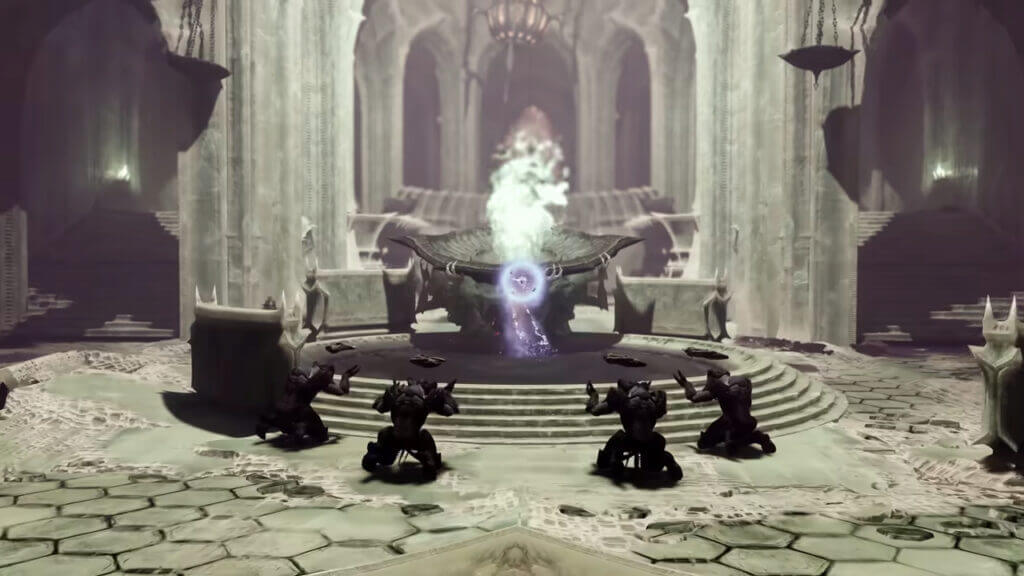
A screenshot from Season of the Deep trailer. The new season has Deep Dive Keys in Destiny 2.
Image Source: Bungie via The Nerd Stash.
This article is over 2 years old and may contain outdated information.

The Deep Dive Keys are one of the two new currencies in the new season of Destiny 2. The latest season, Season of The Deep, introduces some surprising upgrades, including new weapons, new raids, dungeons, and more. However, these upgrades are now connected to a fresh set of bonus seasonal challenges. The currencies for this season include the Season of The Deep Engram, Deep Dive Key, Salvage Key, and Deep Sight Harmonizer. In this guide, we will focus on getting the Deep Dive Keys in Destiny 2.

How to Get Your Hands on the Deep Dive Keys in Destiny 2
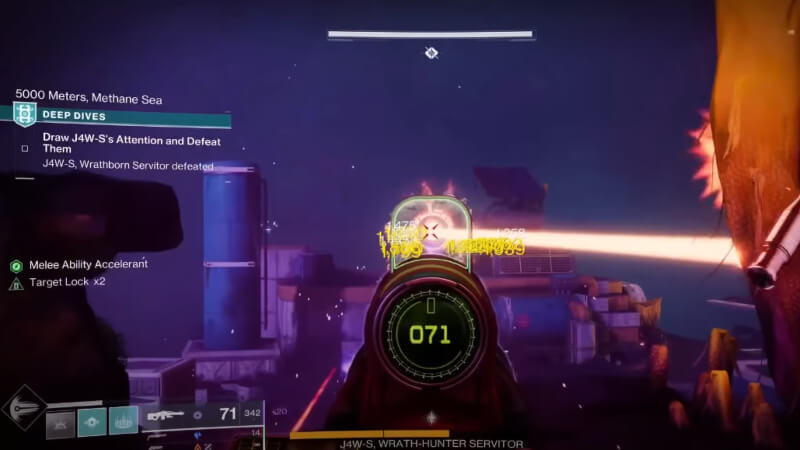
Completing seasonal activities in Destiny 2.
Image Source: Bungie via Jarv YouTube channel

You can obtain the Deep Dive Keys by participating in the new seasonal content and activities. Anything from core playlist activity to seasonal activities will get you the keys as drops. However. the Deep Dive Keys have an extremely low drop rate. The Salvage Keys are easier to get. It will require patience to collect the new keys in the game, but that won’t interfere with the game’s progress. We recommend completing the dungeons like Duality’s Nightmare of Caiatl, Spire of the Watcher’s first encounter, and more. Players can also take part in raids to gather new keys in Destiny 2.

How to Use the Deep Dive Keys

Players can use the Deep Dive Keys to loot chests at the end of the Deep Dive activities. The keys help earn double the engrams at the end of the activities. This will help you collect massive amounts of loot after completing the seasonal activities. You can use the seasonal engrams to the H.E.L.M. and get yourself the exotic weapons from Season of The Deep, high-star Deep armor, or the Reckoning Weapons.

Destiny 2 is playable on PlayStation devices, Xbox devices, and Windows.

Related Topics
Destiny 2 Guide
Share. Facebook Twitter LinkedIn Reddit Email
Anuj Gupta
  • Website

SUGGESTED READS

how to make gunpowder Windrose
Game Guides

How to Make Gunpowder in Windrose

Best Server Settings Windrose
Game Guides

Best Server Settings for Windrose

Skate Nike SB Limited-time Event
Game News

Skate. Kicks Off a Limited-time Event With Nike SB, and It’s Free For All

All Materials in Windrose
Game Guides

Windrose: All Materials (& How to Obtain Them)

Bloodborne Anime Announced, Sony Keeps It R-Rated to Stay 'True' to the Game
Game News

Bloodborne Anime Movie Announced, Sony Keeps It R-Rated to Stay ‘Very True’ to the Game

Pragmata PS5 Review
9.5
Game Features

Pragmata Review – Bold, Beautiful, and Unforgettable

The Nerd Stash
Facebook X (Twitter) Instagram YouTube LinkedIn
  • About Us
  • Join Our Team
  • Meet the Team
  • Privacy Policy
  • DMCA Policy
  • Contact Us
  • Terms of Use
  • Sitemap
  • Editorial Guidelines
  • Advertising Policy
© 2026 The Nerd Stash. All Rights Reserved.

Type above and press Enter to search. Press Esc to cancel.





