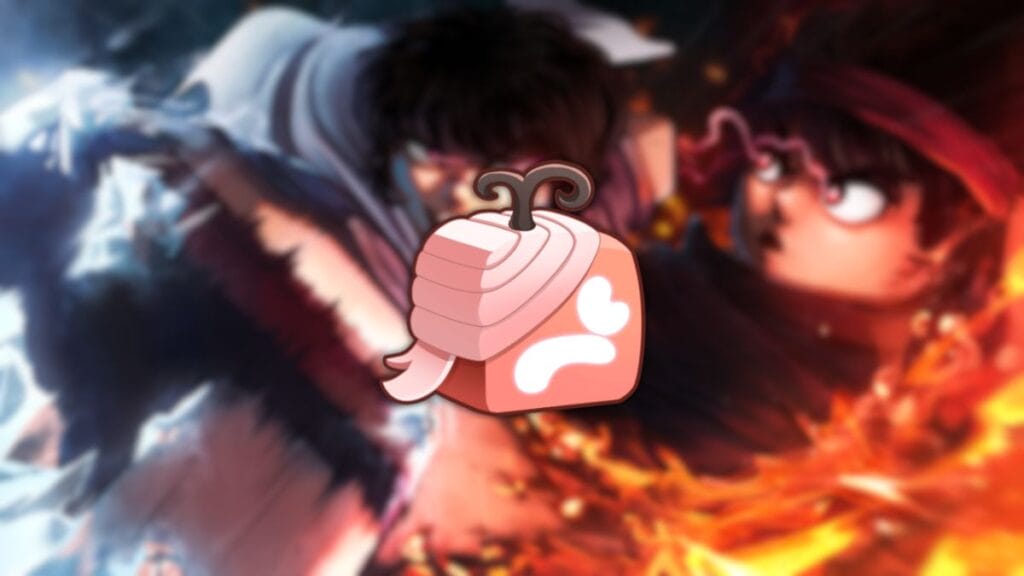
Pain Fruit is a legendary fruit that will give you a huge advantage in PVP thanks to its unique skills. Unfortunately, you can’t get it for free, so you’ll have to grind currency to buy it. Still, after you have enough currency, there are some steps to take, so you should know how to get Pain Fruit in Blox Fruits. The only drawback of the fruit is its long cooldown time, but in the right hands, it’s not a problem.
Blox Fruits: How To Obtain Pain Fruit
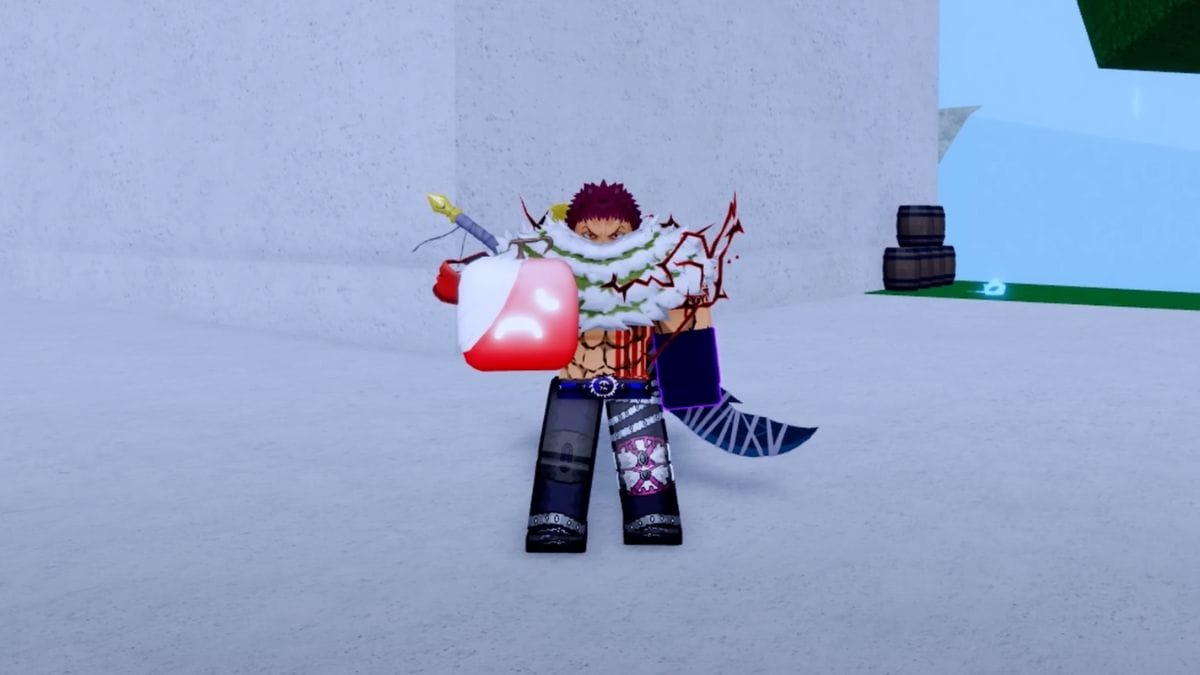
As mentioned above, you can’t get this fruit for free. Instead, similar to getting other valuable fruits, you’ll need to interact with the Blox Fruit Dealer who sells them. In this case, the price of the fruit is not small, namely 2,300,000 Beli or 2,200 Robux, so you’ll have to accumulate or buy currency to get Pain Fruit. If you already have enough currency, but have a problem finding and buying the fruit, here are detailed instructions on how to do this:
- Go to locations such as Marine Fortress or Pirate Village, usually a dealer will be there. If not, you can also use the command “/finddealer” to find out the current location.
- Once you find a Blox Fruit Dealer, approach it and interact with it to see the available assortment of goods.
- From the list, find Pain Fruit and purchase it. Sometimes, this fruit may not be in stock, so you’ll have to find another dealer. To speed it up, you can also change the server.
- After purchasing the fruit, you can finally use it.
Once you have the Pain Fruit in your hands, you can try out its capabilities and understand why it’s so expensive. So you don’t have to spend a lot of time learning each skill, here’s a complete list with a description of the effects:
| Skill | Effect |
| Pain Barrage | You fire several fast paw-like missiles that deal significant damage if they hit the target. Recommended for long-range use, keeping the opponent away from you. |
| Heavy Pain | The effect is identical to the previous skill, but now you only fire 1 missile. |
| Pain Nuke | You launch a small long-range missile in the shape of a paw. On contact with the ground or target, the missile explodes, creating a huge paw-shaped explosion that throws the opponent into the air. |
| [Expletive] | You launch a large, long-range paw at the target, which throbs in the air, blinding the enemy. The projectile eventually deals damage and disrupts Instinct. |
| Self Repel | When activated, your character launches itself to the location of the mouse cursor. The movement to the target is extremely fast, so this skill is great for running away or attacking. |
It’s worth noting that the skill’s cooldowns are quite long, so you’ll need to calculate your battle strategy effectively. Also, try not to let the enemy get close to you because in this case, Pain Fruit is practically useless.
Roblox is available for Android, iOS, PC, Xbox, and PlayStation.