Close Menu
  • Gaming
    • Platforms
      • Nintendo
      • PC
      • PlayStation
      • Xbox
  • Entertainment
    • Movies
    • TV
    • Royals
  • Celebrity
    • Hollywood
  • Human Interest
  • Astrology
  • More
    • Reviews
Facebook X (Twitter) Instagram LinkedIn YouTube
  • About Us
  • Join Our Team
  • Meet the Team
  • Privacy Policy
  • DMCA Policy
  • Contact Us
  • Terms of Use
  • Sitemap
  • Editorial Guidelines
  • Advertising Policy
The Nerd Stash
  • Gaming
  • Celebrity
  • Hollywood
  • Human Interest
The Nerd Stash
Home»Gaming»How to Save in Final Fantasy 7 Rebirth

How to Save in Final Fantasy 7 Rebirth

Save your skin.

Dylan ChaundyBy Dylan ChaundyFebruary 29, 20242 Mins Read
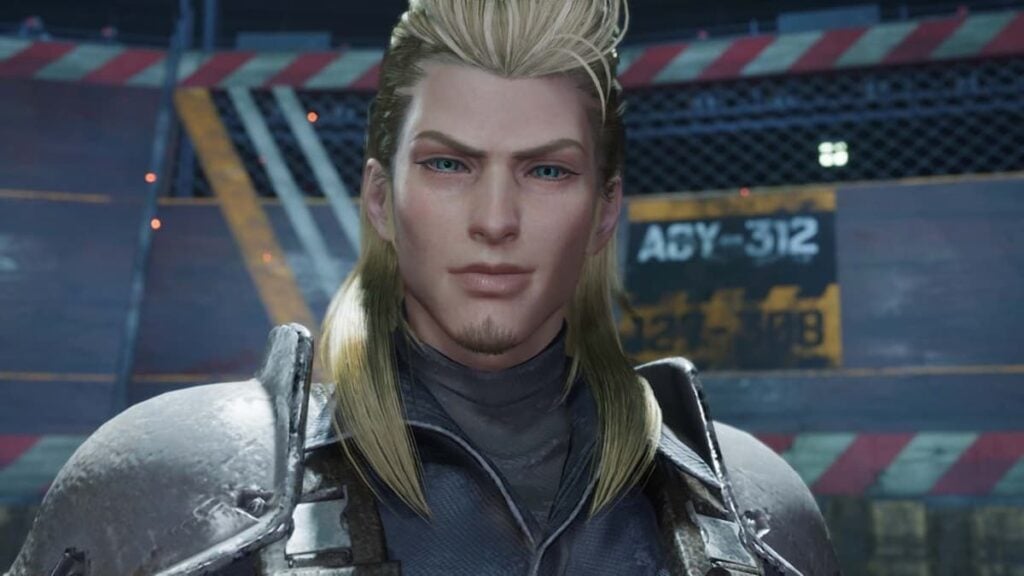
How to save in Final Fantasy 7 rebirth
Image Source: Square Enix
This article is over 2 years old and may contain outdated information.

In an epic open world like Gaia, it’s important to know how to save your progress. After all, these lands are teeming with pesky critters that want nothing better than to put you six feet under. Even though the process is straightforward, it’s always handy knowing how, just in case. So, for those wondering how to save in Final Fantasy 7 Rebirth, here’s what you need to know. Let’s go!

How Do I Save My Game in Final Fantasy 7 Rebirth?

Essentially, there are two different methods of saving your game:

  1. Manual Save – Head into the menu by pressing the ‘Options’ button and select the ‘Save / Load’ option. From here, you can choose a specific Save or Load slot. Alternatively, when you’re in the menu, you can press the Triangle button as a quick shortcut to get to these Save slots.
  2. Auto Save – This automatically saves your progress after battles, when there’s a cutscene, or when you move from a town to the world map.

It’s worth mentioning that you can save at any time except during a cutscene or while in a combat encounter.

Do note that saved data is only backed up to the cloud when your progress is saved at the main menu.

Does My Final Fantasy 7 Rebirth Demo Save Carry Over?

In short: kind of. Basically, the game saves the progress you made in Nibelheim and Mt. Nibel, meaning you can skip these parts. Unfortunately, things you did in the Junon region won’t have saved.

Luckily, you do get a couple of handy rewards for playing the Final Fantasy 7 Rebirth demo. Specifically:

  • The Kupo Charm – Increases the number of resource items extracted.
  • Survival Set – A selection of items to help aid you on your quest, like potions and ethers.

Does My Final Fantasy 7 Remake Save Data Carry Over?

Sorry to be the bearer of bad news but, no, your Final Fantasy 7 Remake save data does not carry over. This is likely due to potential balancing issues that may’ve cropped up. When you begin the game, it’ll be like starting afresh.

Related:

Does Final Fantasy 7 Rebirth Have New Game Plus? Answered

And that’s everything we have on how to save in Final Fantasy 7 Rebirth. For more on the action-RPG follow-up, feel free to check out our walkthrough of the first couple of hours down below.


Related Topics
Final Fantasy 7 Rebirth Guide
Share. Facebook Twitter LinkedIn Reddit Email
Dylan Chaundy
  • Website
  • X (Twitter)

Dylan is an Editor at The Nerd Stash and has been writing about video games, TV, and movies for over a decade now. He typically covers horror, RPGs, shooters, Roblox, indie titles, and movies. He loves reading, pizza and skateboarding -- ideally, at the same time. He has a degree in English Literature from Aberystwyth University, Wales. He thinks FTL may be the most perfect game ever created.

SUGGESTED READS

Gaming

GTA 6 Leaker Hunt Goes Nuclear as Take-Two Demands Discord and Microsoft Hand Over Private Data

Raid Shadow Legends new players
Gaming

7 New-Player Mistakes That Cost You Free Rewards in Raid: Shadow Legends (August 2026)

PlayStation's Phantom Blade Zero Preorders Have 'Far Exceeded Expectations' Despite Disc-less Release Concerns
Gaming

PlayStation’s Phantom Blade Zero Preorders Have ‘Far Exceeded Expectations’ Despite Disc-less Release Concerns

Gaming

Interview: Dawn of War 4 Voice Actor Toby Longworth Discusses Space Marine Voices and How RoboCop Inspired His Dreadnought Performance

Mortal Shell 2 Sester Genessa Unlock
Gaming

How to Unlock Sester Genessa in Mortal Shell 2

Mortal Shell 2 Enable Easy Mode
Gaming

How To Enable Easy Mode in Mortal Shell 2

The Nerd Stash
Facebook X (Twitter) Instagram YouTube LinkedIn
  • About Us
  • Join Our Team
  • Meet the Team
  • Privacy Policy
  • DMCA Policy
  • Contact Us
  • Terms of Use
  • Sitemap
  • Editorial Guidelines
  • Advertising Policy
© 2026 The Nerd Stash. All Rights Reserved.

Type above and press Enter to search. Press Esc to cancel.