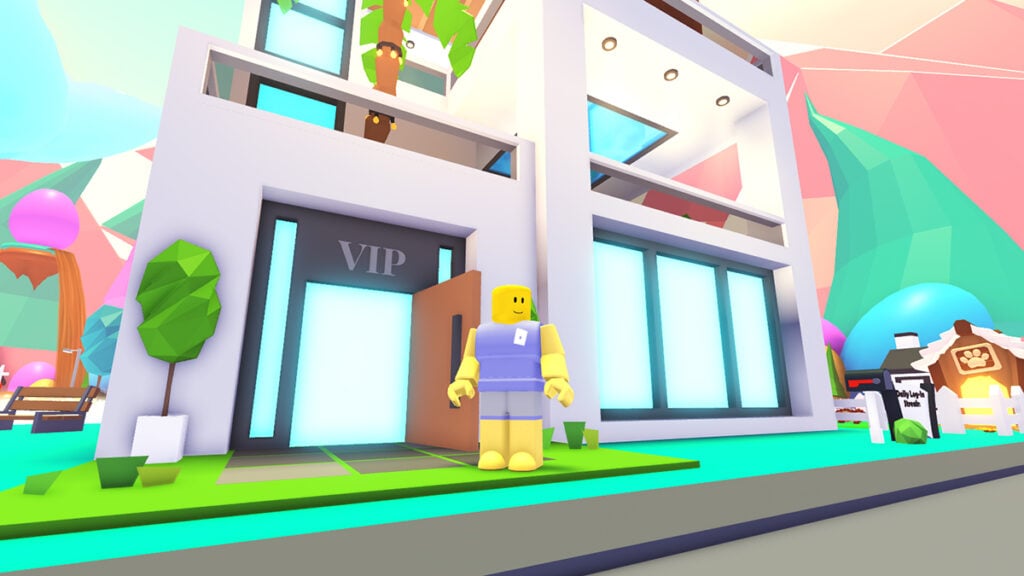
For those who play Roblox Adopt Me often, the Pet Plus $2.99 monthly subscription can give you extra in-game perks and convenient features. One of the biggest ones is being able to take two Pets for a stroll at the same time, making grinding much faster. But maybe you just want to see how it works first — or want to stop spending money on it. Our guide will walk you through how to subscribe, cancel, and what you actually get from the VIP Pet Plus feature.
How to Subscribe to Adopt Me Pet Plus Subscription
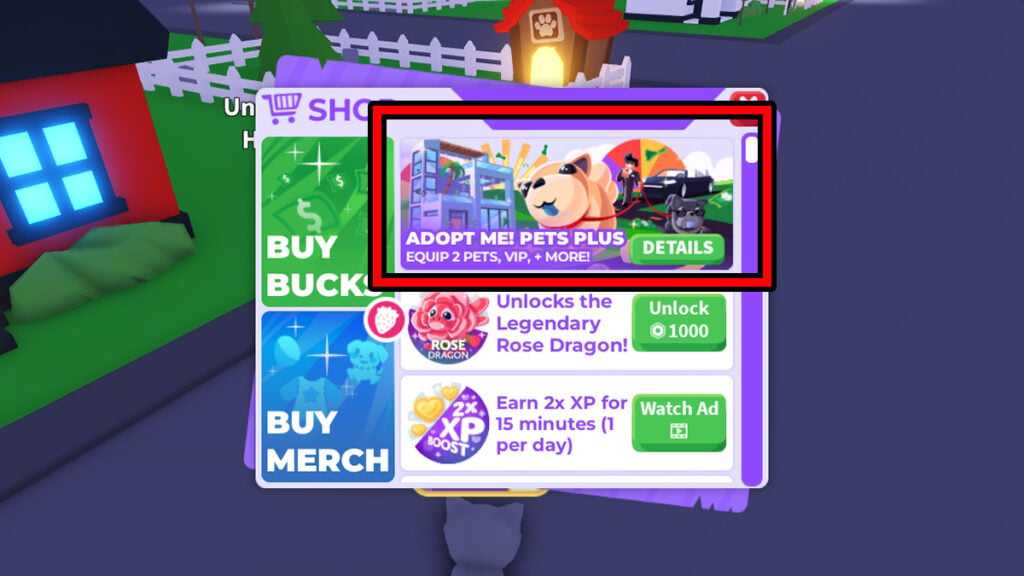
Subscribing to Pet Plus only takes a few taps or clicks while inside the game:
- Open the ‘Shop’ menu with the cart icon on the right side of your screen.
- Click on the ‘Details’ button on the ‘Adopt Me! Pet Plus’ box.
- Click on the big ‘Subscribe Now’ button. You will need to confirm the $2.99 purchase through the Roblox App, App Store, or Google Play.
- Once confirmed, you are now subscribed to the Pet Plus service.
Keep in mind that this is a recurring monthly subscription. If you’re using a credit card, you’ll be charged automatically each billing cycle unless you cancel.
How to Cancel Your Adopt Me Subscription
Cancelling or unsubscribing from the Adopt Me Pet Plus subscription can be done from the same in-game menu:
- Open the ‘Shop’ menu with the cart icon on the right side of your screen.
- Scroll the whole way down, below the ‘Premium Plot’ Gamepass.
- You should be able to see your active subscription period and a big red ‘Cancel’ button.
- Click ‘Cancel’ and confirm.
So no, you don’t have to dig through the Roblox Player app or your App Store or Google Play settings. Everything is done through Adopt Me menus. Since subscriptions are charged at the start of the billing period, your perks will remain active until the current period ends even after cancelling.
Some players on mobile and tablet have reported that they sometimes run into an error that says, “This subscription cannot be purchased here” or “You’re already subscribed.” This usually happens when multiple accounts are logged in on the same device.
To fix it, try logging out of all Apple or Google accounts on the device, then log in only using one account. If a child’s account is the one encountering the issue, then log in with the account linked to your child’s Roblox account. Afterwards, open Adopt Me and try subscribing again.
What Perks Do You Get With the Pet Plus Subscription?
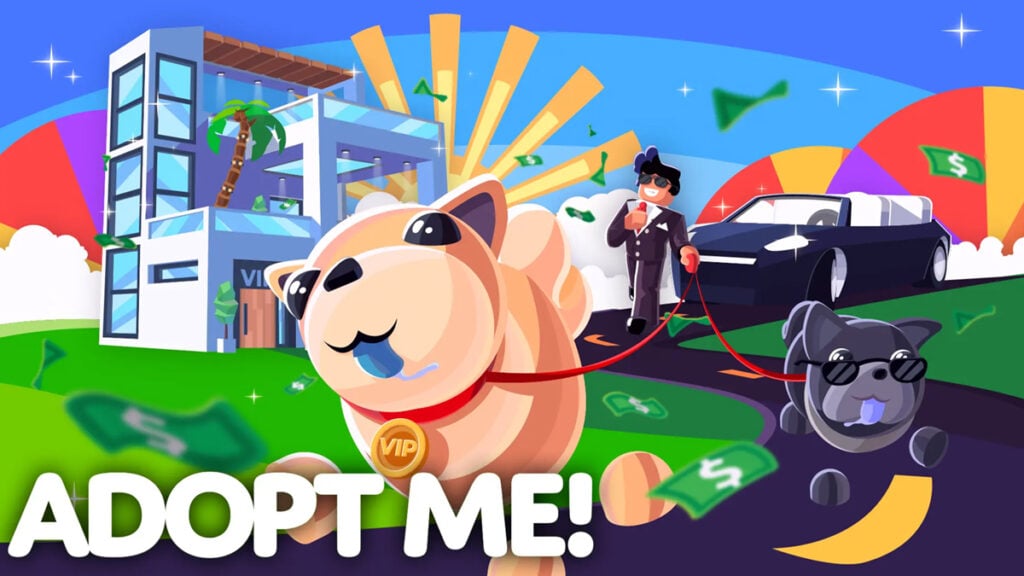
Being a VIP Pet Plus member comes with a few extra benefits. Most perks only stay active while your subscription is running, but any item-based rewards you receive are permanently added to your backpack. That means you won’t lose that swanky condo and limo even after cancelling.
| Perks | Permanent? |
|---|---|
| Pet Handler Pro Certificate, lets you equip 2 Pets at the same time | No, removed 30 days after unsubscribing |
| Exclusive sticker pack | No, removed 30 days after unsubscribing |
| Increased Bucks earning cap | No, removed when unsubscribed |
| Daily login Bucks reward | No, removed when unsubscribed |
| Access to the VIP lounge area in the Nursery | No, removed when unsubscribed |
| Priority queue when servers are full | No, removed when unsubscribed |
| Daily Streak saver | No, removed when unsubscribed |
| VIP gold chat tag and name color | No, removed when unsubscribed |
| Access to purchase the Retired Egg (Bucks 600) | Yes, the item is permanently added to the backpack once bought |
| Get 1 Golden Bone (209 Robux) every 30 days | Yes, the item is permanently added to the backpack once bought. Stops when unsubscribed |
| Exclusive A Very Very Important Person’s House | Yes, first-time subscriber bonus |
| Six-seater Limo car | Yes, first-time subscriber bonus |