Close Menu
  • Gaming
    • Platforms
      • Nintendo
      • PC
      • PlayStation
      • Xbox
  • Entertainment
    • Movies
    • TV
    • Royals
  • Celebrity
    • Hollywood
  • Human Interest
  • Astrology
  • More
    • Reviews
Facebook X (Twitter) Instagram LinkedIn YouTube
  • About Us
  • Join Our Team
  • Meet the Team
  • Privacy Policy
  • DMCA Policy
  • Contact Us
  • Terms of Use
  • Sitemap
  • Editorial Guidelines
  • Advertising Policy
The Nerd Stash
  • Gaming
  • Celebrity
  • Hollywood
  • Human Interest
The Nerd Stash
Home»Gaming»How to Use Read Option in Madden 24

How to Use Read Option in Madden 24

If you’re playing Madden 24, then chances are that you’re a much bigger fan of the sport than most others who enjoy it are. If so,…

Nerd Stash StaffNat CollazoBy Nerd Stash Staff and Nat CollazoAugust 15, 20232 Mins Read
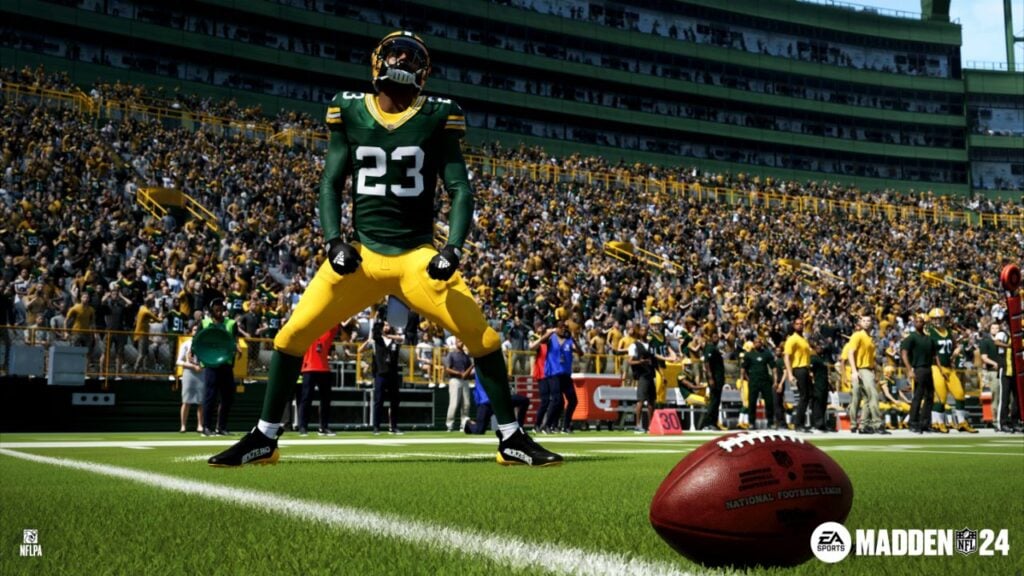
Madden NFL 24 Screenshot about Closed Beta and Early Access
Image Source: EA Sports
This article is over 2 years old and may contain outdated information.

If you’re playing Madden 24, then chances are that you’re a much bigger fan of the sport than most others who enjoy it are. If so, then you know that the read option is essential to know, meaning that it’s essential to know in Madden 24. With so many plays and so many different things that can happen at any given time, it’s essential to be able to know as much as you possibly can. That being said, we have everything you need in order to execute a read option in Madden 24 by EA Sports.

Using the Read Option in Madden 24

(Updated on October 4, 2024 – updated links and format)

How to Use Read Option in Madden 24
Image Source: EA Sports

Whenever you want to use the read option in Madden 24, you’re going to want to go over to the concept tab and select the Option selection while you are playing on offense. At this point, you’ll be able to see exactly how many option plays are currently available. You can also choose which one of these plays you would like to currently run, constantly keeping the defending team on their toes.

If you’re the quarterback, you can keep the ball or hand it off to the running back when you are in action. There’s nothing that you need to press if you want to keep the ball, but you will need to hold the A button on Xbox or the X button on PlayStation if you want to hand it off.

How To Successfully Execute A Read Option

There are different plays that can present themselves as a read option in the playbook. If the play you chose is either a sweep or a pitch play, then you can either run the ball as the quarterback or again, hand it to the running back. You can do this by pressing the LB button on Xbox or the L1 button on PlayStation.

If you really want to try and successfully execute a read option every time you go to do it, then you’re going to want to get very good at reading the defense. If there is a gap for you to run through for an inside run, then do it. If not, then you might want to hold on to the ball for a better opportunity. Regardless, there’s no doubt that you will learn how to properly do these plays.


Related Topics
Guide Madden 24
Share. Facebook Twitter LinkedIn Reddit Email
Nerd Stash Staff, Nat Collazo
  • Website

Nerd Stash Staff, Nat Collazo
  • Website

SUGGESTED READS

How to get Radiant Gems In Palworld 1.0
Gaming

How to get Radiant Gems In Palworld 1.0

gamescom dev 2026 Adds Subnautica 2 Creative Director as Keynote Speaker, Reveals New Awards
Gaming

gamescom dev 2026 Adds Subnautica 2 Creative Director as Keynote Speaker, Reveals New Awards

Fortnite Summer Skins Censored Rumors
Gaming

Fortnite Fans Disappointed as Upcoming Summer Skins Have Been Allegedly Censored One Day After Their Reveal: ‘They Folded Without Any Pressure’

Where to Mine Soralite and Paloxite in Palworld
Gaming

Where to Mine Soralite and Paloxite in Palworld

Beast of Reincarnation Game Previews
Gaming

Beast of Reincarnation Previews Just Made It One of the Most Anticipated Games of 2026

Palworld 1.0 Patched the Tower Boss Glitch, but You Can Recruit Them Instead
Gaming

Palworld 1.0 Patched the Tower Boss Glitch, but You Can Recruit Them Instead

The Nerd Stash
Facebook X (Twitter) Instagram YouTube LinkedIn
  • About Us
  • Join Our Team
  • Meet the Team
  • Privacy Policy
  • DMCA Policy
  • Contact Us
  • Terms of Use
  • Sitemap
  • Editorial Guidelines
  • Advertising Policy
© 2026 The Nerd Stash. All Rights Reserved.

Type above and press Enter to search. Press Esc to cancel.