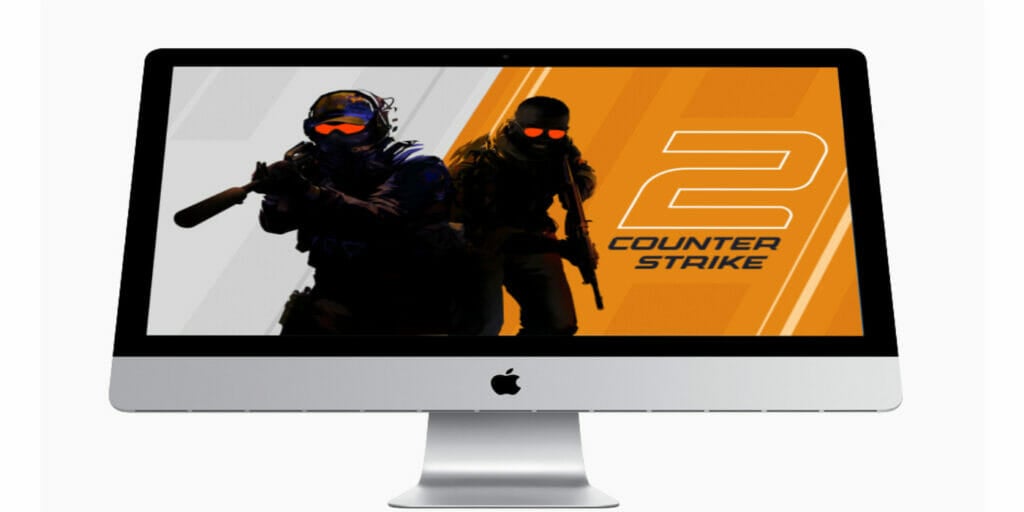
After almost twenty-four years, we finally have Counter-Strike 2 in our hands! PC players have been having the time of their lives with the Valve first-person shooter for so long that many of us remember having to hide it from our teachers in public schools just to be able to play with friends at any given moment. Now that the second installment is upon us, we want to let you know if Counter-Strike 2 is on Mac and explain all CS2 platforms.
Is Counter-Strike 2 On Mac?
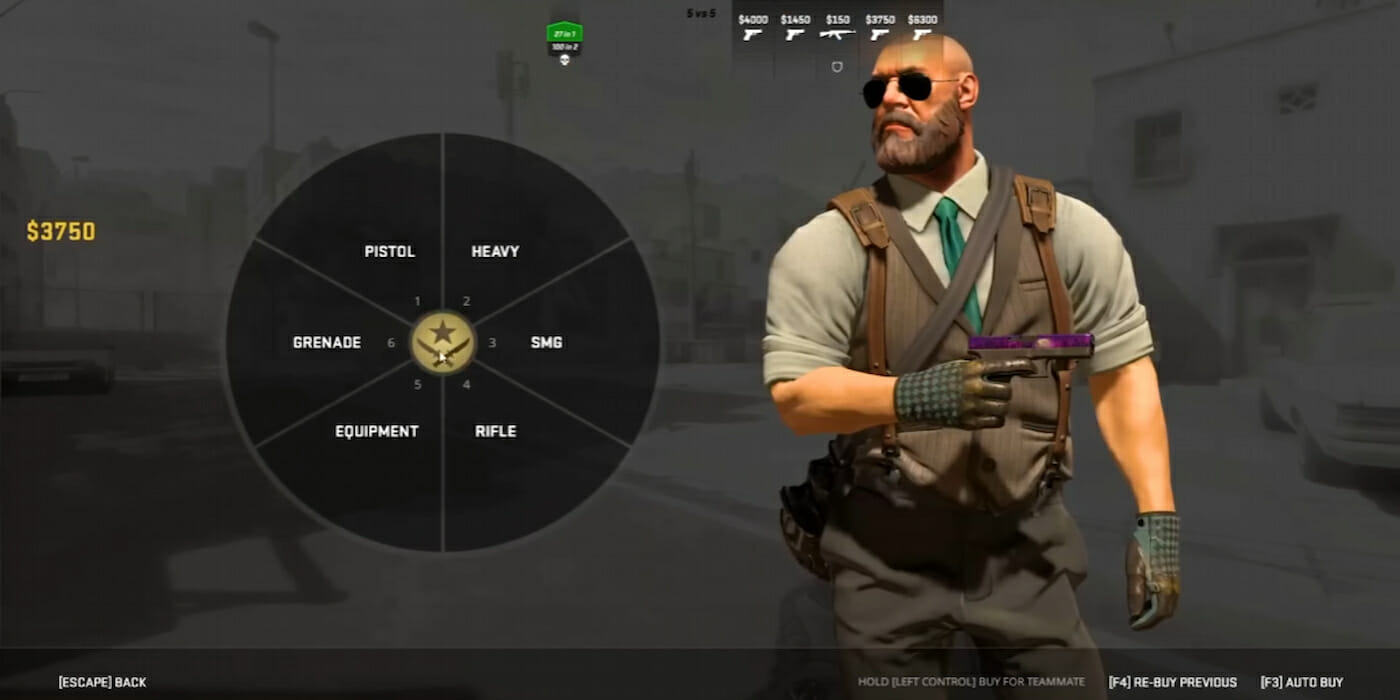
Unfortunately, there is no native way to play Counter-Strike 2 on Mac. However, that doesn’t mean that players should rule out the possibility as a whole. The game had a sudden launch that surprised many players, but it’s possible that the announcement of a Mac port was done so as not to overshadow the actual game’s launch.
If you happen to have Boot Camp installed on your Mac device, then you can play Counter-Strike 2 using the Windows that was. Down below are the steps needed to install Boot Camp Assistant if you do not have it already.
How To Play CS2 On Mac
To play CS2, you have to have Windows on your computer. In the case of Mac computers, you can do the following to add Boot Camp, a program that allows you to switch to Windows on your Mac:
- Check your Secure Boot setting
- The default Secure Boot setting is Full Security, so check to ensure that it is at that setting before you do anything else.
- Use Boot Camp Assistant to create a Windows partition
- Open Boot Camp Assistant. This is located in the Utilities folder of your Applications folder.
- If you’re asked to insert a USB drive for any reason, plug an unused, emptied USB flash drive into your Mac. Boot Camp Assistant will be using this USB to create the partition.
- When Boot Camp Assistant asks you to set the size of the Windows partition, set a partition size that lets you do what you need to do. In this case, you want to play CS2.
- Format the Windows (BOOTCAMP) partition
- When Boot Camp Assistant finishes installing, your Mac restarts to the Windows installer. If the installer asks where to install Windows, select the BOOTCAMP partition within the USB you had to insert, (or wherever you decided to place it) and click Format.
- Install Windows
- Follow the onscreen instructions to begin the installation.
- Use the Boot Camp installer in Windows
- After Windows installation completes, your Mac starts up in Windows and opens a ”Welcome to the Boot Camp installer” window. Follow the onscreen instructions to install Boot Camp and Windows drivers before restarting your Mac again.
Is CS2 on Consoles?
The only platform that you can play CS2 on is on Windows through Steam. There are currently no plans to natively allow for Mac users to play nor are there plans for it to be on consoles at this time.
Related:
Is Counter-Strike 2 Free? CS2 Download Explained
Counter-Strike 2 is available now for free on PC.