Close Menu
  • Gaming
    • Platforms
      • Nintendo
      • PC
      • PlayStation
      • Xbox
  • Entertainment
    • Movies
    • TV
    • Royals
  • Celebrity
    • Hollywood
  • Human Interest
  • Astrology
  • More
    • Anime
    • Reviews
Facebook X (Twitter) Instagram LinkedIn YouTube
  • About Us
  • Join Our Team
  • Meet the Team
  • Privacy Policy
  • DMCA Policy
  • Contact Us
  • Terms of Use
  • Sitemap
  • Editorial Guidelines
  • Advertising Policy
The Nerd Stash
  • Gaming
  • Celebrity
  • Hollywood
  • Human Interest
The Nerd Stash
Home»Gaming»Nvidia Fixes The FPS Problem on Discord, Here’s How

Nvidia Fixes The FPS Problem on Discord, Here’s How

This week, many users reported that Discord is slowing down their Nvidia GPUs, causing dramatic FPS problems. That’s weird because Discord is specially optimized for…

Emre OzdoganBy Emre OzdoganFebruary 3, 20232 Mins Read
Nvidia Fixes The FPS Problem on Discord, Here's How
This article is over 3 years old and may contain outdated information.

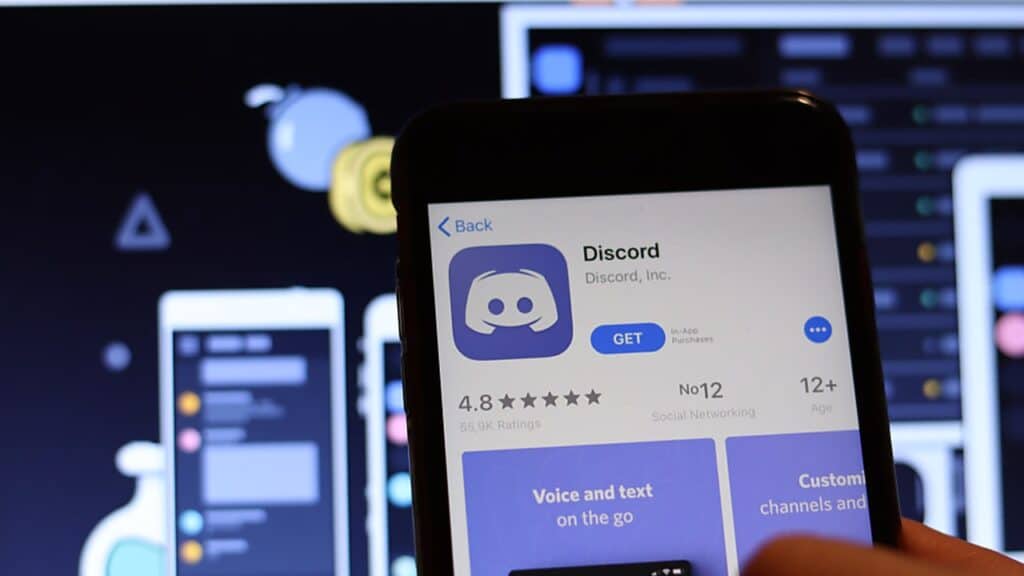
This week, many users reported that Discord is slowing down their Nvidia GPUs, causing dramatic FPS problems. That’s weird because Discord is specially optimized for less performance loss in gaming, but a fresh bug cause might bring that problem. If you also faced the same problem, there’s a better temporary fix now. Some players were solving this by closing Discord, but Nvidia’s new solution blocks the problem. The problem is available mainly among the RTX 3060 and RTX 3080 Ti users. If you’re using one of these Nvidia cards and are suspicious of the performance, then this patch would fix the Discord problem.

The performance loss depends on the game. But reportedly, users discovered a loss with the clock speeds around 200MHz. This is a noticeable difference in the games with realistic graphics. Your GPU probably won’t use its full potential in games like Cuphead, but why wouldn’t you use it all?

Nvidia Fixes The FPS Problem on Discord, Here’s How

Nvidia’s solution is a specific configuration for Discord. It’ll be downloaded and installed on your computer. The update corrects the configuration for Discord, which fixes the frequency problem on the clock. Nvidia also claims that the fix isn’t a Windows update or a driver update. It’s an application profile that will be automatically installed onto your computer. All you need to do is log into Windows, and the fix will be loaded. It’s pleasant to see a simple solution to this.

GeForce users can now download an app profile update for Discord. This resolves a recent issue where some GeForce GPUs memory clocks did not reach full speed w/ Discord running in the background. The update automatically downloads to your PC the next time you log into Windows. pic.twitter.com/89nwugWQFF

— NVIDIA Customer Care (@nvidiacc) February 3, 2023

You do not have to do anything for the fix. But if you want to make sure your drivers are up-to-date, it’s not related to Discord’s FPS problem; but outdated drivers might cause problems even Nvidia isn’t aware of. Discord is the most used chat application for gaming, and it was annoying to see performance problems with the application. Thankfully, the problem is fixed, and you can continue using it.


Related Topics
Discord Nvidia
Share. Facebook Twitter LinkedIn Reddit Email
Emre Ozdogan
  • Website
  • Instagram

Emre is a young journalist interested in technology and video games. He started gaming on his sister's laptop and continues on PlayStation these days.

SUGGESTED READS

MindsEye Layoffs 2026
Gaming

Studio Behind GTA-like Game, MindsEye, Hit With More Layoffs, and Nobody is Surprised: ‘Shocked There’s Even a Janitor Working There’

Princess Peach Spin-Off Movie May Already Be in Development, Job Listing Suggests
Gaming

Princess Peach Spin-Off Movie May Already Be in Development, Job Listing Suggests

North Carolina teacher pay
News

‘Downright Shameful’: North Carolina Teacher Pay Ranking Sparks Wave of Local Outrage

Xbox's New CEO Wants to Reconnect With the 'Community,' Yet Brings In More CoreAI Leaders
Gaming

Xbox’s New CEO Wants to Reconnect With the ‘Community,’ Yet Brings In More CoreAI Leaders

Diablo 4 Season 13 Tier List
Gaming

Class Tier List for Diablo 4 Season 13 (Best Classes for Endgame & Leveling)

Take-Two Boss Finally Explains Why GTA 6 Is Skipping PC at Launch: 'We'll See How It Works Out'
Gaming

Take-Two Boss Finally Explains Why GTA 6 Is Skipping PC at Launch: ‘We’ll See How It Works Out’

The Nerd Stash
Facebook X (Twitter) Instagram YouTube LinkedIn
  • About Us
  • Join Our Team
  • Meet the Team
  • Privacy Policy
  • DMCA Policy
  • Contact Us
  • Terms of Use
  • Sitemap
  • Editorial Guidelines
  • Advertising Policy
© 2026 The Nerd Stash. All Rights Reserved.

Type above and press Enter to search. Press Esc to cancel.