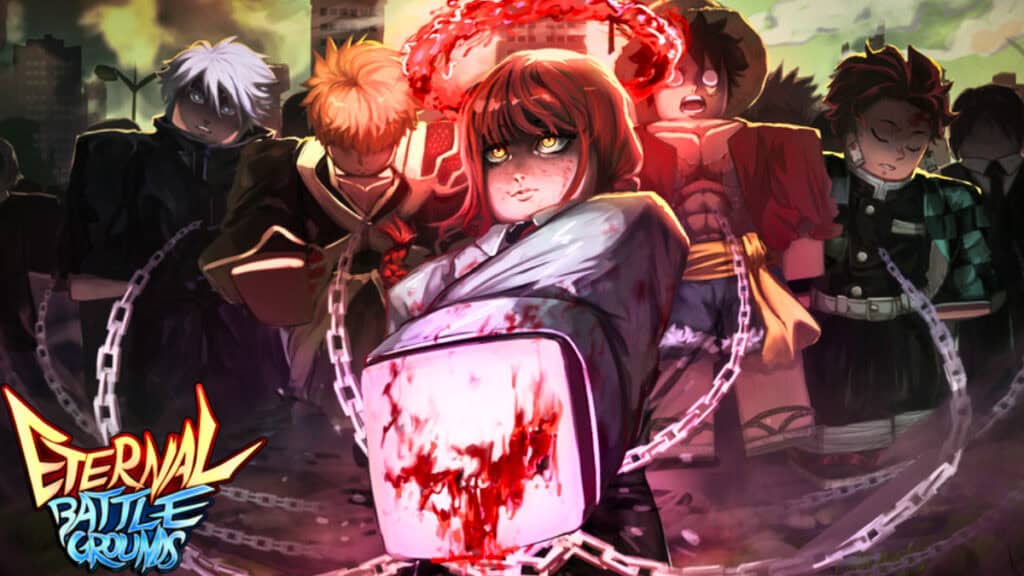
In Roblox Eternal Battlegrounds, the fighting truly seems endless. Whether you jump into the Arena or face opponents off in specific game modes, there’s no stopping the combat. So, you’ll need the best anime characters. Redeeming codes is a good way to gain more currency or even Champions in Roblox Eternal Battlegrounds. But remember to redeem them as soon as you can. You don’t want to wind up on the wrong side of a sword in this fast-paced experience.
All Working Codes For Eternal Battlegrounds
Below are the active codes you can use for Roblox Eternal Battlegrounds. I’ve tested them recently to ensure they still work as of this writing:
| Code | What It Does |
|---|---|
| 3000 likes | Rewards 1k Coins |
| eternal | Rewards 300 Coins | 5 Gems | Champion (Tann) |
| 2000 likes | Rewards 300 Coins | 5 Gems |
How To Redeem Eternal Battlegrounds Codes
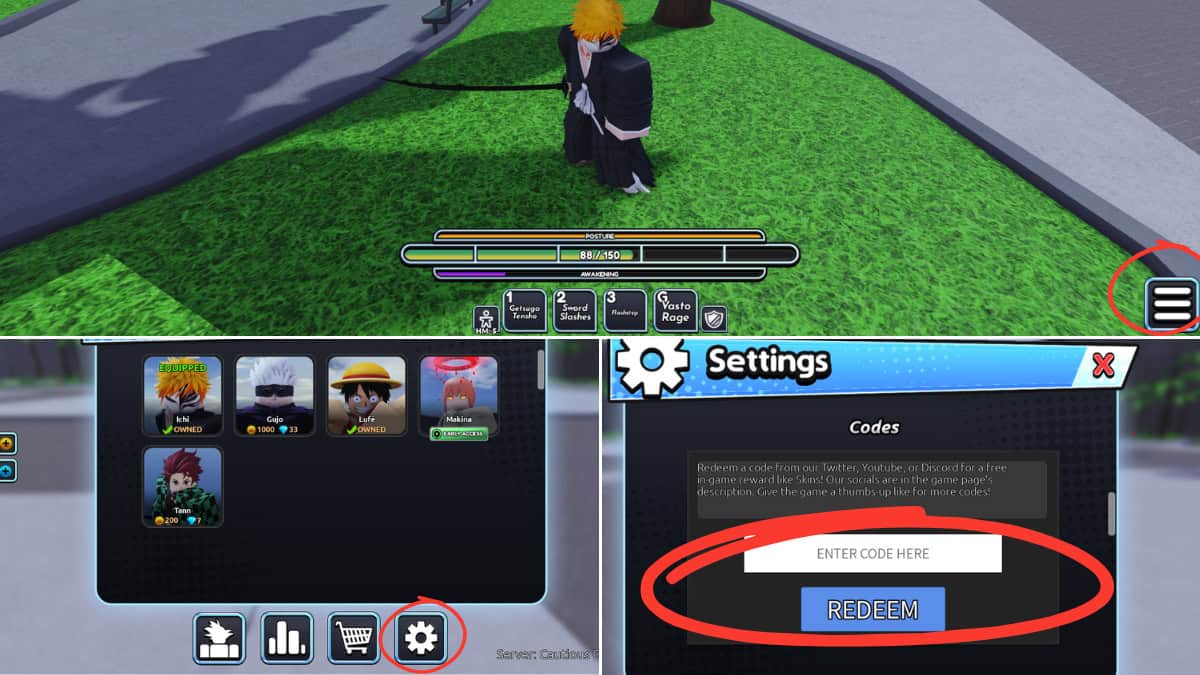
Eternal Battlegrounds has an easy code redemption process. It’s the same whether you’re a vet or new at the experience with no extra steps:
- Choose where you want to go: Arena or Game Mode
- If you choose Arena, you must pick a server before getting into the game
- Select the Menu, using either the button at the top left corner labeled “Menu” or the icon in the lower right corner
- Go to the Settings tab by clicking on the last gear-like icon toward the right
- While on the Settings page, scroll down until you find the text box labeled “Codes”
- Type or paste your code into the text box and select “Redeem”
Issues Redeeming Codes
Once you’re in Eternal Battlegrounds, redeeming codes seems like a quick and straightforward experience. But there are times when you can run straight into problems as well.
There will always be a brief pop-up when you successfully redeem a code that will indicate your reward. If you instead see something else, perhaps text explaining the code doesn’t work, then you may have typed something incorrectly. The codes are case-sensitive and space-sensitive, so to speak. This means that if there is any space between the words or numbers in the code, you must type that into the text box. Otherwise, it won’t work.
Redeeming codes for Eternal Battlegrounds can be beyond helpful, so it’s important to get things right. Consider copy-paste to make sure nothing goes wrong. If everything looks good and you still cannot redeem anything, then you may, unfortunately, be too late. Codes don’t last forever, unlike the battles in this Roblox experience. You’ll need to work fast if you want to earn those rewards.