It’s been a wild year for Project Zomboid in terms of updates, with two major ones launching too close to one another. And while we appreciate the new features and polish, the truth is that the “modpocalypse,” as many call it, continues to follow us. If you don’t know, each major update tends to break mods, and with some of them now outdated or stuck in version 42.13, we’ve made a new list of the best 10 Project Zomboid mods for Build 42.
(Updated on August 5, 2026: Remade the list with the 10 best mods for the current stable version).
1. Neat UI by Rocco
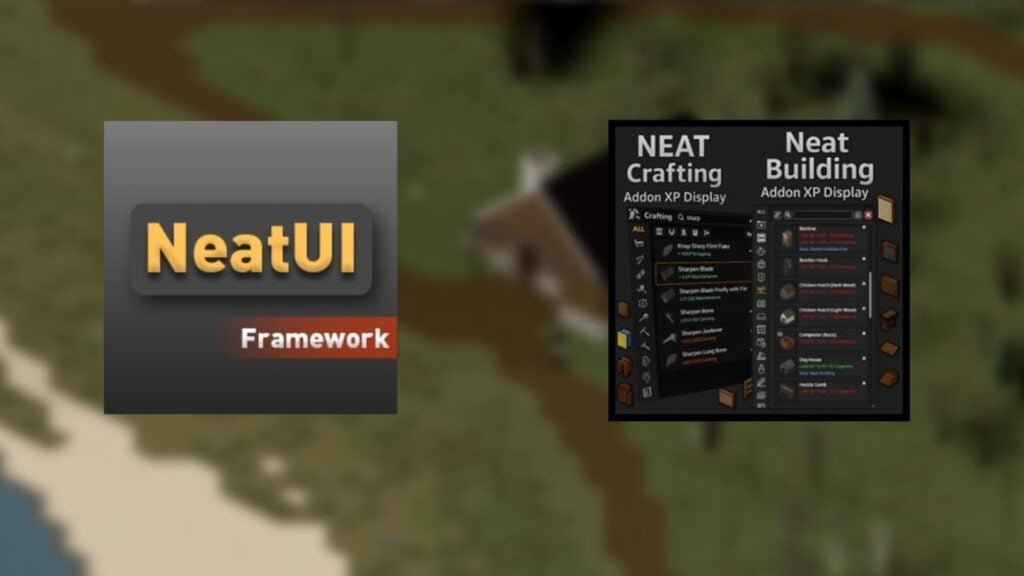
We usually try to feature only the best mod from one author, but we’ll make an exception here because Rocco has been nailing it when it comes to UI Mods. First, we have NeatUI Framework, which is the base for any other Neat- mods in Project Zomboid. Besides making the UI easier to read and navigate, some sister mods coming from this one make farming, butchering, and many other things extremely helpful.
2. Clean HotBar by Rocco
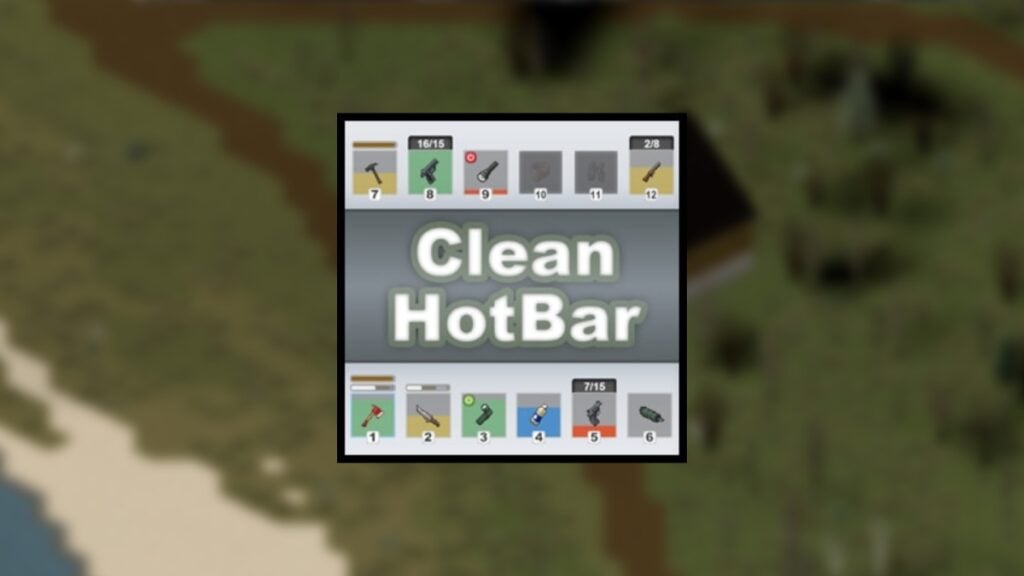
Here’s another UI mod from Rocco, which, even if it is from the same user, we do think can be used with or without the above one. This one brings what every Project Zomboid player wants: the ability to look at item conditions and the amount of contents inside a container, all in your HotBar. Even if you’re not a big fan of the NeatUI mods, we recommend having this one at all times, as it feels like those mods that should be part of the base game already.
3. Bandits by Slayer
You knew we had to include this, and with good reason: it is the closest thing we’ll have to proper NPCs in Project Zomboid. Many might remember the humble beginnings of this mod back in B41 days, but it has now grown considerably to the point that there’s talk of a Bandits 2 mod. Yet, while we wait, we recommend installing the base mod, along with the superb Week One mod, which simulates a whole week for you to see Knox Country before the outbreak.
4. Reactive Sound Events by JulianFVM
While Project Zomboid offers endless sandbox opportunities, many of us just want objectives or random things to do, and that’s precisely what the Reactive Sound Events mod does. Here, you’ll get a few events on your map, ranging from survivor camps, car crashes, and gunshots, all of them leading you to some loot or something else. However, zeds react to these sounds, too, meaning that you might be in for a tough fight ahead.
5. Rain’s Firearms & Weapon Parts
The majority of us are still waiting for Brita’s Weapons to make its long-awaited comeback, but the truth is that there are other weapon mods in Project Zomboid that are just as great. One of those is Rain’s Firearms & Weapon Parts, which many were waiting for. This one is a lightweight weapon mod with no extra frameworks or dependencies. While it may not be too 90’s-coded, it has a few useful parts, such as silencers and several weapon upgrades.
6. RV Interior by Mickey Knox
This is yet another must-have mod, and one many will remember fondly from B41. RV Interiors lets players live that nomad life by allowing them to build, live, and modify everything inside an RV. Finding the RV might be the most challenging part, but once you do, you’ll have your base on wheels as you travel across Knox Country. Also, we recommend adding the expansions to the mod by user Caçador. They created the RV Interior Expansions mods, which go great with the base one in Project Zomboid Build 42.
- Steam Workshop Link
- RV Interior Expansion Part 1, RV Interior Expansion Part 2
- Mickey Knox’s Workshop
7. Survival Journals by Burd
Reading can be a somewhat tedious thing to do in Project Zomboid, but this particular mod makes reading and exploration rewarding, at least in Build 42. We’re talking about Burd’s Survival Journals, which add journals from previous survivors into the world, and reading them gives you experience points in certain skills, and sometimes even traits. There are even some cursed journals with some challenging and scary effects for those who dare to open them.
8. Survival by Balance
Crafting got a huge facelift with the arrival of B42, and user Balance has expanded some of its systems by leaning toward a more immersive survival experience. The mod aptly titled Survival expands upon several recipes to create more realistic and useful items, such as torches, twisting rope from twine, and a few other functions. This is the perfect mod for wilderness survivors and those who want more recipes to craft.
9. Here Goes the Sun by Bass
The atmosphere of Project Zomboid is already one of a kind, but this mod improves it by making sunsets feel different and much more beautiful. Here Goes the Sun, how sunsets and sundowns work, by making them work with weather-based transitions and also improving the overall lighting of each day. It might not be a gameplay-altering mod, but it definitely changes how the game feels by making each day feel different, as the author puts it, and we completely agree.
10. Unseasonal Weather by MasterGG
Here we have the Unseasonal Weather mod for Project Zomboid, which, just like Here Goes the Sun, completely improves the atmosphere of the game. The great thing is that both mods work together perfectly, and we encourage using them together when playing Build 42 of Project Zomboid. Unseasonal Weather adds a pool of climate anomalies to each season, meaning that the old vanilla weather is long gone, and players need to prepare to see what’s coming next. There’s even a dedicated radio station to help you prepare for whatever Mother Nature throws next.
11. Spawn Selector by N3WO
All of us love the randomness of Project Zomboid, but we sometimes also want to spawn on a specific location, which is precisely what this useful mod does. Spawn Selector by N3WO lets you pick a specific spawn point on the map. You can do this before starting your run, but you need to be careful about other mod conflicts, as others that mess with spawning could override this one.
12. Knox Buildworks by El1oN
Project Zomboid has improved its build mode considerably, but some of us still want a few extra functions to make the process of using a lot easier. Well, that’s what El1oN has done with Knox Buildworks. This mod lets you preview where you’ll build your next structure, as well as add even more buildable items to the game. It is quite useful for those looking to reinforce their base or create a new one from scratch.
13. Fancy Handiwork by dhert
While not the most game-changing mod on the list, we all love mods that add even more immersion to Project Zomboid, which is what Fancy Handiwork does. It basically adds even more animations to the game that will trigger when doing certain actions, such as swapping items, aiming, interacting with items in the world, and more.
14. Jumbo Tree Fix by movin
It is a bit strange that one of the most downloaded mods right now is a simple fix, but the truth is that it does a monumental change, or should we say…jumbo? In all seriousness, the new jumbo trees of Project Zomboid have a weird glitch when your character is indoors, so this mod fixes that and gets rid of that strange shading that glitches through walls.
15. This Is Your Life by N3WO
To wrap this up, we have one of the most downloaded and immersive mods for the game right now, called This Is Your Life, by N3WO. This mod completely changes the character-creation part, as it lets you choose your origin, which now provides bonuses, such as +1 Fishing if spawning on Riverside, as well as providing a neat and more immersive UI to select traits and occupations. It may conflict with mods like Spawn Selector, so make sure to pick the one you like the most.
Of course, there are many more Project Zomboid mods we’d love to feature, but right now we’ll stick with these for now and update the list as more become available. But if you really want to change your next run without modifying the game much, these mods are a must-have for any playthrough.