Close Menu
  • Gaming
    • Platforms
      • Nintendo
      • PC
      • PlayStation
      • Xbox
  • Entertainment
    • Movies
    • TV
    • Royals
  • Celebrity
    • Hollywood
  • Human Interest
  • Astrology
  • More
    • Reviews
Facebook X (Twitter) Instagram LinkedIn YouTube
  • About Us
  • Join Our Team
  • Meet the Team
  • Privacy Policy
  • DMCA Policy
  • Contact Us
  • Terms of Use
  • Sitemap
  • Editorial Guidelines
  • Advertising Policy
The Nerd Stash
  • Gaming
  • Celebrity
  • Hollywood
  • Human Interest
The Nerd Stash
Home»Gaming»How to Fix the Strawberrybeard Error Code in Sea of Thieves

How to Fix the Strawberrybeard Error Code in Sea of Thieves

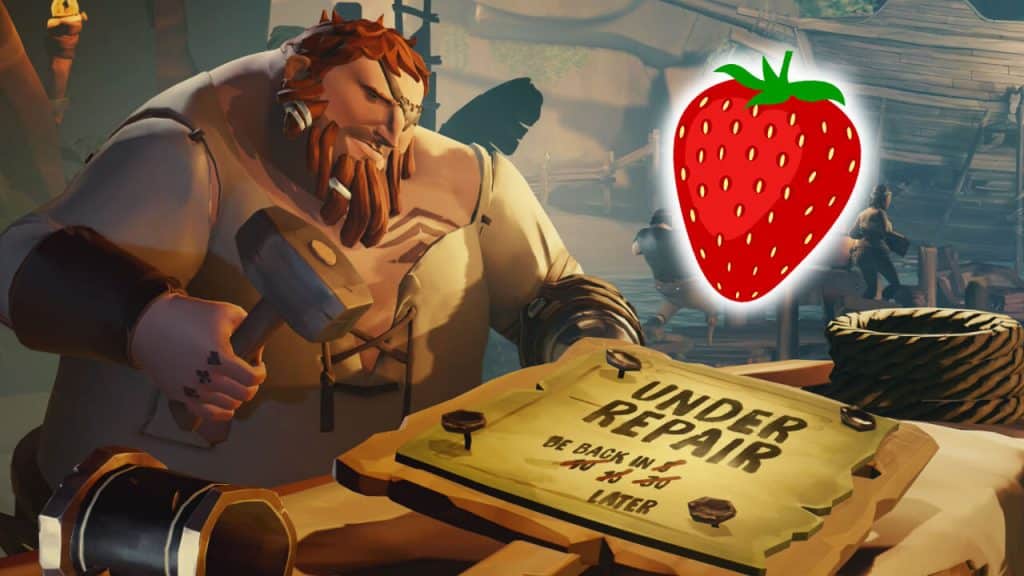
While the thought of a squiggly, strawberry-colored beard might bring a smile to one’s face, “Strawberrybeard” is a word no swashbuckling pirate in Sea of…

AugustBy AugustNovember 4, 20222 Mins Read
Strawberrybeard error in Sea of Thieves
This article is over 3 years old and may contain outdated information.

While the thought of a squiggly, strawberry-colored beard might bring a smile to one’s face, “Strawberrybeard” is a word no swashbuckling pirate in Sea of Thieves wants to see because sometimes it triggers an error. For those new to the perilous seas of Devil’s Shroud, Beard Errors are a type of error code that occasionally appears on the game’s title screen. There are a variety of beards, such as BronzeBeard, Coralbeard, or Obsidianbeard. Each name refers to a specific type of problem that an individual or their account has encountered. For instance, Ashbeard means a player still needs to sign onto Xbox Live and can play the game once they do so.

[Updated August 24, 2024 – Updated links]

What Is the Strawberrybeard Error in Sea of Thieves

Encountering the Strawberrybeard error code in Sea of Thieves

The Strawberrybeard error in Sea of Thieves refers to a problem caused by the servers being down for maintenance or external network issues. Strawberrybeard can also indicate that a player’s Firewall or Antivirus is hindering the game’s client from working correctly. Additionally, the issue might be related to one’s ISP connection.

Related: 

Can You Change Your Character in Sea of Thieves?

Whatever the case, as long as the Strawberrybeard error is showing up on players’ screens in Sea of Thieves, they will not be able to play the game. Of course, it is possible to reach out to player support for a potential solution. However, the developers and support team are likely so busy that most fans’ inquiries will take exceptionally long to be answered. Fortunately, Attack of the Fanboy has suggested a fix for Strawberrybeard that might enable players to get back into Sea of Thieves.

First, PC users will need to close the game and attempt a simple restart. Ensuring the game’s files are up to date with the latest patch is also essential. If this method does not solve the issue, then fans should check if their antivirus or firewall software is blocking Sea of Thieves from making any changes to its files. Likewise, Xbox users should also restart their game and make sure that their game is appropriately updated. However, it is possible that the issue might persist even with these fix attempts. If this is the case, then it is likely that the servers are down for maintenance, as mentioned above. For the dev team to complete their maintenance, patience is the only solution for these server-related problems. 
Related Topics
Guide Sea of Thieves
Share. Facebook Twitter LinkedIn Reddit Email
August

August Webb is a Staff Writer and former Lead Guide Editor of TNS. When not working, she's playing a visual novel, fanning over an indie gem, or lost in the world of VR.

SUGGESTED READS

Where to Get Corrosive Solvent in Palworld 1.0
Gaming

Where to Get Corrosive Solvent in Palworld 1.0

Where to Find All Echobones & Catch Panthalus in Palworld 1.0
Gaming

Where to Find All Echobones & Catch Panthalus in Palworld 1.0

Transport Fever 3 Features
Gaming

Transport Fever 3 Is Gearing Up for Launch With New Footage Showcasing Several Features for Transport Tycoon Fans

9.5
Gaming

Rhythm Heaven Groove Review – Harmonic Perfection

Marvel Rivals Season 9 Hands-On Preview
Gaming

Marvel Rivals Season 9 Hands-On Impressions: Feels Like a Whole New Game

Diablo 4 x Overwatch Collab
Gaming

Diablo 4 x Overwatch Impressions: Something of an Inconsistent Bag

The Nerd Stash
Facebook X (Twitter) Instagram YouTube LinkedIn
  • About Us
  • Join Our Team
  • Meet the Team
  • Privacy Policy
  • DMCA Policy
  • Contact Us
  • Terms of Use
  • Sitemap
  • Editorial Guidelines
  • Advertising Policy
© 2026 The Nerd Stash. All Rights Reserved.

Type above and press Enter to search. Press Esc to cancel.