Close Menu
  • Gaming
    • Game Guides
    • Codes
    • Game News
    • Game Previews
    • Game Reviews
    • Game Features
    • Game Lists
    • Platforms
      • Nintendo
      • PC
      • PlayStation
      • Xbox
      • Mobile
  • Entertainment
    • Movies
    • Movie Features
    • Movie Reviews
    • TV
    • Reality TV
    • Royals
  • Celebrity
    • Hollywood
  • Human Interest
  • Astrology
  • Videos
  • More
    • Anime
    • Lists
    • Podcasts
    • Reviews
Facebook X (Twitter) Instagram LinkedIn YouTube
  • About Us
  • Join Our Team
  • Meet the Team
  • Privacy Policy
  • DMCA Policy
  • Contact Us
  • Terms of Use
  • Sitemap
  • Editorial Guidelines
  • Advertising Policy
The Nerd Stash
  • Gaming
  • Celebrity
    • Hollywood
  • Human Interest
  • Videos
The Nerd Stash
Home»Game Guides»How to Use Flawless Widescreen to Increase FOV in Atomic Heart

How to Use Flawless Widescreen to Increase FOV in Atomic Heart

Do you want to know how to use Flawless Widescreen to increase your field of view (FOV) in Atomic Heart? Atomic Heart is a first-person…

Asanga WijeratneBy Asanga WijeratneFebruary 22, 20233 Mins Read
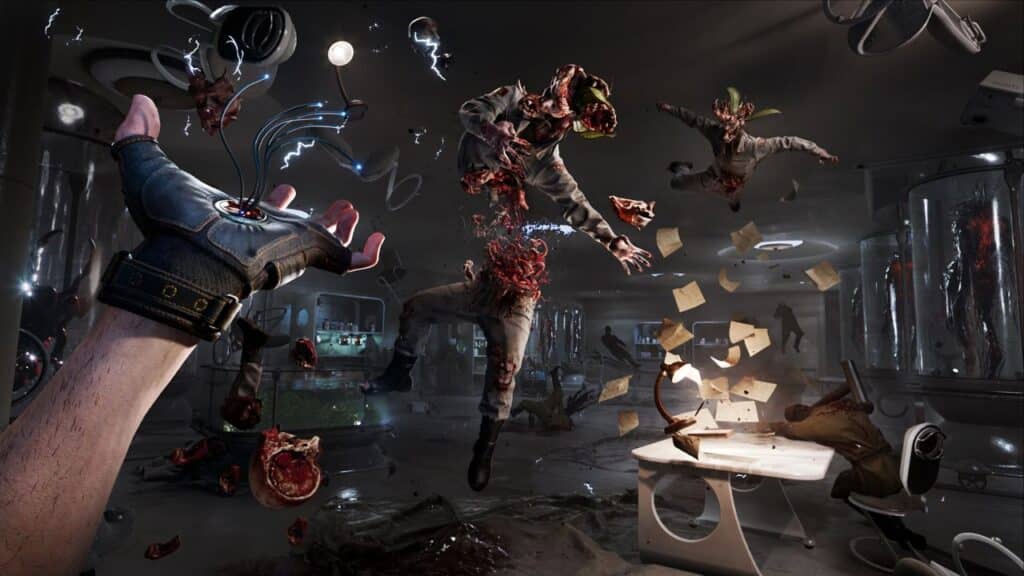
Atomic Heart Flawless Widescreen
This article is over 3 years old and may contain outdated information.

Do you want to know how to use Flawless Widescreen to increase your field of view (FOV) in Atomic Heart? Atomic Heart is a first-person shooter set in an alternate Soviet Union, and it can sometimes be quite intense. Fortunately, Flawless Widescreen can help you maximize your gaming experience by increasing your FOV. This guide will tell you how to use Flawless Widescreen to improve your FOV in Atomic Heart.

What is Flawless Widescreen in Atomic Heart?

Flawless Widescreen is a tool that you can use to customize your field of view in Atomic Heart. It allows you to adjust the game’s aspect ratio and FOV to make it look better on your monitor. It also helps you increase the field of view in Atomic Heart to see more of what’s happening in the game.

Atomic Heart Developer, Mundfish already announced that they would not allow any FOV settings for players since they already think the game’s FOV is perfect. But with Flawless Widescreen, you can still increase your FOV.

How to Use Flawless Widescreen in Atomic Heart

Atomic Heart Flawless Widescreen

You can use Flawless Widescreen to increase your FOV in Atomic Heart by Downloading the Flawless Widescreen and adding the game from available plugging. Here are the steps you need to follow.

  1. Go to the official Website and download Flawless Widescreen.
  2. Open the Folder and click ‘Atomic heart‘ From the plugin section.
  3. Add the game to the installed Plugin. You will find ‘In-game FOV – Fine Adjustment.’ with many other options.
  4. Adjust the FOV settings to your preferences. You can adjust the game FOV up to 40%.

With the advent of Flawless Widescreen and its features, players can now enjoy playing the game with simple control over their Field of View (FOV). This feature allows users to tweak their settings for an optimized gaming experience that works seamlessly with the surrounding environment. Once enabled, you can enjoy the incredible and immersive fields this technology offers while playing Atomic Heart.

Now that you have all the information, it’s time to customize your Atomic Heart experience and enjoy the game with a higher FOV. This guide has walked you through installing, configuring, and customizing Flawless Widescreen to increase your FOV in Atomic Heart and provided several tips that can make the game even more enjoyable. So upgrade your game experience today – enjoy Atomic Heart with an improved FOV for a truly immersive gaming experience!

The Atomic Heart pre-loading is now available on the Microsoft Store for Xbox One, Xbox Series X|S, and PC.

Related Topics
atomic heart Guide
Share. Facebook Twitter LinkedIn Reddit Email
Asanga Wijeratne
  • Website

SUGGESTED READS

Crimson Desert PC Review
9.5
Features

Crimson Desert Review – It’s Real, All of it

Death Stranding 2 PC Launch Adds Fuel to DLSS 5 AI Slop Backlash: 'It Is a Disgrace'
Game News

Death Stranding 2 PC Launch Adds Fuel to DLSS 5 AI Slop Backlash: ‘It Is a Disgrace’

Starfield Free Lanes & Terran Armada DLC
Game Previews

Starfield Free Lanes & Terran Armada Hands-Off Preview – Revitalizing This Spacefaring Adventure

Resident Evil 9 DLSS5
Game Features

DLSS 5 Isn’t the Future of Graphics; It’s a Filter Over Them

What is Honey Candy in Adopt Me? How to Get It and What It's For
Game Guides

What is Honey Candy in Adopt Me on Roblox? How to Get It and What It’s For

Honkai Star Rail Version 4.1
Game News

The Phantasmoon Games Continue in Honkai: Star Rail Version 4.1

The Nerd Stash
Facebook X (Twitter) Instagram YouTube LinkedIn
  • About Us
  • Join Our Team
  • Meet the Team
  • Privacy Policy
  • DMCA Policy
  • Contact Us
  • Terms of Use
  • Sitemap
  • Editorial Guidelines
  • Advertising Policy
© 2026 The Nerd Stash. All Rights Reserved.

Type above and press Enter to search. Press Esc to cancel.