Close Menu
  • Gaming
    • Platforms
      • Nintendo
      • PC
      • PlayStation
      • Xbox
  • Entertainment
    • Movies
    • TV
    • Royals
  • Celebrity
    • Hollywood
  • Human Interest
  • Astrology
  • More
    • Reviews
Facebook X (Twitter) Instagram LinkedIn YouTube
  • About Us
  • Join Our Team
  • Meet the Team
  • Privacy Policy
  • DMCA Policy
  • Contact Us
  • Terms of Use
  • Sitemap
  • Editorial Guidelines
  • Advertising Policy
The Nerd Stash
  • Gaming
  • Celebrity
  • Hollywood
  • Human Interest
The Nerd Stash
Home»Gaming»How to Install Cobblemon Mod in Minecraft

How to Install Cobblemon Mod in Minecraft

Do you want to know how to install Cobblemon Mod in Minecraft? Minecraft is known for its modding, and it offers a ton of fun…

Nikola PajticBy Nikola PajticMarch 29, 20232 Mins Read
via Cobblemon Mod/Minecraft
This article is over 3 years old and may contain outdated information.

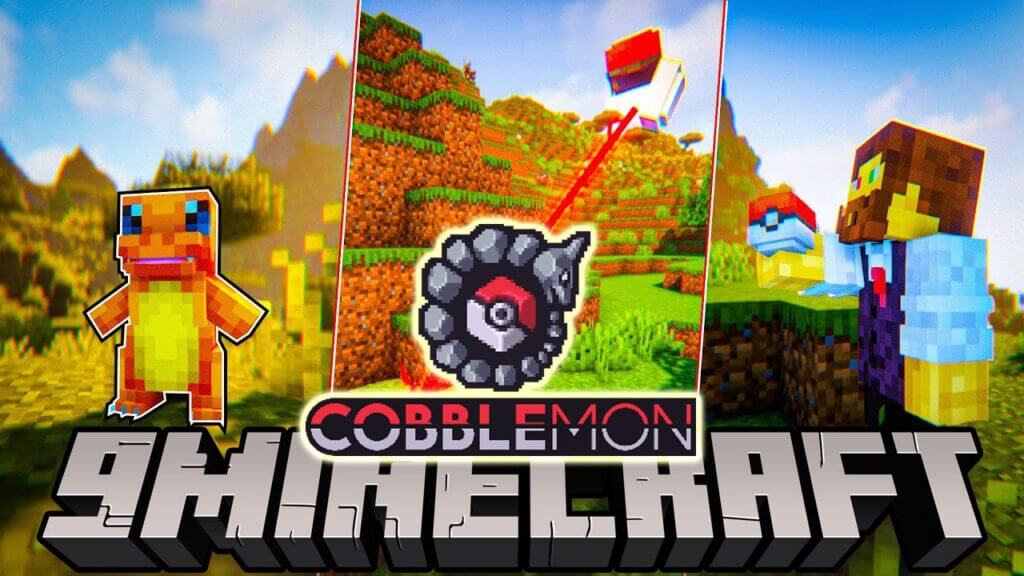
Do you want to know how to install Cobblemon Mod in Minecraft? Minecraft is known for its modding, and it offers a ton of fun content, additionally to the original game.

We now witness the creation of the Cobblemon Mod for Minecraft. This gives the fans a unique chance to chase, catch, and battle Pokemon in Minecraft. Sounds fun, right? However, some mods are fairly easy to install and use, while some demand several precise, timely moves for everything to work well. This guide will show you how to install Cobblemon Mod in Minecraft.

Minecraft: How to Install Cobblemon Mod

To install the Cobblemon mod in Minecraft, you need a compatible mod loader for Minecraft Java Version 1.19.2, available in both Fabric and Forge versions.

The developers suggest using Fabric for the best experience, while Technic users also have access to an official modpack. To avoid errors, ensure that you download and install the correct mod loader and version for Minecraft as required by the latest Cobblemon mod, or seek specific help on the official Discord server.
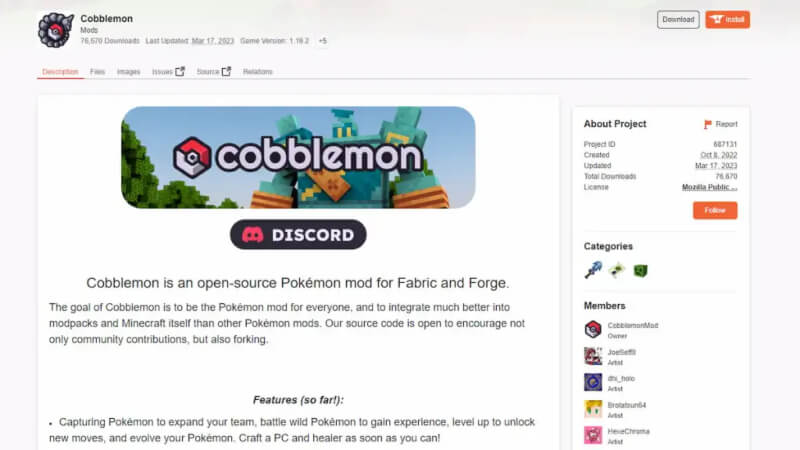
Cobblemon Mod Minecraft
via Cobblemon Mod/Minecraft

The mod page has all the necessary information, and the creator added a Discord link for assistance. To install and use the mod, follow these steps:

  1. Visit the Cobblemon Mod Page.
  2. Under “Installation,” download all required additions before getting the Cobblemon mod.
  3. Look for the “Download” button on the top right of the page and click it to download the Cobblemon mod.
  4. Open your game using the Fabric Loader and start playing!

Once you load the game and start playing, you will have a chance to catch all generation 1 Pokemon in this Cobblemon Mod in Minecraft.

You will be immediately prompted to select your starting Pokemon, which will then be added to your party. You can create an entire team of battling Pokemon, while you will have a ton of popular mechanics, such as crafting PokeBalls, catching wild Pokemon, and many others.

Minecraft is available on Xbox One, Xbox Series X|S, PlayStation,  iOS, Android, Nintendo Switch, and PC.

Related Topics
Guide Minecraft
Share. Facebook Twitter LinkedIn Reddit Email
Nikola Pajtic
  • Website

Nikola has been a gamer his whole life, and you can find him playing AAA titles but also unknown indie games.

SUGGESTED READS

Do I Need To Play Other Onimusha Games Before Way of the Sword, Explained
Gaming

Do I Need To Play Other Onimusha Games Before Way of the Sword, Explained

7.5
Gaming

Hot Wheels Infinite Rush Review – A Solid Family Friendly Racing Adventure

DC white house MAGA game
Gaming

Trump’s MAGA Video Games Feature Immigrant Hunts and Tetris Walls in Bold New Vision for DC: ‘It’s Like the White House is Being Run by Evil 12 Year Olds’

Can Blood of Dawnwalker Run on Steam Deck? Best Settings & Performance Guide
Gaming

Can Blood of Dawnwalker Run on Steam Deck? Best Settings & Performance Guide

The Blood of Dawnwalker Scouting Towers
Gaming

The Blood of Dawnwalker: How to Clear Scouting Towers and Reveal Map Locations

How to Fast Travel and Activate Shrines in Blood of Dawnwalker
Gaming

How to Fast Travel and Activate Shrines in Blood of Dawnwalker

The Nerd Stash
Facebook X (Twitter) Instagram YouTube LinkedIn
  • About Us
  • Join Our Team
  • Meet the Team
  • Privacy Policy
  • DMCA Policy
  • Contact Us
  • Terms of Use
  • Sitemap
  • Editorial Guidelines
  • Advertising Policy
© 2026 The Nerd Stash. All Rights Reserved.

Type above and press Enter to search. Press Esc to cancel.