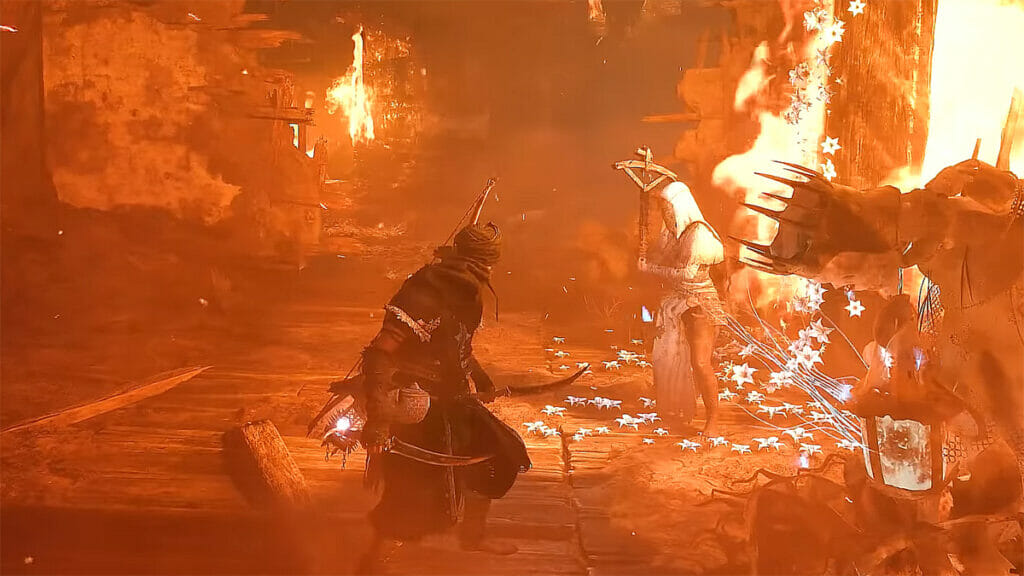
The new Lords of the Fallen is ready to show you that the line between life and death is very easy to cross. Of course, death is commonplace in the souls-like genre, but Hexworks will allow you to visit the world of the dead whenever you want. In addition, you don’t have to suffer alone since the game has a multiplayer feature. However, some players are unable to play Lords of the Fallen with their friends or other players due to multiplayer not working.
How To Fix Lords of the Fallen Multiplayer
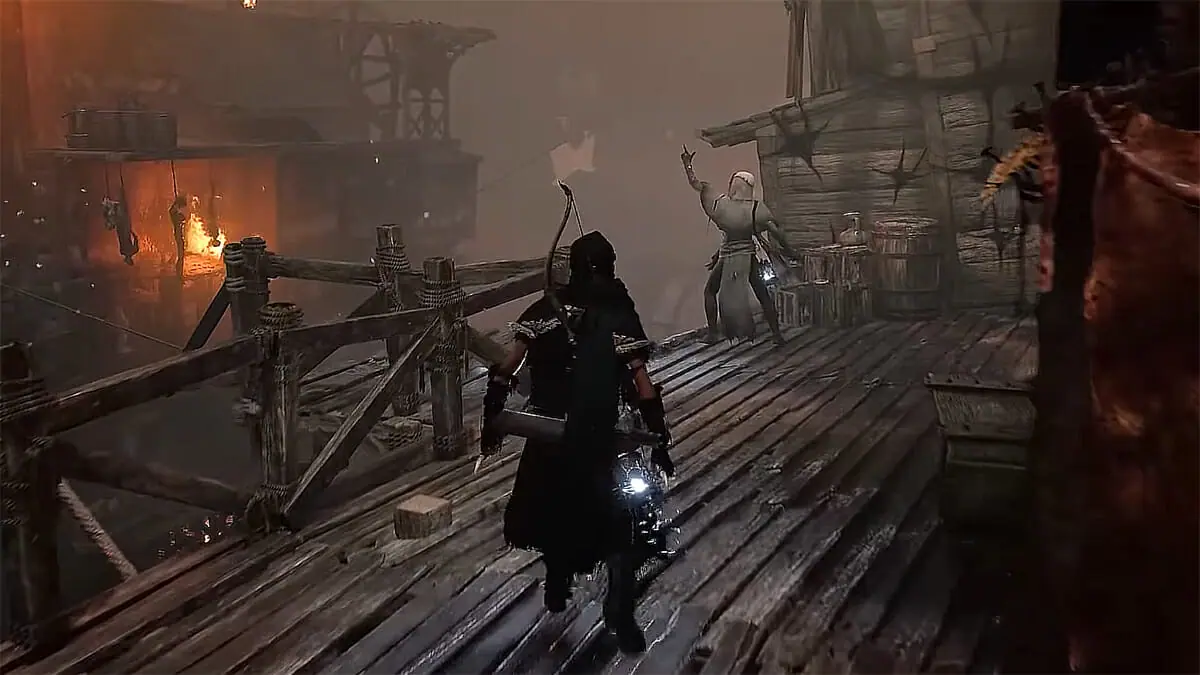
Problems with multiplayer in Lords of the Fallen have been noticed by quite a few players. Some players can invade other worlds but cannot play co-op, while for others, the multiplayer feature does not work at all. Although the developers are now actively releasing patches to improve balance and fix bugs, they say nothing about the problem of non-working multiplayer in Lords of the Fallen.
Therefore, most likely, players will have to wait until the developers fix this issue. But we must not forget that the cause of the problem may be on your side. So, to rule out this possibility, you should try to fix the non-working Multiplayer in Lords of the Fallen yourself:
- Check the server status – To do this, you just need to visit the Lords of the Fallen X (formerly known as Twitter) page, where the developers are informing players about maintenance and new patches.
- Check the integrity of the game files – Of course, this is unlikely, but during installation, some Lords of the Fallen files could be damaged. Therefore, you should check them and, if so, restore them.
- Check your Anti-Virus – Sometimes, Anti-Viruses can interfere with online games working correctly. Therefore, after launching Lords of the Fallen, check whether your anti-virus is the reason the multiplayer is not working.
- Check your connection – For the best experience, it is recommended to use a wired internet connection. But if you are using Wi-Fi, then check if you have an internet connection. Also, restarting the router may fix your issue.
That’s all you need to know about how to fix Lords of the Fallen multiplayer not working. Unfortunately, at the moment, there is no 100% way to solve this. But we hope that the developers will soon release a patch that will allow all players to enjoy multiplayer. In the meantime, please take a look at our guide on how to get Boss Weapons.
Lords of the Fallen is available on PC,