Close Menu
  • Gaming
    • Game Guides
    • Codes
    • Game News
    • Game Previews
    • Game Reviews
    • Game Features
    • Game Lists
    • Platforms
      • Nintendo
      • PC
      • PlayStation
      • Xbox
      • Mobile
  • Entertainment
    • Movies
    • Movie Features
    • Movie Reviews
    • TV
    • Reality TV
    • Royals
  • Celebrity
    • Hollywood
  • Human Interest
  • Astrology
  • Videos
  • More
    • Anime
    • Lists
    • Podcasts
    • Reviews
Facebook X (Twitter) Instagram LinkedIn YouTube
  • About Us
  • Join Our Team
  • Meet the Team
  • Privacy Policy
  • DMCA Policy
  • Contact Us
  • Terms of Use
  • Sitemap
  • Editorial Guidelines
  • Advertising Policy
The Nerd Stash
  • Gaming
  • Celebrity
    • Hollywood
  • Human Interest
  • Videos
The Nerd Stash
Home»Game Guides»How To Fix Custom Matchmaking Error in Fortnite

How To Fix Custom Matchmaking Error in Fortnite

It’s not a big dea! Some simple fixes work most of the time.

Asanga WijeratneBy Asanga WijeratneJanuary 10, 20242 Mins Read
How To Fix Custom Matchmaking Error in Fortnite
Image Source: Epic Games
This article is over 2 years old and may contain outdated information.

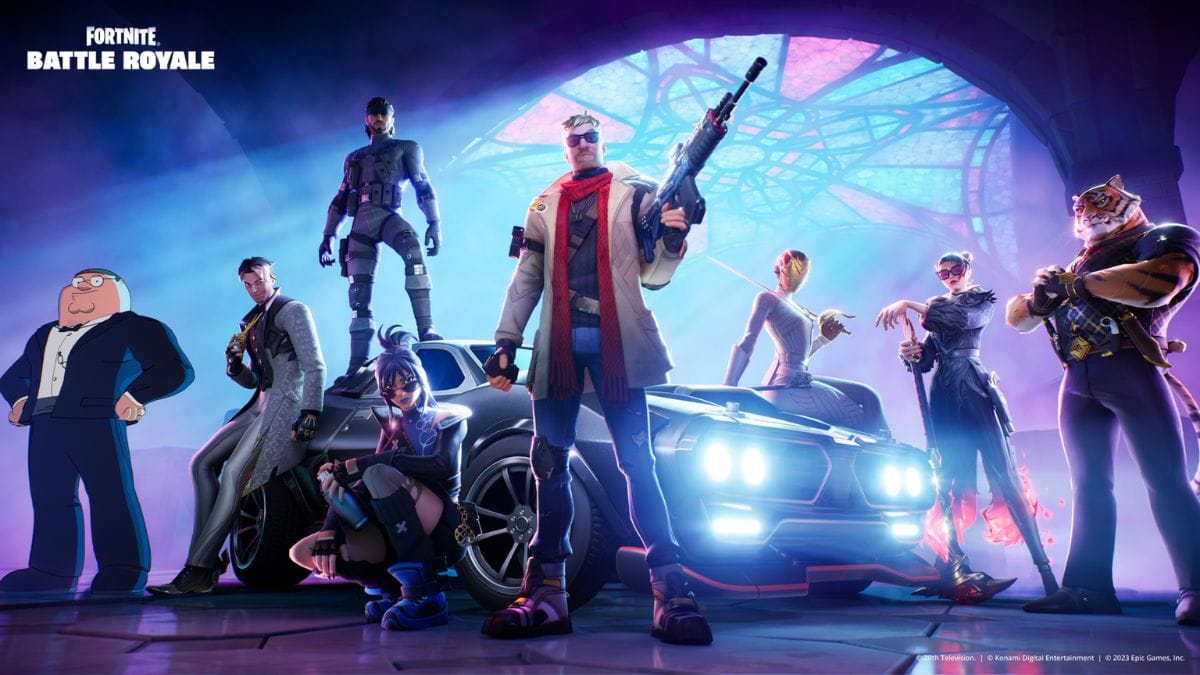
When you’re all set for a thrilling Ranked match after a custom game, there is a possibility of raising this issue. This error appears with game updates or during high server traffic periods. However, it can even be triggered by unstable internet connections. It prevents players from joining matches and sometimes even booting up the game. While pinpointing its exact cause is challenging, some methods are given by experienced players to fix Custom Matchmaking Error in Fortnite.

Potential Fixes For Custom Matchmaking Error in Fortnite
Fortnite Custom Matchmaking Error
Image Source: Epic Games

The best methods to fix the Custom Matchmaking Error in Fortnite are clearing the matchmaking key, Setting the correct matchmaking region, restarting the game, and verifying Fortnite Game files. These are the most successful methods other players use to fix this error.

1. Clear the Matchmaking Key

If there are no server-side issues for the Custom Matchmaking Error in Fortnite, this is the best solution many players propose. As I mentioned, the error usually appears when you try to play a Ranked match after playing a Custom game. You must go to the Custom Game menu and clear the matchmaking key.

2. Set the Correct Matchmaking Region

Changing the Region in Settings sometimes helps fix this error. To do this, head to the Settings tab and change the Region Settings to a particular Region from Auto. However, if you already have a specific Region and still have the Fortnite Custom Matchmaking Error, change it back to Auto and check if the error is gone.

Related:

All Weekly Quests in Fortnite Chapter 5 Season 1 (Week 6)

3. Restart the Game

This method is also one of the simplest ways to fix the Custom Matchmaking Error. When you restart the game, it helps reset any temporary glitches or errors and helps sort out this problem.

4. Verify Fortnite Game Files

Do not jump to this fix at once, but if none of the above methods work, you may need to verify your Fortnite game files. This will check for any missing or corrupted game files and replace them. However, the process depends on the particular device you use. 

The above methods are players’ best solutions to fix Custom Matchmaking errors in Fortnite. Since it mostly appears due to player-side issues, there is a high possibility of sorting the problems with these fixes.


Related Topics
Fortnite Guide
Share. Facebook Twitter LinkedIn Reddit Email
Asanga Wijeratne
  • Website

SUGGESTED READS

Crimson Desert PC Review
9.5
Features

Crimson Desert Review – It’s Real, All of it

Death Stranding 2 PC Launch Adds Fuel to DLSS 5 AI Slop Backlash: 'It Is a Disgrace'
Game News

Death Stranding 2 PC Launch Adds Fuel to DLSS 5 AI Slop Backlash: ‘It Is a Disgrace’

Starfield Free Lanes & Terran Armada DLC
Game Previews

Starfield Free Lanes & Terran Armada Hands-Off Preview – Revitalizing This Spacefaring Adventure

Resident Evil 9 DLSS5
Game Features

DLSS 5 Isn’t the Future of Graphics; It’s a Filter Over Them

What is Honey Candy in Adopt Me? How to Get It and What It's For
Game Guides

What is Honey Candy in Adopt Me on Roblox? How to Get It and What It’s For

Honkai Star Rail Version 4.1
Game News

The Phantasmoon Games Continue in Honkai: Star Rail Version 4.1

The Nerd Stash
Facebook X (Twitter) Instagram YouTube LinkedIn
  • About Us
  • Join Our Team
  • Meet the Team
  • Privacy Policy
  • DMCA Policy
  • Contact Us
  • Terms of Use
  • Sitemap
  • Editorial Guidelines
  • Advertising Policy
© 2026 The Nerd Stash. All Rights Reserved.

Type above and press Enter to search. Press Esc to cancel.