Close Menu
  • Gaming
    • Game Guides
    • Codes
    • Game News
    • Game Previews
    • Game Reviews
    • Game Features
    • Game Lists
    • Platforms
      • Nintendo
      • PC
      • PlayStation
      • Xbox
      • Mobile
  • Entertainment
    • Movies
    • Movie Features
    • Movie Reviews
    • TV
    • Reality TV
    • Royals
  • Celebrity
    • Hollywood
  • Human Interest
  • Astrology
  • More
    • Anime
    • Lists
    • Podcasts
    • Reviews
Facebook X (Twitter) Instagram LinkedIn YouTube
  • About Us
  • Join Our Team
  • Meet the Team
  • Privacy Policy
  • DMCA Policy
  • Contact Us
  • Terms of Use
  • Sitemap
  • Editorial Guidelines
  • Advertising Policy
The Nerd Stash
  • Gaming
  • Celebrity
  • Hollywood
  • Human Interest
The Nerd Stash
Home»Game Guides»How To Fix The Finals Error Code TFMR0007

How To Fix The Finals Error Code TFMR0007

Error code TFMR0007? Try with a different region or a crossplay switch!

Asanga WijeratneBy Asanga WijeratneJanuary 17, 20242 Mins Read
How To Fix The Finals Error Code TFMR0007
Image Source: Embark Studios
This article is over 2 years old and may contain outdated information.

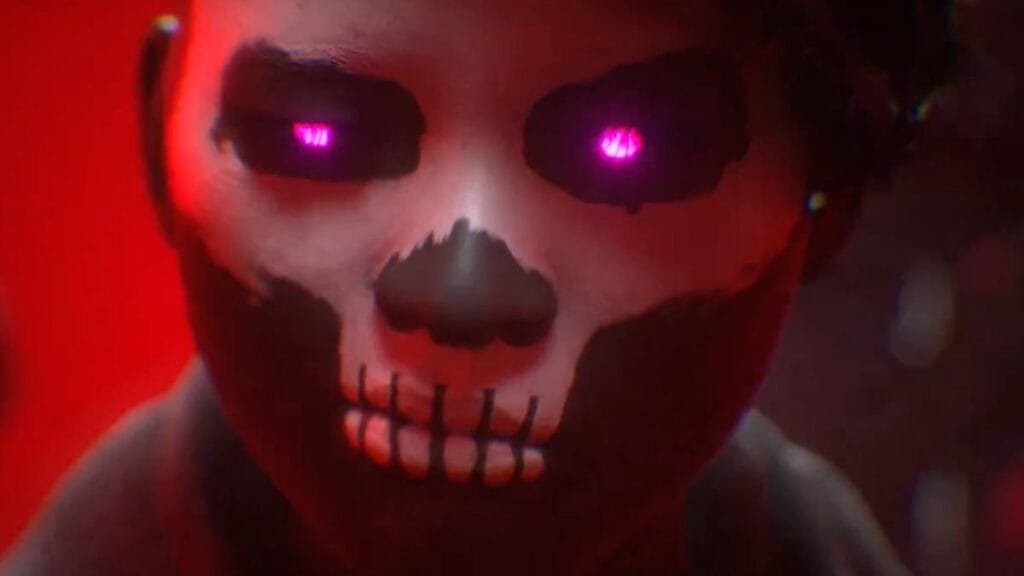
The Finals have become quite popular among players within a short period. However, like any other online game, it is not without errors. One of the most common ones is Error Code TFMR0007, while Error Code TFLA0002 is another. You will get this error code when queuing up for a matchmaking. However, there are some fixes for this Error Code TFMR0007 in The Finals.

Troubleshooting Steps for Error Code TFMR0007
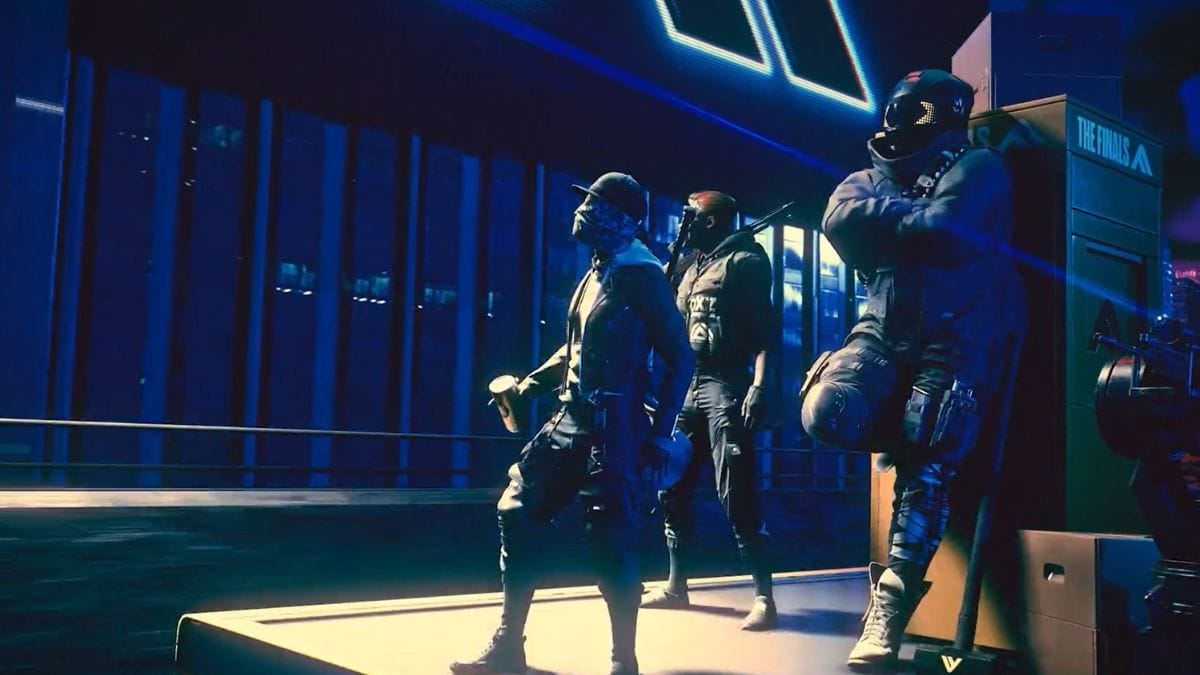
The Finals Error Code TFMR0007
Image Source: Embark Studios

The best method to sort this problem is to ensure you don’t have any process permission overlays. Because The Finals refers to these as cheats and blocks the game, ensure you have closed all overlay software before starting the game.

However, sometimes, if the Embark servers are down, you will still get The Finals Error Code TFMR0007. So, before jumping to other fixes, check the server status from the official page. If the servers are down, you cannot do much until they are back up and running. If the servers are up, but you still get the error code, try these fixes:

  1. Change the Region: There is a chance the server you are currently using may have issues. Change the region and try again. Changing the region will start a new matchmaking process and may fix the The Finals Error Code TFMR0007.
  2. Switch on and off the Crossplay: This method has also successfully resolved many players’ problems. If you have kept the crossplay on, switch it off and try to launch again. Similarly, if you have not turned it on, turn on the crossplay.

Related:

How To Use Arena Carriables in The Finals, Explained

Generally, the above methods are the most successful ways to fix The Finals Error Code TFMR0007. Also, in a relevant thread, one player mentioned he had hit the escape button back up one screen and then tried again to start the match. It worked for them, but the issue continued whenever they tried to matchmake.


Related Topics
Guide The Finals
Share. Facebook Twitter LinkedIn Reddit Email
Asanga Wijeratne
  • Website

SUGGESTED READS

how to make gunpowder Windrose
Game Guides

How to Make Gunpowder in Windrose

Best Server Settings Windrose
Game Guides

Best Server Settings for Windrose

Skate Nike SB Limited-time Event
Game News

Skate. Kicks Off a Limited-time Event With Nike SB, and It’s Free For All

All Materials in Windrose
Game Guides

Windrose: All Materials (& How to Obtain Them)

Bloodborne Anime Announced, Sony Keeps It R-Rated to Stay 'True' to the Game
Game News

Bloodborne Anime Movie Announced, Sony Keeps It R-Rated to Stay ‘Very True’ to the Game

Pragmata PS5 Review
9.5
Game Features

Pragmata Review – Bold, Beautiful, and Unforgettable

The Nerd Stash
Facebook X (Twitter) Instagram YouTube LinkedIn
  • About Us
  • Join Our Team
  • Meet the Team
  • Privacy Policy
  • DMCA Policy
  • Contact Us
  • Terms of Use
  • Sitemap
  • Editorial Guidelines
  • Advertising Policy
© 2026 The Nerd Stash. All Rights Reserved.

Type above and press Enter to search. Press Esc to cancel.