
Close Menu
  • Gaming
    • Platforms
      • Nintendo
      • PC
      • PlayStation
      • Xbox
  • Entertainment
    • Movies
    • TV
    • Royals
  • Celebrity
    • Hollywood
  • Human Interest
  • Astrology
  • More
    • Anime
    • Reviews
Facebook X (Twitter) Instagram LinkedIn YouTube
  • About Us
  • Join Our Team
  • Meet the Team
  • Privacy Policy
  • DMCA Policy
  • Contact Us
  • Terms of Use
  • Sitemap
  • Editorial Guidelines
  • Advertising Policy
The Nerd Stash
  • Gaming
  • Celebrity
  • Hollywood
  • Human Interest
The Nerd Stash
Home»Gaming»How To Fix “Sorry You Are Currently Prevented From Playing Multiplayer” Error in Palworld

How To Fix “Sorry You Are Currently Prevented From Playing Multiplayer” Error in Palworld

Don’t let this error ruin your Palworld experience.

Akın BilginBy Akın BilginJanuary 25, 20242 Mins Read
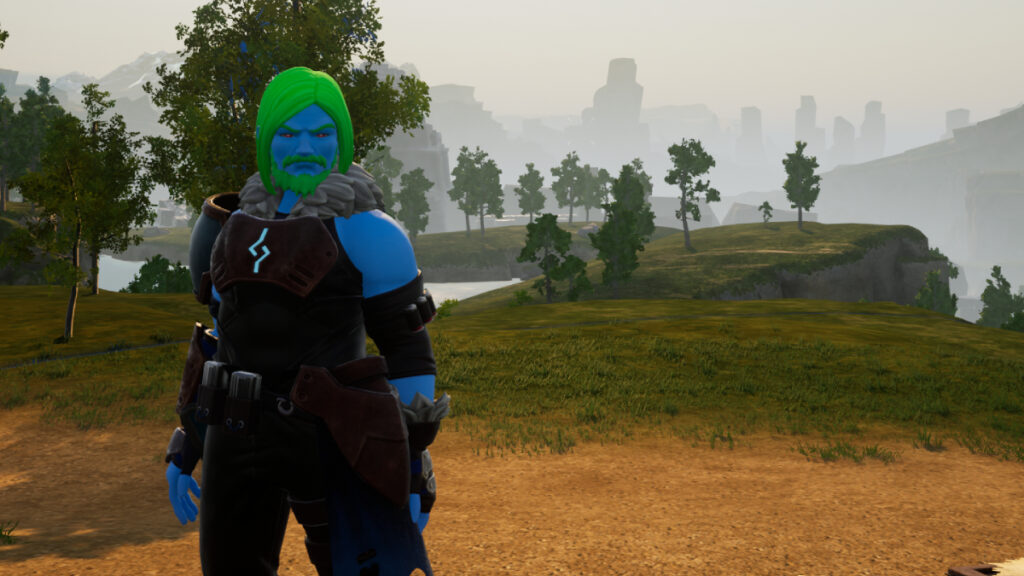
Green hair character posing in Palworld and showing how to fix prevented from playing error
Image Source: Pocketpair via The Nerd Stash
This article is over 2 years old and may contain outdated information.

Topping Steam in just a few days and selling millions of copies, this viral game is definitely a lot of fun and has been like medicine for many gamers who can’t find a good game to enjoy. And missing out on the hype train because of this error can be very frustrating, having an error like this when you should be enjoying the game with your friends is really unpleasant. Since the game is still in early access and was released a few days ago, it’s only natural that it will have many errors. Fortunately, it is possible to fix the “Sorry You Are Currently Prevented From Playing Multiplayer” error in Palworld and continue to play multiplayer with your “Pals”.

How To Fix “Sorry You Are Currently Prevented From Playing Multiplayer” Error in Palworld

Palworld "Sorry You Are Currently Prevented From Playing Multiplayer" error image
Image Source: Pocketpair via The Nerd Stash

While playing Palworld, you may suddenly get kicked out of the game and get the error “Sorry You Are Currently Prevented From Playing Multiplayer”. To put it in the simplest way, the reason for this error is that most of the time a new update has been released to the game. Therefore, you are getting this error because your game versions do not match and you have not updated the game.

Of course, keep in mind that this is the most common cause, but it could also be a problem with Pocket Pair. If Palworld‘s servers are down or experiencing a failure, it is also likely that you will get this error. To find out if the problem is caused by you or Pocket Pair, you can check the status of the servers on the Palworld Status site. If there is a problem with the servers, you have no choice but to wait until the situation is fixed.

Otherwise, if there is no problem with the servers and you still get this error, follow the steps below:

  1. It doesn’t matter what device or platform you’re playing on. Close the Steam/Xbox App completely.
  2. Then turn it on again and you will most likely see a new update. When you do this update and enter the game, you will not encounter a problem.
  3. If the problem persists, repair the game.

Well, folks, it’s that easy to fix the “Sorry You Are Currently Prevented From Playing Multiplayer” error in Palworld. Happy hunting!


Related:

How To Get Flying Mount in Palworld
Related Topics
Guide Palworld
Share. Facebook Twitter LinkedIn Reddit Email
Akın Bilgin
  • Website
  • X (Twitter)

Akın Bilgin loves colony simulators, survival, and souls-like games. He has been a freelance guide writer for two years and is studying English Language and Literature in Turkey.

SUGGESTED READS

Path of Exiles 2 Build Planner Guide
Gaming

How To Use the Build Planner in Path of Exile 2

Adopt Me Kicks Off Summer With Journey to Summer Camp Update, Here's All The New Week 1 Pets & Rewards
Gaming

Roblox Adopt Me Launches Journey to Summer Camp Update, Here’s All the Week 1 Pets & Rewards

LEGO Batman Legacy of the Dark Knight PC Review
9
Gaming

LEGO Batman: Legacy of the Dark Knight Review – A Hero Rises

Call of Duty: Modern Warfare 4 Launching This October on Next-Gen Consoles & Switch 2, But Not Game Pass
Gaming

Call of Duty: Modern Warfare 4 Launching This October on Next-Gen Consoles & Switch 2, But Not Game Pass

Hideo Kojima Teams Up With Prada for an AI Film, And Fans Aren't Happy: 'Beyond Incredibly Disappointing'
Gaming

Hideo Kojima Teams Up With Prada for an AI Film, And Fans Aren’t Happy: ‘Beyond Incredibly Disappointing’

The Witcher 3 Songs of the Past expansion
Gaming

A Witcher 3 Leak Just Forced CD Projekt Red to Announce a Brand-New Expansion: Songs of the Past

The Nerd Stash
Facebook X (Twitter) Instagram YouTube LinkedIn
  • About Us
  • Join Our Team
  • Meet the Team
  • Privacy Policy
  • DMCA Policy
  • Contact Us
  • Terms of Use
  • Sitemap
  • Editorial Guidelines
  • Advertising Policy
© 2026 The Nerd Stash. All Rights Reserved.

Type above and press Enter to search. Press Esc to cancel.




