

Close Menu
  • Gaming
    • Platforms
      • Nintendo
      • PC
      • PlayStation
      • Xbox
  • Entertainment
    • Movies
    • TV
    • Royals
  • Celebrity
    • Hollywood
  • Human Interest
  • Astrology
  • More
    • Anime
    • Reviews
Facebook X (Twitter) Instagram LinkedIn YouTube
  • About Us
  • Join Our Team
  • Meet the Team
  • Privacy Policy
  • DMCA Policy
  • Contact Us
  • Terms of Use
  • Sitemap
  • Editorial Guidelines
  • Advertising Policy
The Nerd Stash
  • Gaming
  • Celebrity
  • Hollywood
  • Human Interest
The Nerd Stash
Home»Gaming»How to Manage and Distribute Power in StarRupture

How to Manage and Distribute Power in StarRupture

It’s all in the rails

Julio La PineBy Julio La PineJanuary 6, 20263 Mins Read
StarRupture How to Distribute Power
Image Source: Creepy Jar via The Nerd Stash

Many fans of the base-building genre might be eager to jump into StarRupture and start building those towering factories that end up looking like a conveyor belt maze. While StarRupture has many of the genre’s staples, it changes a few of the key aspects, mainly how to distribute power in your base. If it is confusing for you or you haven’t found the right way to do it, here’s how power works in StarRupture and how you can send it to every machine around you.

How To Use Power in StarRupture

If we look at other base-builders, you might be expecting StarRupture to include the same cable management part that other games of this type have. Well, that’s where this game differs. Instead of making a cable-riddled mess, StarRupture distributes its power through rails and platforms, and while it may sound a bit convoluted, it is much simpler than you think.
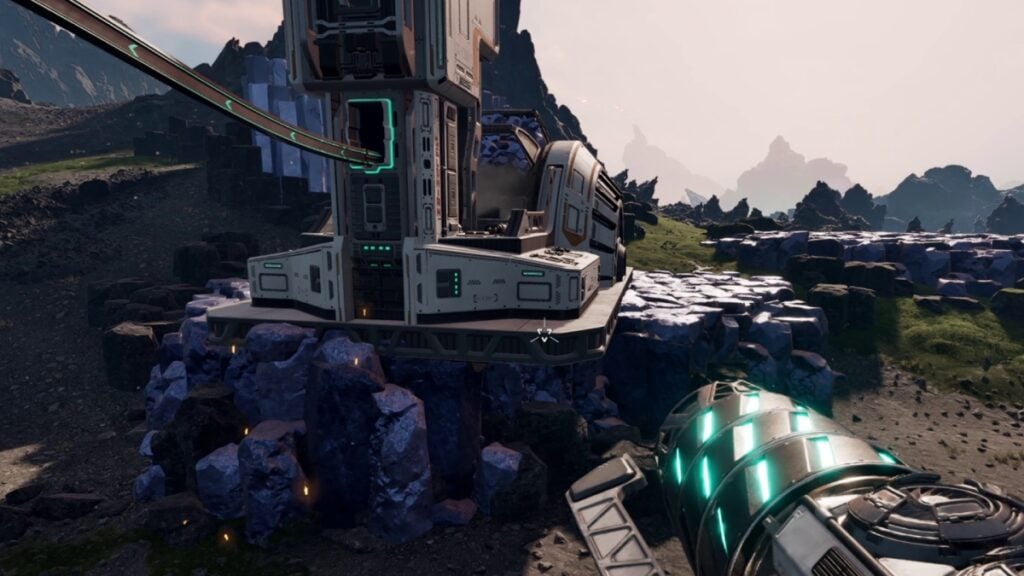
StarRupture Sending Power to Machines
Image Source: Creepy Jar via The Nerd Stash

In the above image, you can see an extractor and a smelter, both without power. Since the game doesn’t have any pylons or electric stations, or something with cables, you’ll have to rely on Solar Generators to power up everything around your base. But, how do you actually power your machines?
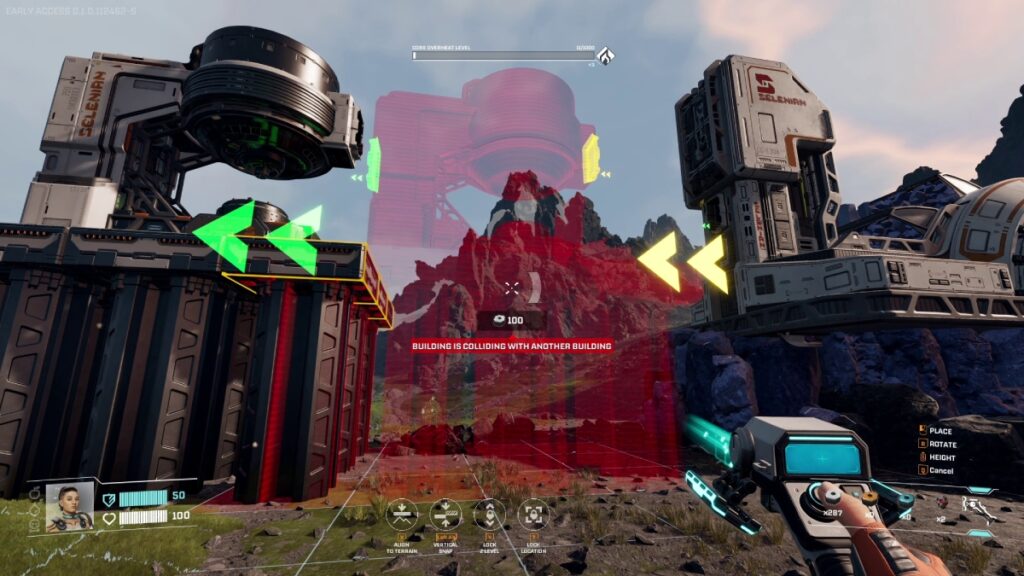
Solar Generator
Image Source: Creepy Jar via The Nerd Stash

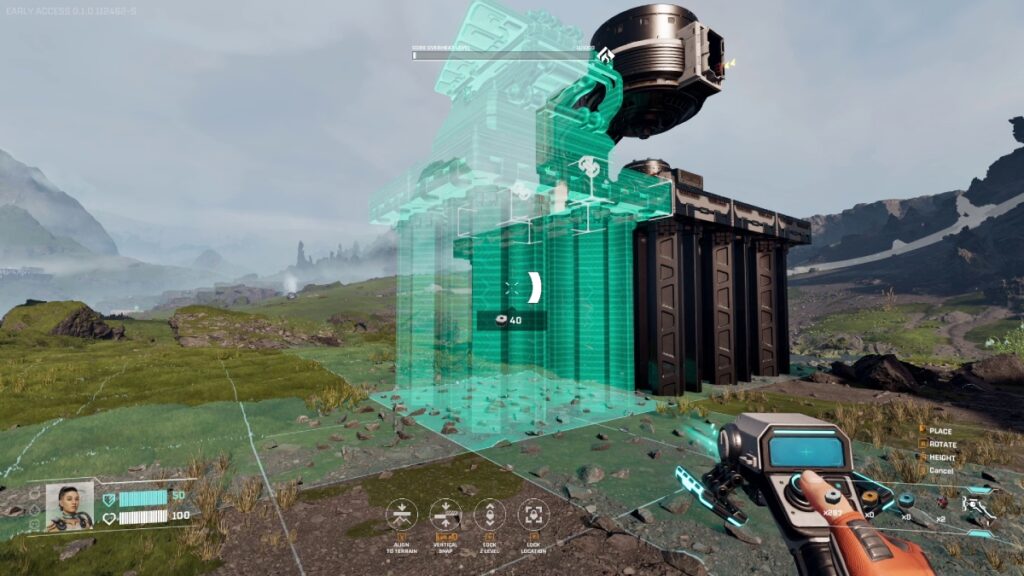
Since you distribute power through platforms and rails, you’ll need to build the former first. To power up any device, you need to build the Solar Generator next to it and link the platform. You can look at the white “link” icons when building something. Line those up to the platform next to it, and it will start powering up that device. However, there are some machines that can’t be linked to a platform, such as the extractor.
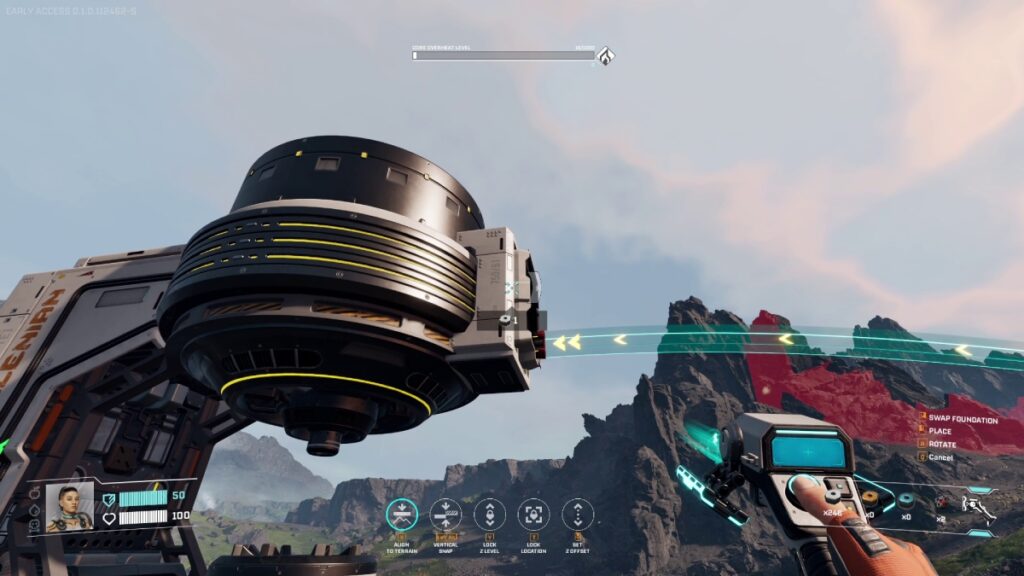
Rail Building
Image Source: Creepy Jar via The Nerd Stash

For this particular case, you need to use railings, which are the items that distribute power in StarRupture, making it the first actual wireless game. In all seriousness, though, rails will help you transport material but also send energy to other devices. In the above image, you can see how we connected our smelter to the extractor. Here, the smelter is the one with the powered-up platform; however, because of the rail, that energy is now reaching the extractor, allowing it to work.

Like with other base-builders, you need to watch your energy output. Solar Generators, at least the basic ones, don’t have a lot of juice. You’ll likely have to build a couple of them and link your platforms in a way that every machine gets some energy.
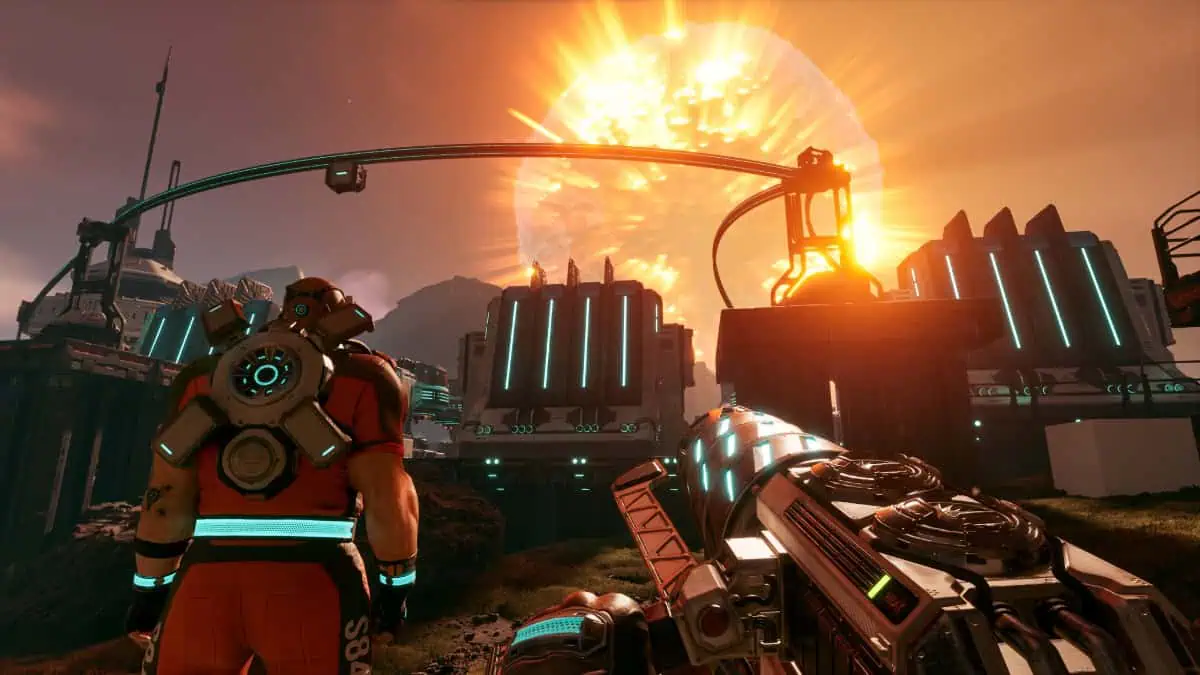
Farewell Green Hell, Creepy Jar is Taking Us to Space With StarRupture
Related: Farewell Green Hell, Creepy Jar is Taking Us to Space With StarRupture

Even if StarRupture fixes the whole cable clutter, you’ll still have to deal with platform clutter, but it is a price we are all willing to pay. Also, remember you can upgrade your Solar Generators by investing in one of the companies. Just keep track of the one that gives you that specific recipe so you can get more juice for your base.
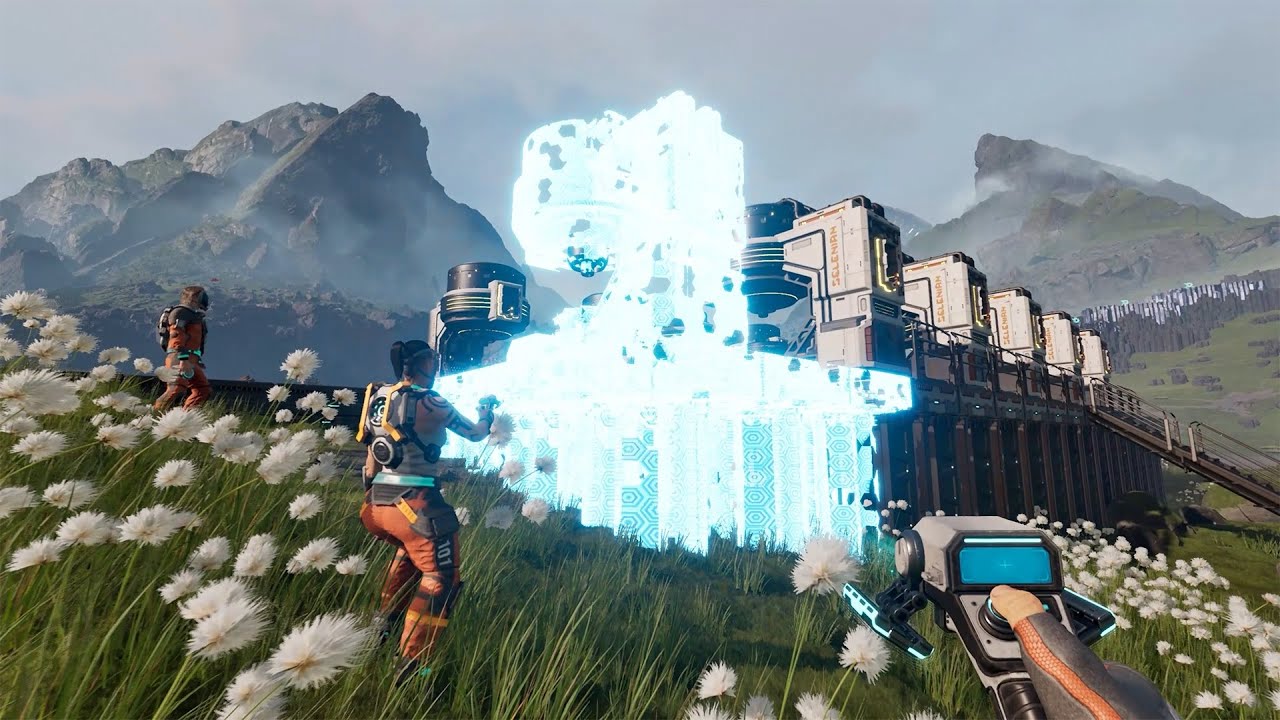

How to Distribute Power in StarRupture
Related Topics
Guide StarRupture
Share. Facebook Twitter LinkedIn Reddit Email
Julio La Pine
  • Website

Been gaming since '99! I am a huge JRPG fan and my favorite franchise is Final Fantasy. I love writing about games and I hope I can do it for the rest of my days!

SUGGESTED READS

Shuhei Yoshida Says He Was Fired From Playstation Studios for Saying 'No' to Jim Ryan: 'He Asked For Ridiculous Things'
Gaming

Shuhei Yoshida Says He Was Fired From Playstation Studios for Saying ‘No’ to Jim Ryan: ‘He Asked For Ridiculous Things’

Splinter Cell Remake Shows Signs of Life Despite Recent Layoffs at Ubisoft Toronto
Gaming

Splinter Cell Remake Shows Signs of Life Despite Recent Layoffs at Ubisoft Toronto

Fastest Ways to Get a Purrowl in Roblox Adopt Me
Gaming

Fastest Ways to Get a Purrowl & Trade Value in Roblox Adopt Me

Fatal Fury City of the Wolves Krauser Hands-On Preview
Gaming

Fatal Fury: City of the Wolves Wolfgang Krauser Hands-On Preview – A Regal Fighter

EU Warns Live-Service Games Ownership is 'Fleeting,' Plans Regulation This Year: 'A Disgrace for the Consumers'
Gaming

EU Warns Live-Service Games Ownership is ‘Fleeting,’ Plans Regulation This Year: ‘A Disgrace for the Consumers’

REPLACED game
8.5
Gaming

REPLACED Review – Absolute Cyberpunk Cinema

The Nerd Stash
Facebook X (Twitter) Instagram YouTube LinkedIn
  • About Us
  • Join Our Team
  • Meet the Team
  • Privacy Policy
  • DMCA Policy
  • Contact Us
  • Terms of Use
  • Sitemap
  • Editorial Guidelines
  • Advertising Policy
© 2026 The Nerd Stash. All Rights Reserved.

Type above and press Enter to search. Press Esc to cancel.

