

Close Menu
  • Gaming
    • Platforms
      • Nintendo
      • PC
      • PlayStation
      • Xbox
  • Entertainment
    • Movies
    • TV
    • Royals
  • Celebrity
    • Hollywood
  • Human Interest
  • Astrology
  • More
    • Anime
    • Reviews
Facebook X (Twitter) Instagram LinkedIn YouTube
  • About Us
  • Join Our Team
  • Meet the Team
  • Privacy Policy
  • DMCA Policy
  • Contact Us
  • Terms of Use
  • Sitemap
  • Editorial Guidelines
  • Advertising Policy
The Nerd Stash
  • Gaming
  • Celebrity
  • Hollywood
  • Human Interest
The Nerd Stash
Home»Gaming»How To Increase Your inventory Space in Crimson Desert

How To Increase Your inventory Space in Crimson Desert

Never enough

Julio La PineBy Julio La PineMarch 19, 20263 Mins Read
How to Increase Inventory Size in Crimson Desert
Image Source: Pearl Abyss via The Nerd Stash

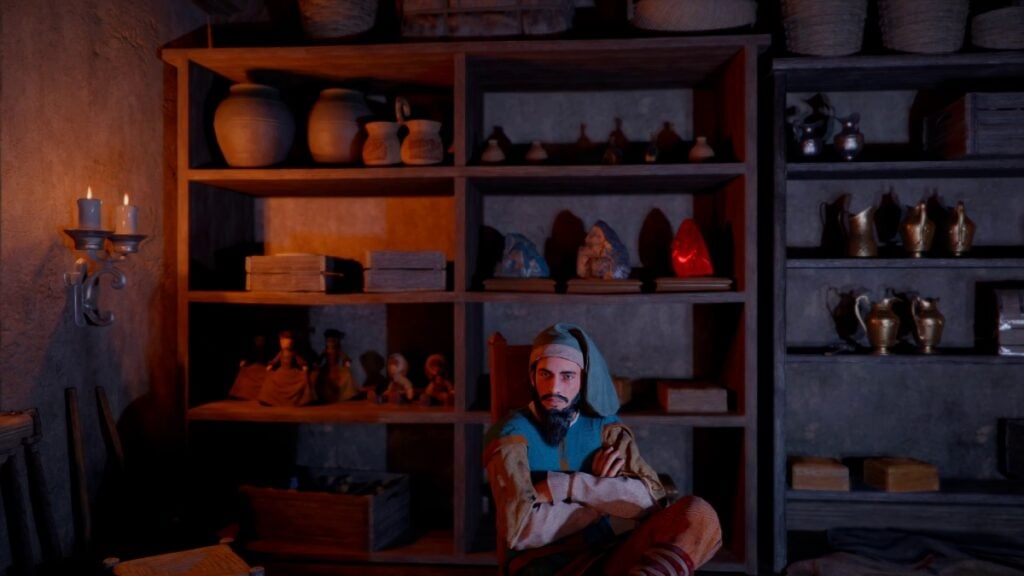
One would think that the biggest challenge when starting Crimson Desert would be getting better weapons or defeating a boss, but little do they know that the real first test is managing your inventory space. At first, you’ll start with a couple of slots, but you’ll soon see just how quickly they fill up, to the point that you’ll be either selling everything you have or dropping unwanted items in the wild. Well, that doesn’t have to happen at all, because here we’ll show you how to increase your inventory space in Crimson Desert.

How To Get More Inventory Slots in Crimson Desert
Small Bag
Image Source: Pearl Abyss via The Nerd Stash

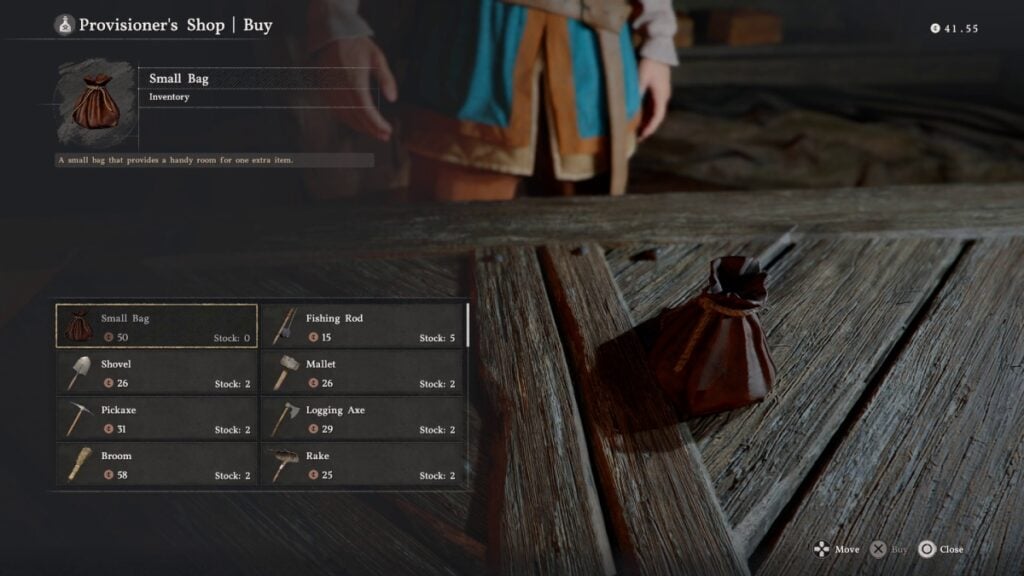
While the inventory space in Crimson Desert will be limited at first, there are ways to mitigate the clutter. For starters, players should begin the game with a handful of slots, and they won’t really fill up until they are grabbing anything that isn’t nailed down to the floor. But, for the hoarders out there, here are some ways that increase your slots:

  • Completing main story quests.
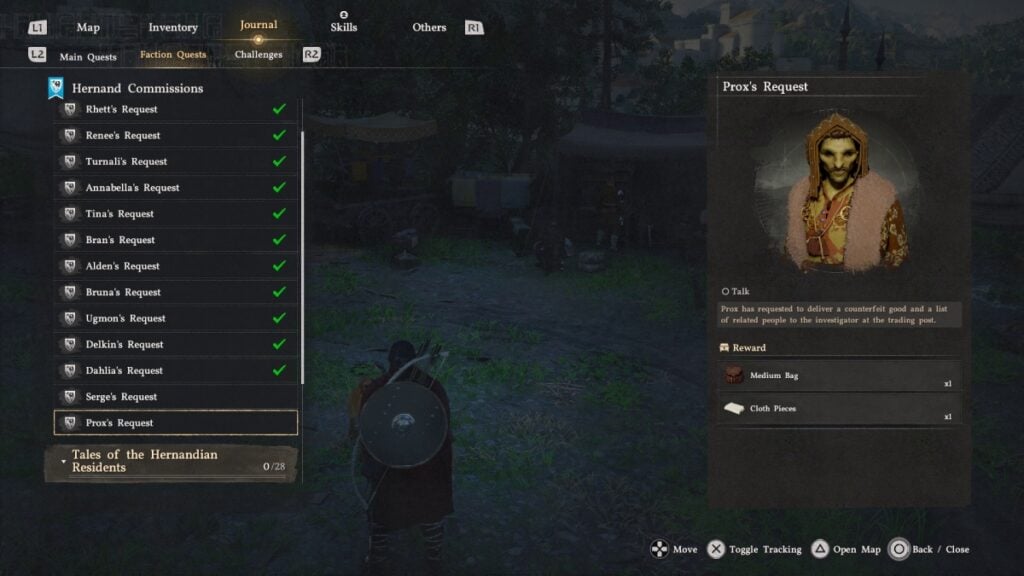
  • Completing faction requests (not missions).
  • Purchasing item slots from specific vendors.

As soon as you’re free to do whatever you want in Crimson Desert, we recommend focusing on two things: requests and vendors. All around Hernand, you’ll see people asking for help, most of them shop owners or important vendors. Each request you complete for them will give you around three new inventory slots. The same will happen with some story missions. Completing chapters or important quests will also reward you with slots. However, if you want more, almost every vendor in Hernand, including fences, will sell you one extra inventory slot for one silver piece, making it a pretty cheap upgrade.
Crimson Desert Inventory Size
Image Source: Pearl Abyss via The Nerd Stash

If you’re still suffering from a cluttered inventory, it is important to learn how to manage it, especially since you won’t have ways to start securing some items at the beginning of the game. For starters, we recommend selling every piece of weaponry you find. Only keep those that have Abyss Core slots. In terms of armor, sell everything as soon as you finish a quest that requires you to use an outfit; you won’t need them afterward. And for food, cook as soon as possible to use the ingredients and turn everything into one dish.
Crimson Desert Showcases Its Beautiful Open World, as Well as New Gameplay Details In Lengthy Video
Related: Crimson Desert Showcases Its Beautiful Open World, as Well as New Gameplay Details In Lengthy Video

Other than that, don’t hoard so many resources. Instead, try to visit the blacksmith to upgrade your gear, and if you already have some camp functions unlocked, donate everything you don’t need. Oh, and if you’re swimming in documents, just throw them away or sell them; this will free up several inventory spaces in no time.


Related Topics
Crimson Desert Guide
Share. Facebook Twitter LinkedIn Reddit Email
Julio La Pine
  • Website

Been gaming since '99! I am a huge JRPG fan and my favorite franchise is Final Fantasy. I love writing about games and I hope I can do it for the rest of my days!

SUGGESTED READS

Diablo 4 Season 13 Tier List
Gaming

Class Tier List for Diablo 4 Season 13 (Best Classes for Endgame & Leveling)

Take-Two Boss Finally Explains Why GTA 6 Is Skipping PC at Launch: 'We'll See How It Works Out'
Gaming

Take-Two Boss Finally Explains Why GTA 6 Is Skipping PC at Launch: ‘We’ll See How It Works Out’

Rockstar Employee Review Claims 'Unrealistic' Crunch as GTA 6 Development Intensifies: 'Had to Work Till 3AM'
Gaming

Rockstar Employee Review Claims ‘Unrealistic’ Crunch as GTA 6 Development Intensifies: ‘Had to Work Till 3AM’

All Rewards from Admin Abuse Eggs & Box in Roblox Adopt Me
Gaming

All Rewards from Admin Abuse Eggs & Box in Roblox Adopt Me

Gaming

World Heroes Perfect Reminds Me of the Golden Age of Fighting Games

Fatal Fury City of the Wolves Mr Karate Reveal
Gaming

Fatal Fury: City of the Wolves Unveils Its Next Season 2 Fighter, and It’s a Classic

The Nerd Stash
Facebook X (Twitter) Instagram YouTube LinkedIn
  • About Us
  • Join Our Team
  • Meet the Team
  • Privacy Policy
  • DMCA Policy
  • Contact Us
  • Terms of Use
  • Sitemap
  • Editorial Guidelines
  • Advertising Policy
© 2026 The Nerd Stash. All Rights Reserved.

Type above and press Enter to search. Press Esc to cancel.



