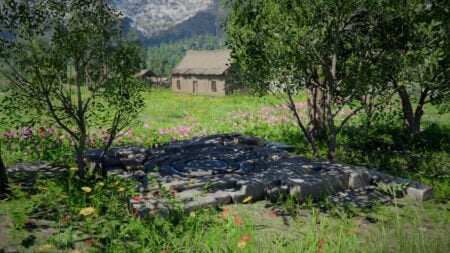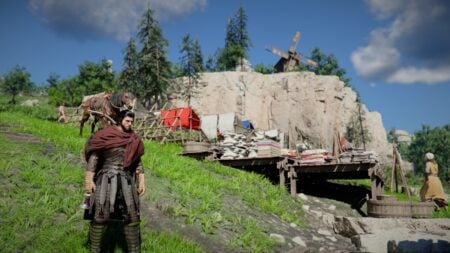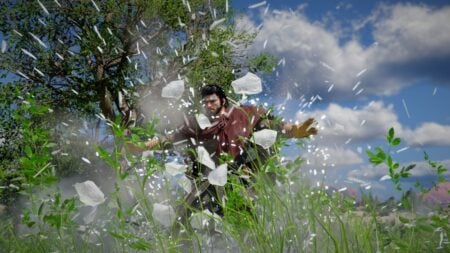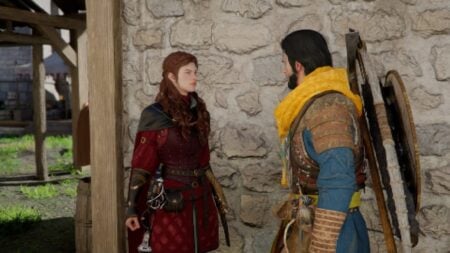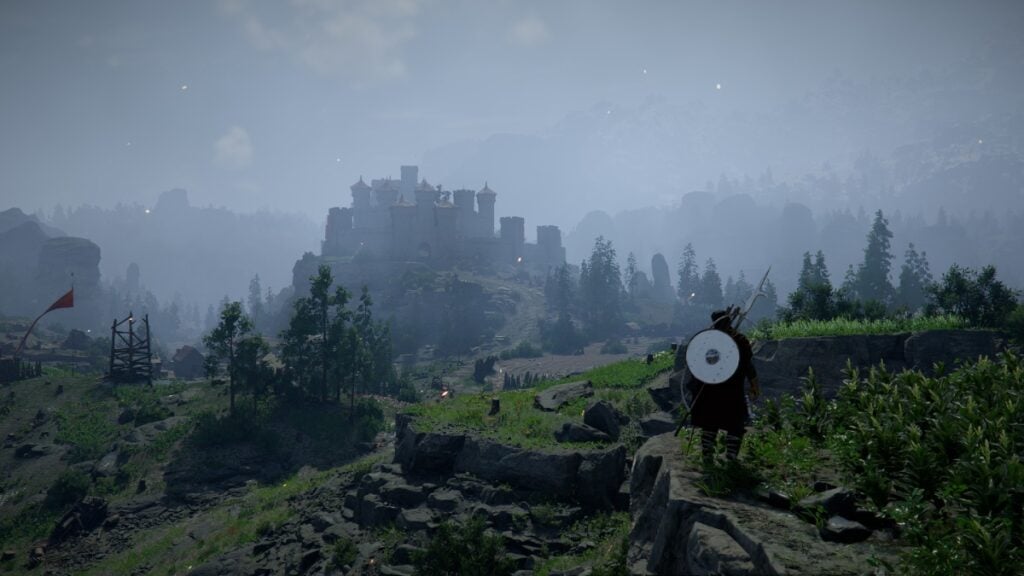
It might be hard to read this in 2026, but Crimson Desert is truly one of the best-optimized games out there. We can thank this to the many years the studio worked on the game, the in-house engine, or something else, but the truth is that it is a visual wonder and one that won’t give players some of the modern gaming hiccups we’ve grown used to. Still, some might experience a couple of issues during their journey, so for that reason, we’ve prepared a quick guide to show you the best graphical settings for Crimson Desert.
Crimson Desert: Recommended Graphical Settings
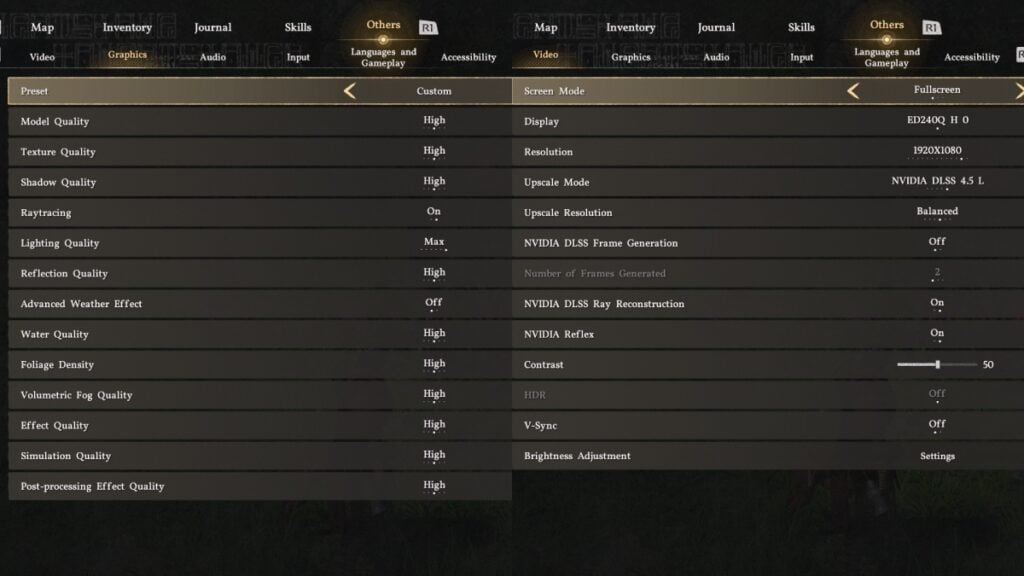
As a quick note and disclaimer, remember that the experience may vary for every player. We tested this on our 5070 rig with a mid-range Ryzen 5 5600x CPU, and we never had any issues with the following graphical settings.
- Preset: Custom
- Model Quality: High
- Shadow Quality: High
- Raytracing: On
- Lighting Quality: Max
- Reflection Quality: High
- Advanced Weather Effect: Off
- Water Quality: High
- Foliage Density: High
- Volumetric Fog Quality: High
- Effect Quality: High
- Simulation Quality: High
- Post-processing Effect Quality: High
- Upscale Mode: DLSS 4.5L
- Frame Generation: Off
- Ray Reconstruction: On
- NVIDIA Reflex: On
- Vsync: Off
With this setup, we were able to hit around 100 FPS at times, with some dips to the 90 FPS in certain situations, and just one instance of hard frame drops during a boss fight, but it was only during that situation.
Yet, for those who don’t have access to some of these options, we recommend turning off the following options for a performance boost:
- Ray Reconstruction
- Raytracing
- Lighting Quality to High or lower
- Shadow Quality to Medium
From what we saw, Shadows and Lighting take the biggest toll on a PC, meaning that lowering these will help. Yet there’s a downside to some parts of the map, especially in faraway areas where the illumination looks strange. Also, without ray reconstruction, some hair effects and light that bounces off certain models might look off, but you get used to it after a while.
Also, ray reconstruction nearly doubles GPU usage, so turning it off can help with that in case you don’t want your GPU running at almost a 100%. Furthermore, we noticed that leaving everything in Cinematic quality with ray reconstruction feels like a middle ground between gorgeous looks and top-notch performance.
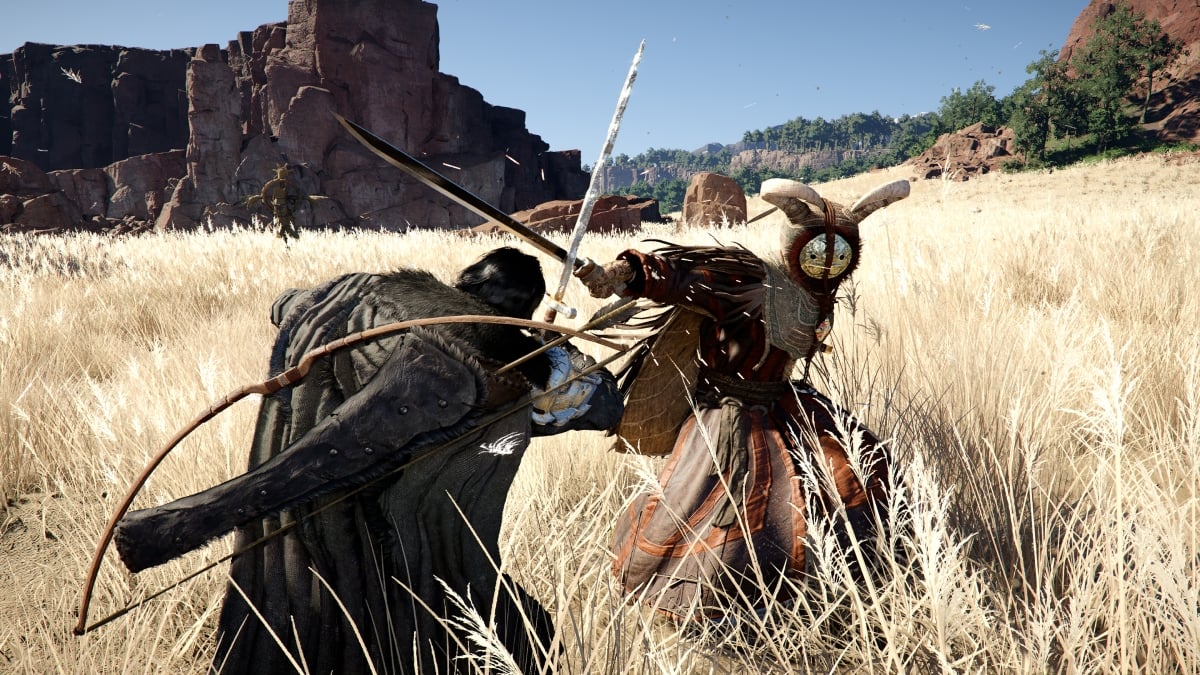
In the end, it is up to you to experiment with the graphic settings of Crimson Desert. But the truth of the matter is that you might not need to do that. The game is flawlessly optimized, so you’ll rarely suffer from performance woes.