
Close Menu
  • Gaming
    • Game Guides
    • Codes
    • Game News
    • Game Previews
    • Game Reviews
    • Game Features
    • Game Lists
    • Platforms
      • Nintendo
      • PC
      • PlayStation
      • Xbox
      • Mobile
  • Entertainment
    • Movies
    • Movie Features
    • Movie Reviews
    • TV
    • Reality TV
    • Royals
  • Celebrity
    • Hollywood
  • Human Interest
  • Astrology
  • Videos
  • More
    • Anime
    • Lists
    • Podcasts
    • Reviews
Facebook X (Twitter) Instagram LinkedIn YouTube
  • About Us
  • Join Our Team
  • Meet the Team
  • Privacy Policy
  • DMCA Policy
  • Contact Us
  • Terms of Use
  • Sitemap
  • Editorial Guidelines
  • Advertising Policy
The Nerd Stash
  • Gaming
  • Celebrity
    • Hollywood
  • Human Interest
  • Videos
The Nerd Stash
Home»Game Guides»Best Ways to Level Up Fast in Granblue Fantasy: Relink

Best Ways to Level Up Fast in Granblue Fantasy: Relink

The skies are yours for the taking.

Julio La PineBy Julio La PineJanuary 31, 20243 Mins Read
Granblue Fantasy Relink Leveling Guide
Image Source: Cygames via The Nerd Stash
This article is over 1 years old and may contain outdated information.

Believe it or not, Granblue Fantasy: Relink has some of the most addictive endgame quests we’ve seen in years, meaning players would like to level up fast to experience them. Thankfully, there are many activities you can do in the game to empower your characters and tackle difficult foes. And, if you’re afraid that leveling any of the crew members will take a lot of time, there are a few activities you can tackle to speed things up, and take this colorful cast for an adventure.

How To Level Up Fast in Granblue Fantasy: Relink
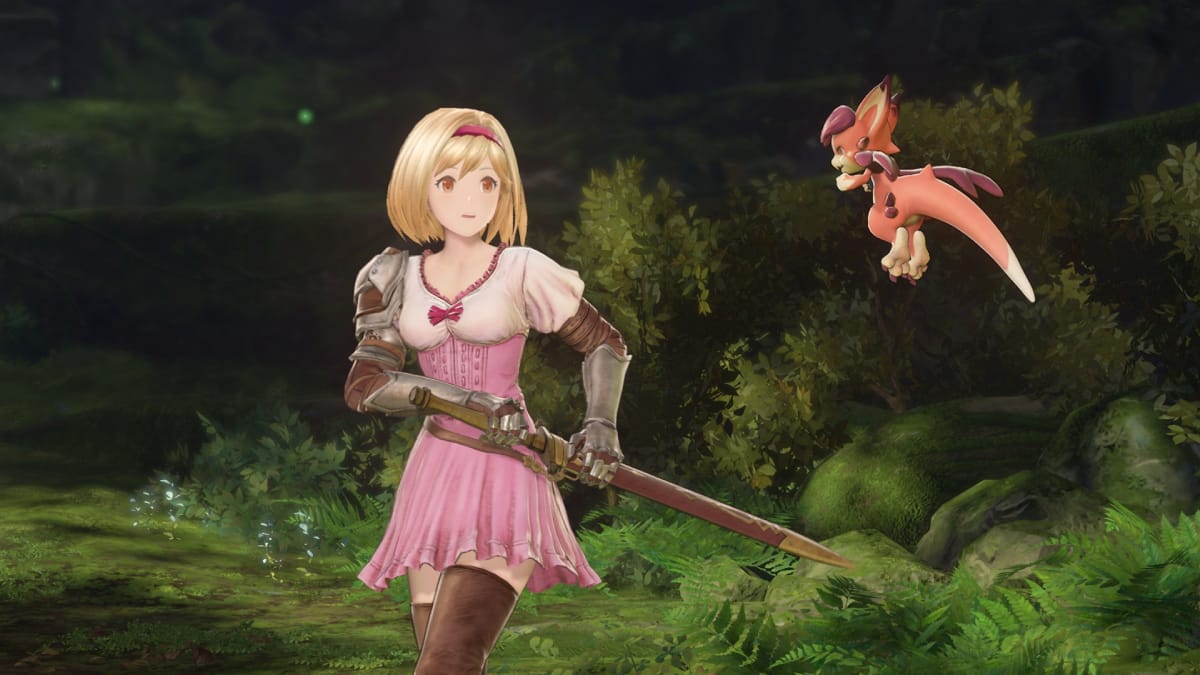
Djeeta and Vyrn
Image Source: Cygames via The Nerd Stash

Since endgame quests are a big deal in Granblue Fantasy: Relink, there are a few ways to level up quickly to reach that point. Before we delve into the ones we’ve discovered, let’s talk about the most obvious one: doing the main story quests. The easiest way to level up in the early hours is by tackling the main story. When we played, we reached level 45 just by doing the main missions, which is the recommended level for many hard quests. However, we recommend you stick to one character while doing the story. Otherwise, you might struggle with leveling every crew member at a time.

Undertake Quests
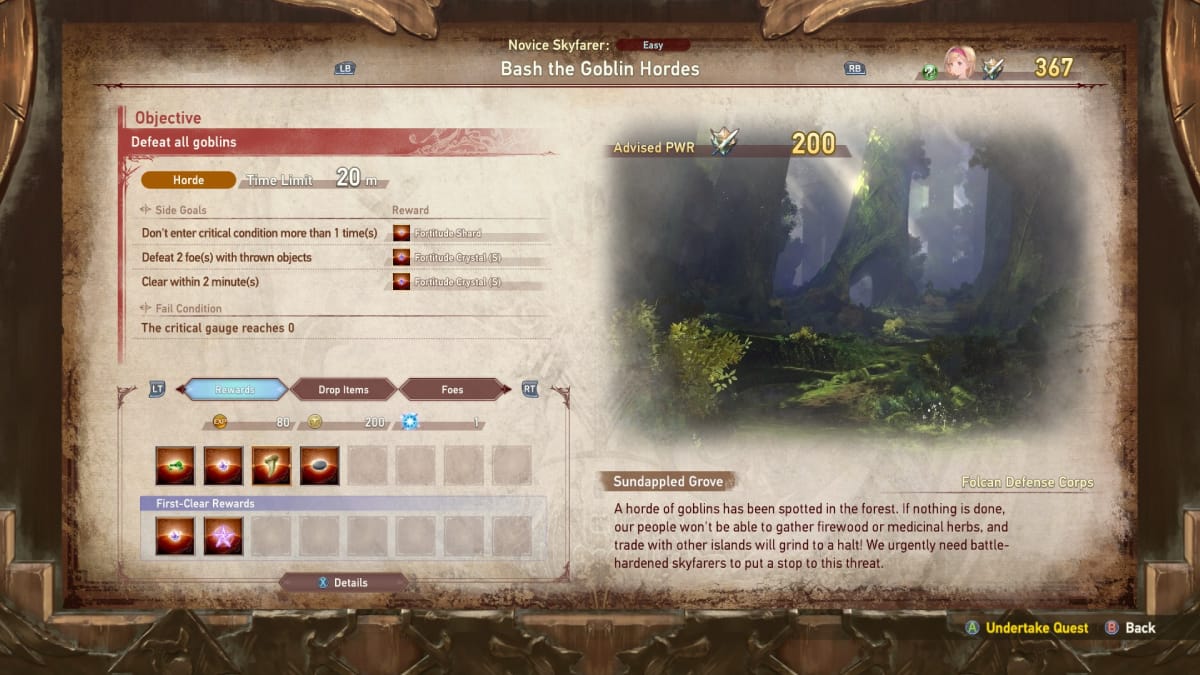
Granblue Fantasy Relink Hard Quests
Image Source: Cygames via The Nerd Stash

The next way to level up fast is by unlocking hard quests and grinding a few of them, especially boss ones. You unlock hard quests after finishing the main campaign, which means you can power-level many characters once you reach that point. In our case, we focused on one character and switched to the next. Also, we battled different bosses to avoid feeling bored by seeing the same Quackadile over and over.

Obtain Copper Spellbooks
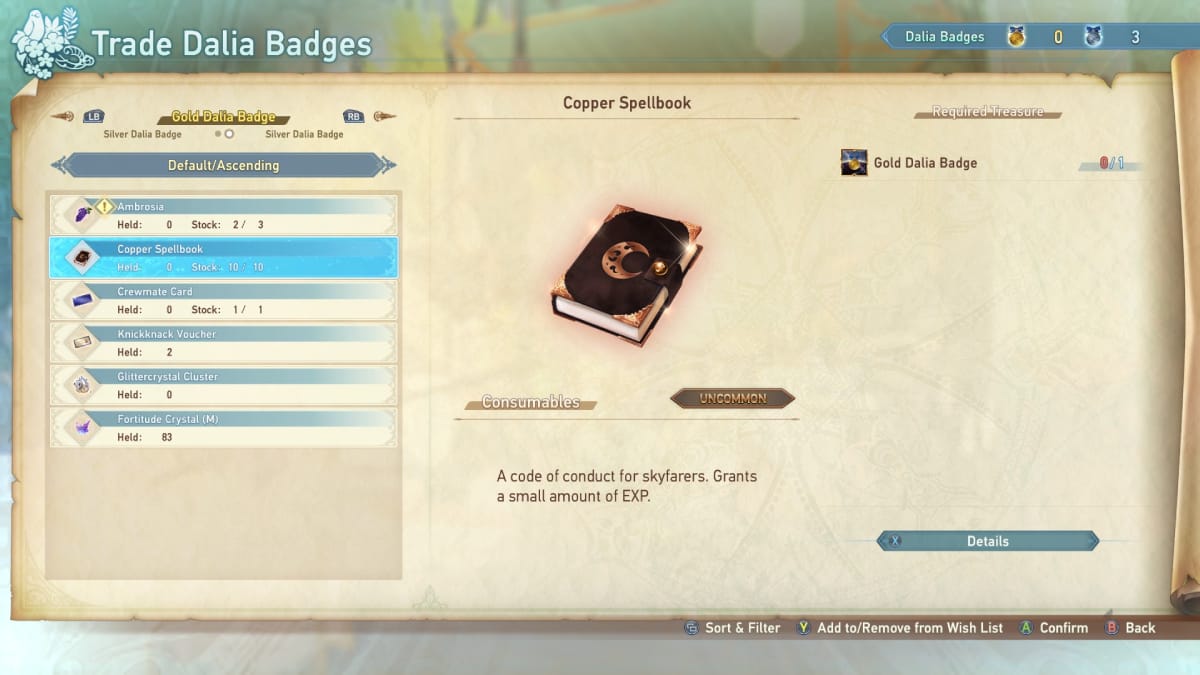
Copper Spellbooks
Image Source: Cygames via The Nerd Stash

One expensive but surefire way to level up fast in Granblue Fantasy: Relink is by obtaining Copper Spellbooks. You’ll likely obtain your first ones after beating the main story, meaning they are good to help your characters reach the level cap. Here are some ways to obtain this item:

  • Undertake Hard difficulty and above quests.
    • Copper Spellbooks are sometimes awarded as first-time rewards.
  • Check Lyria’s Journal in the Character Trophy Section.
    • You’ll get Copper Spellbooks after each character reaches level 100.
  • Purchase them at Sierokarte’s store.
    • You can spend one Golden Dalia Badge to obtain one Copper Spellbook.

Related:

Granblue Fantasy: Relink Review – Into the Vast Blue Sky

As you can see, the game has many activities for players to level up their characters, and we’re glad about that. While you have a lot of grinding ahead of you, there are different quests you can tackle to do that. And, if you’re doing some co-op play, it’ll be much easier to tackle missions and empower your favorite crew members.

Related Topics
Granblue Fantasy: Relink Guide
Share. Facebook Twitter LinkedIn Reddit Email
Julio La Pine
  • Website

Been gaming since '99! I am a huge JRPG fan and my favorite franchise is Final Fantasy. I love writing about games and I hope I can do it for the rest of my days!

SUGGESTED READS

AI That Plays Games for You? Sony and Other Gaming Giants Filed 49 Gen AI-Related Patents in the Last Three Months
Game News

AI That Plays Games for You? Sony and Other Gaming Giants Filed 49 Gen AI-Related Patents in the Last Three Months

Clair Obscur: Expedition 33 Becomes Second Most Awarded Game Ever With 330+ GOTY Wins, But Which One Is Still No. 1?
Features

Clair Obscur: Expedition 33 Becomes Second Most Awarded Game Ever With 330+ Industry Awards, But Which Game Still Holds the No. 1 Spot?

StarRupture How to Distribute Power
Game Guides

How to Manage and Distribute Power in StarRupture

StarRupture Unlock Recipes
Game Guides

How To Unlock New Recipes in StarRupture

StarRupture Data Points Farm
Game Guides

How To Earn Data Points in StarRupture

StarRupture Corporation Leveling Guide
Game Guides

Best Corporation to Level Up First in StarRupture

Trending
AI That Plays Games for You? Sony and Other Gaming Giants Filed 49 Gen AI-Related Patents in the Last Three Months

AI That Plays Games for You? Sony and Other Gaming Giants Filed 49 Gen AI-Related Patents in the Last Three Months

Clair Obscur: Expedition 33 Becomes Second Most Awarded Game Ever With 330+ GOTY Wins, But Which One Is Still No. 1?

Clair Obscur: Expedition 33 Becomes Second Most Awarded Game Ever With 330+ Industry Awards, But Which Game Still Holds the No. 1 Spot?

StarRupture How to Distribute Power

How to Manage and Distribute Power in StarRupture

StarRupture Unlock Recipes

How To Unlock New Recipes in StarRupture

The Nerd Stash
Facebook X (Twitter) Instagram YouTube LinkedIn
  • About Us
  • Join Our Team
  • Meet the Team
  • Privacy Policy
  • DMCA Policy
  • Contact Us
  • Terms of Use
  • Sitemap
  • Editorial Guidelines
  • Advertising Policy
© 2026 The Nerd Stash. All Rights Reserved.

Type above and press Enter to search. Press Esc to cancel.