Close Menu
  • Gaming
    • Platforms
      • Nintendo
      • PC
      • PlayStation
      • Xbox
  • Entertainment
    • Movies
    • TV
    • Royals
  • Celebrity
    • Hollywood
  • Human Interest
  • Astrology
  • More
    • Reviews
Facebook X (Twitter) Instagram LinkedIn YouTube
  • About Us
  • Join Our Team
  • Meet the Team
  • Privacy Policy
  • DMCA Policy
  • Contact Us
  • Terms of Use
  • Sitemap
  • Editorial Guidelines
  • Advertising Policy
The Nerd Stash
  • Gaming
  • Celebrity
  • Hollywood
  • Human Interest
The Nerd Stash
Home»Gaming»Can You Block Someone On Monopoly Go? Answered

Can You Block Someone On Monopoly Go? Answered

You don’t have to deal with bad players!

Nat CollazoBy Nat CollazoOctober 11, 20233 Mins Read
Can You Block Someone On Monopoly Go? Answered
Image Source: Scopely via The Nerd Stash
This article is over 2 years old and may contain outdated information.

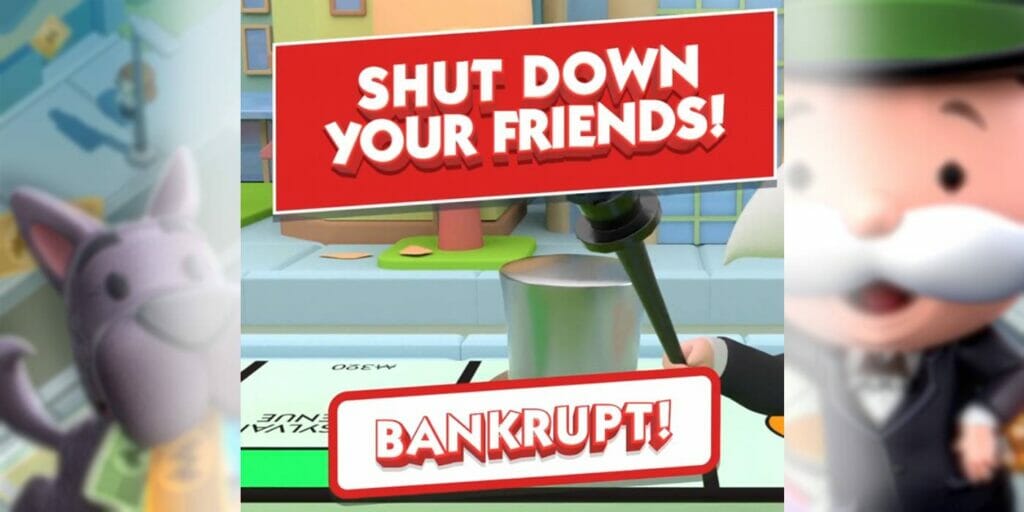
Playing games online can sometimes come with consequences that you didn’t really think about until they happened. In some cases, those consequences come in the form of blocking other players just so that you can properly enjoy a game. Blocking is technically not a feature that you’re able to execute in Monopoly Go, so doing it isn’t as obvious as you might think it is. To make it easier on you and your experience with the game, we wrote out how to block someone on Monopoly Go below.

How To “Block” Someone in Monopoly Go

How To Block Someone On Monopoly Go
Image Source: Scopely via The Nerd Stash

Technically, no, there isn’t a button that directly allows you to block someone. However, you are able to remove them as a friend so that you don’t have to interact or play with them anymore. To do that, just follow these instructions:

  1. Select the Friends option on the bottom-right corner of the main screen.
  2. Select the Leaderboard option.
  3. Select the friend you wish to remove from the list.
  4. Select the Remove button that will appear.

There isn’t a selection afterward that asks if you are sure you want to remove your friend, so you’re going to want to be extra sure about this decision. Even if you accidentally remove them, you can always try to add them back to your friend list afterward.

Can You Add Friends Back After You Remove Them?

Yes, you can add your friends back after you remove them. To do that, you can follow the same instructions as the ones to remove a friend above, but with a bit of a difference:

  1. Select the Friends option on the bottom-right corner of the main screen.
  2. Select the Add Friends option.
  3. Add friends who are in your Suggested list.
  4. Add friends from your contacts.
  5. Add friends via Facebook invitation.
  6. Add friends via an invitation link.

You aren’t able to look up your friends by their username, and you aren’t able to see the friends that you previously had on your list. Considering that, you might want to ensure that anyone you add is someone you actually know, just in case. Of course, you can make friends in the game and add them to your friend list, but without any other context as to who they are, adding them back will be a bit of a problem.

Related:

How Many Boards Are There In Monopoly Go? (Complete Board List)

Monopoly Go is available on Android and iOS.
Related Topics
Guide Monopoly Go
Share. Facebook Twitter LinkedIn Reddit Email
Nat Collazo
  • Website
  • X (Twitter)
  • Instagram

Nat is a journalist with over ten years of online publishing experience. They are a massive fan of hanging out with both their wife and cat which would ideally be all the time. Nat received an undergraduate degree in English Literature from Florida International University, then returned to complete a graduate degree in Mass Communications before moving across the country to settle in New England.

SUGGESTED READS

One of GTA Online's Biggest Roleplay Servers Is Officially Launching on Rockstar Launcher This September
Gaming

One of GTA Online’s Biggest Roleplay Servers Is Officially Launching on Rockstar Launcher This September

Marvel Tokon Fighting Souls PS5 Review
9.5
Gaming

Marvel Tōkon: Fighting Souls Review – Taking the Genre to New Heights

GTA 6's $100 Preorder Is Outselling the $80 Edition Amid Fans' Backlash, Confirms Take-Two: 'We Want People to be Thrilled'
Gaming

GTA 6’s $100 Preorder Is Outselling the $80 Edition Amid Fans’ Backlash, Confirms Take-Two: ‘We Want People to be Thrilled’

Job Simulator Human Relations
Gaming

FarBridge Is Expanding The Job Simulator Universe With Job Simulator: Human Relations

Star Wars Zero Company PC Preview
Gaming

Star Wars: Zero Company Preview – Missing 90 Percent Shots Turned Us to the Dark Side

Genshin Impact 7.0 Preview
Gaming

Genshin Impact Version 7.0 Preview – One More Adventure

The Nerd Stash
Facebook X (Twitter) Instagram YouTube LinkedIn
  • About Us
  • Join Our Team
  • Meet the Team
  • Privacy Policy
  • DMCA Policy
  • Contact Us
  • Terms of Use
  • Sitemap
  • Editorial Guidelines
  • Advertising Policy
© 2026 The Nerd Stash. All Rights Reserved.

Type above and press Enter to search. Press Esc to cancel.