
Close Menu
  • Gaming
    • Game Guides
    • Codes
    • Game News
    • Game Previews
    • Game Reviews
    • Game Features
    • Game Lists
    • Platforms
      • Nintendo
      • PC
      • PlayStation
      • Xbox
      • Mobile
  • Entertainment
    • Movies
    • Movie Features
    • Movie Reviews
    • TV
    • Reality TV
    • Royals
  • Celebrity
    • Hollywood
  • Human Interest
  • Astrology
  • Videos
  • More
    • Anime
    • Lists
    • Podcasts
    • Reviews
Facebook X (Twitter) Instagram LinkedIn YouTube
  • About Us
  • Join Our Team
  • Meet the Team
  • Privacy Policy
  • DMCA Policy
  • Contact Us
  • Terms of Use
  • Sitemap
  • Editorial Guidelines
  • Advertising Policy
The Nerd Stash
  • Gaming
  • Celebrity
    • Hollywood
  • Human Interest
  • Videos
The Nerd Stash
Home»Game Guides»How Long Will It Take To Login to Diablo 4? Explained

How Long Will It Take To Login to Diablo 4? Explained

Diablo 4 is a big game with dungeons to explore and World Bosses to fight. It’s a great way to experience a mystical world and…

Victor TanBy Victor TanJune 6, 20233 Mins Read
Diablo 4 Login
Image Source: Blizzard Diablo IV Press Kit
This article is over 2 years old and may contain outdated information.

Diablo 4 is a big game with dungeons to explore and World Bosses to fight. It’s a great way to experience a mystical world and build your own custom character to participate. Unfortunately, other players have the same idea and want to play as well. This can sometimes result in difficulty when trying to login to Diablo 4. You are waiting a long time for your turn in the queue before you can play. There is a good reason for the wait times, and it will get better, but it is something you may have to wait for. Here’s why it takes some time to login to Diablo 4 and what you can do about it.

Why Does It Take A Long Time To Login to Diablo 4?
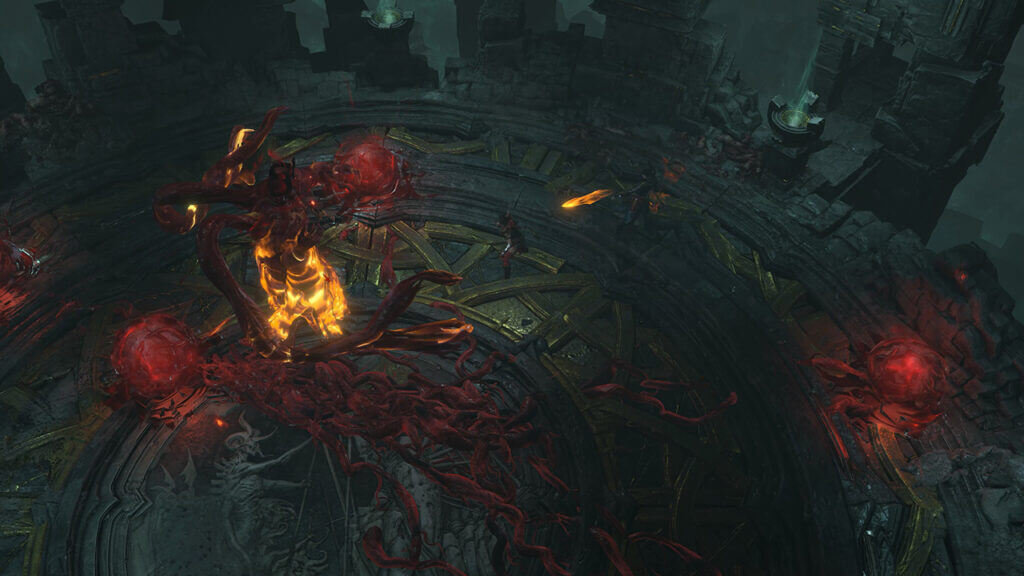
Diablo 4 Prime Halls image.
Image Source: Blizzard Diablo IV Press Kit

It takes a long time to log in to Diablo 4 because the servers must accommodate other players who are logging in. It won’t let everyone in at once and must ensure they arrive at the proper servers. If lots of players are in a queue, this means everyone else has to wait before they go in. You might also see a time estimate to login but end up waiting much longer than you expect.

Diablo 4 is one of the most anticipated games of the year, and many players want to experience it, especially when the release date arrived. Everyone is trying to join the servers, and Blizzard is making sure that everyone is going to the best server for playing. This often means waiting while the servers try to pair up with the proper user and queue until it is your turn. In Early Access, the wait time was around 30 minutes before you could log in. This time is also not factoring in any error codes that you encounter, such as Error 300202.

Related

Is Diablo 4 Always Online Now? Answered

Check Blizzard’s Customer Support Twitter to see if anything might be extending login times for Diablo 4. Other players might experience the same problem or let you identify if you are the only one who is seeing long wait times. That means checking your Internet connection and ensuring your firewall allows Diablo 4 to go through. If you still have problems, contacting Technical Support is your best bet, and they will help you find a solution.

As Blizzard continues to improve Diablo 4, the login times should improve significantly, and everyone will be able to enjoy the game. In the meantime, you might consider playing on non-peak hours in your timezone to avoid long wait times. Always stay up to date on potential server issues and ensure your Internet connection is fine. After a few minutes pass, you should jump straight into the game world and enjoy everything Diablo 4 has to offer.


Related Topics
Diablo 4 Guide
Share. Facebook Twitter LinkedIn Reddit Email
Victor Tan
  • Website

Victor enjoys helping players succeed when video games are too difficult. He knows what it's like to get stuck in tricky situations and he wants to make sure other players don't suffer the same fate.

SUGGESTED READS

PS6 and Next-Gen Xbox Launches May Be Delayed by AI-Driven RAM Demand: 'This Delay is a Blessing in Disguise'
Game News

PS6 and Next-Gen Xbox Launches May Be Delayed by AI-Driven RAM Demand: ‘This Delay is a Blessing in Disguise’

Konami Plans Yearly Silent Hill Releases, Said Series Producer: 'I Hope the Excitement Around It Remains High'
Game News

Konami Plans Yearly Silent Hill Releases, Said Series Producer: ‘I Hope the Excitement Around It Remains High’

New Dad's Viral Delivery Room Xbox Setup Divides the Internet: 'Most Diabolical Move I’ve Seen'
Game News

New Dad’s Viral Delivery Room Xbox Setup Divides the Internet: ‘Most Diabolical Move I’ve Seen’

Games to Pre-order With Your Holiday Gift Cards
Features

Top 2026 Games to Save Your Holiday Gift Cards For

Best Steam Winter Sale Deals of 2025
Features

Best Holiday Steam Deals of 2025

Best PlayStation Holiday Deals of 2025
Features

Best Holiday PlayStation Deals of 2025

Trending
PS6 and Next-Gen Xbox Launches May Be Delayed by AI-Driven RAM Demand: 'This Delay is a Blessing in Disguise'

PS6 and Next-Gen Xbox Launches May Be Delayed by AI-Driven RAM Demand: ‘This Delay is a Blessing in Disguise’

Konami Plans Yearly Silent Hill Releases, Said Series Producer: 'I Hope the Excitement Around It Remains High'

Konami Plans Yearly Silent Hill Releases, Said Series Producer: ‘I Hope the Excitement Around It Remains High’

New Dad's Viral Delivery Room Xbox Setup Divides the Internet: 'Most Diabolical Move I’ve Seen'

New Dad’s Viral Delivery Room Xbox Setup Divides the Internet: ‘Most Diabolical Move I’ve Seen’

Games to Pre-order With Your Holiday Gift Cards

Top 2026 Games to Save Your Holiday Gift Cards For

The Nerd Stash
Facebook X (Twitter) Instagram YouTube LinkedIn
  • About Us
  • Join Our Team
  • Meet the Team
  • Privacy Policy
  • DMCA Policy
  • Contact Us
  • Terms of Use
  • Sitemap
  • Editorial Guidelines
  • Advertising Policy
© 2026 The Nerd Stash. All Rights Reserved.

Type above and press Enter to search. Press Esc to cancel.




