

Close Menu
  • Gaming
    • Platforms
      • Nintendo
      • PC
      • PlayStation
      • Xbox
  • Entertainment
    • Movies
    • TV
    • Royals
  • Celebrity
    • Hollywood
  • Human Interest
  • Astrology
  • More
    • Anime
    • Reviews
Facebook X (Twitter) Instagram LinkedIn YouTube
  • About Us
  • Join Our Team
  • Meet the Team
  • Privacy Policy
  • DMCA Policy
  • Contact Us
  • Terms of Use
  • Sitemap
  • Editorial Guidelines
  • Advertising Policy
The Nerd Stash
  • Gaming
  • Celebrity
  • Hollywood
  • Human Interest
The Nerd Stash
Home»Gaming»How to Customize Armor in Space Marine 2 to Please Khorne– er, I Mean the Emperor

How to Customize Armor in Space Marine 2 to Please Khorne– er, I Mean the Emperor

Look like da tuffest gits in the ‘Mpeeryum

Sid NatividadBy Sid NatividadSeptember 10, 20243 Mins Read
Space Marine 2 customize armor option
Image Source: Saber Interactive via The Nerd Stash
This article is over 1 years old and may contain outdated information.

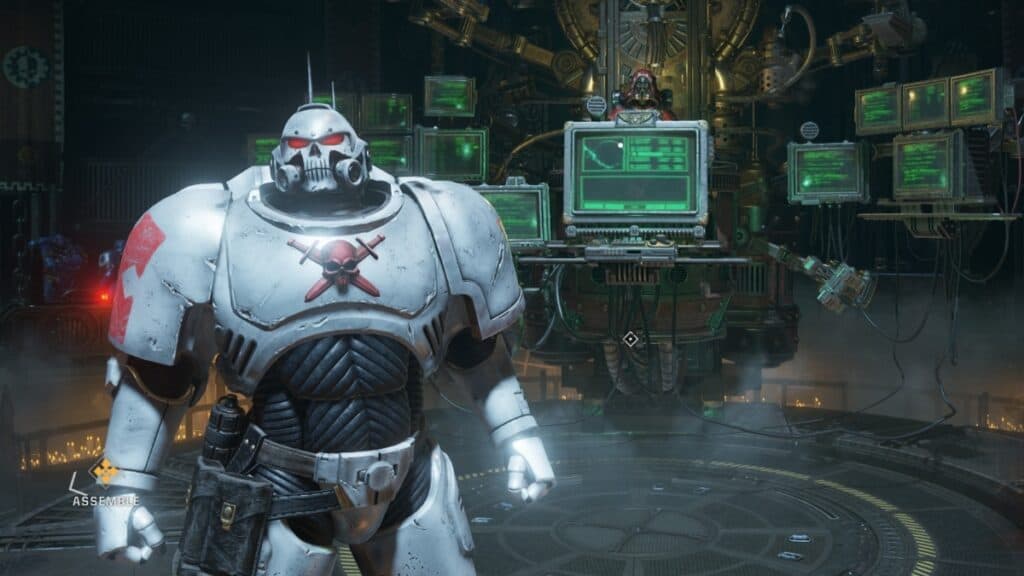
In Warhammer 40,000: Space Marine 2, you’re initially stuck with the Ultramarines. I’m personally more of a Blood Ravens and World Eaters guy (shh), but the good news is that it won’t take long before you can finally paint your Space Marine in different chapter colors. Note that comprehensive armor or armour customization is only available for the Operations and Eternal War mode. In Campaign, you’re mostly stuck with Titus and his blues. Here’s how to customize armor in Space Marine 2.

How to Unlock & Use the Edit Armour Feature
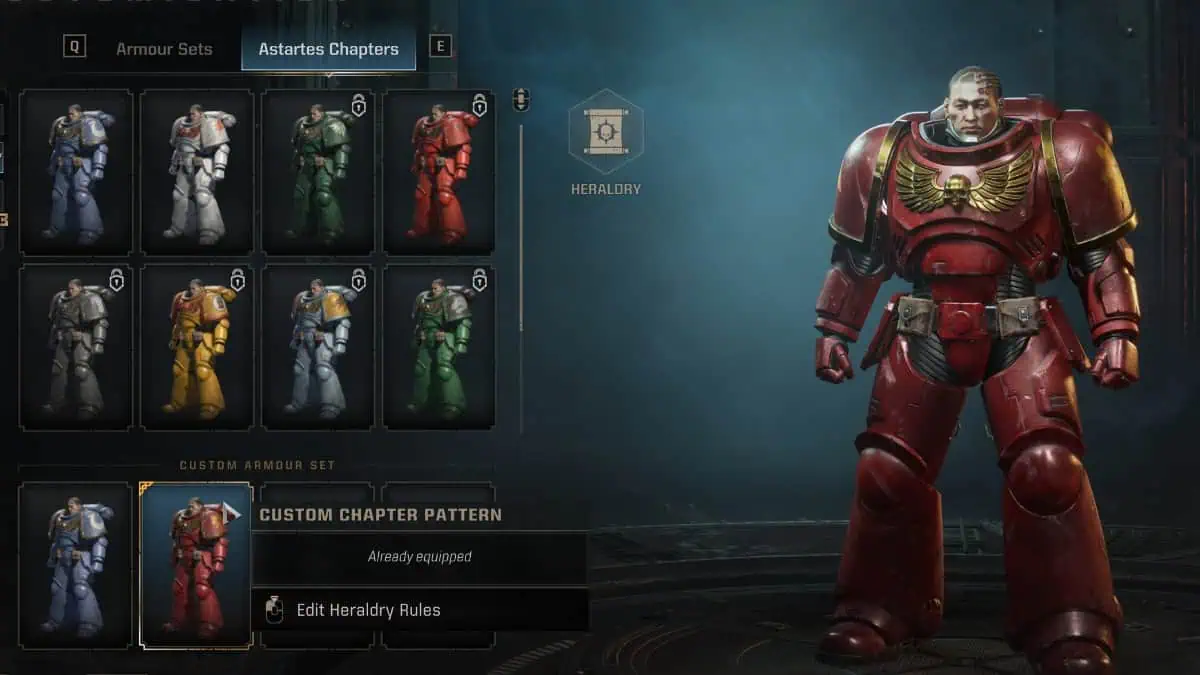
Space Marine 2 customize armor option
Image Source: Saber Interactive via The Nerd Stash

You don’t get to customize armor right away. Follow these instructions first to unlock it.

  1. Play the Campaign (Easy mode if you’re in a rush).
  2. Progress through the story until you unlock Operations and the Armoury Hall.
  3. Once you’ve unlocked Operations, go to the Operations terminal in the Battle Barge area and switch to it.
  4. Select a Space Marine class.
  5. Go to the Armoury Hall (the room before the Battle Barge), and talk to Magos Galeo.
  6. Select ‘Edit Armour.’

For the Campaign and customizing Titus, the process is the same except with ‘Edit Appearance’ instead of Edit Armour. However, his options are terribly limited to Ultramarine paint.

Related:

Warhammer 40,000: Space Marine 2 Review – Grim Dark Glory

So in summary, you can only personalize or customize the Operation and Eternal War classes in your favorite or preferred Space Marine (or Chaos Marine) Chapter colors. In any case, to change your paint, you will need to fiddle with a few more menus.

  • The Armour Sets tab is for Ultramarine colors and armor variations.
  • Select Astartes Chapters for emblem and chapter color variations.
  • Select Heraldry to unlock more options.
  • You can also customize each armor or limb piece to make a rainbow Space Marine chapter.

How to Unlock More Customize Armor Options in Space Marine 2
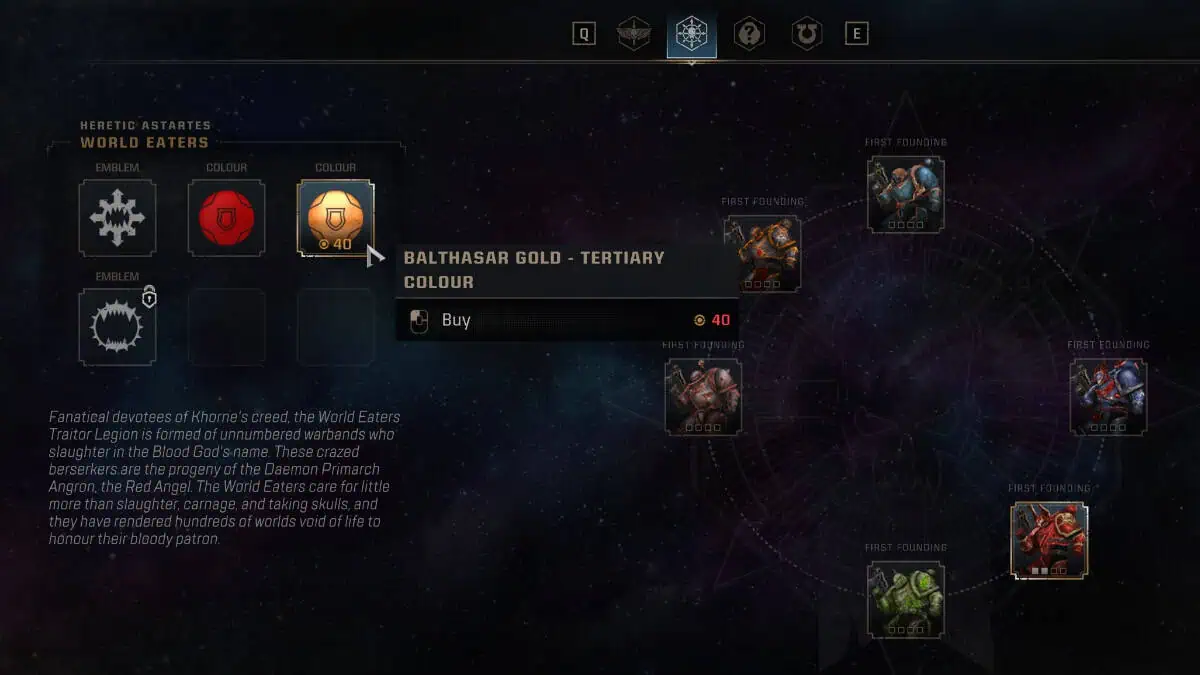
Space Marine 2 customize armor option
Image Source: Saber Interactive via The Nerd Stash

It’s worth noting that you need to unlock each emblem, color, and decal once. Unlocking them also requires currency. Don’t worry as colors and emblems are shared for all classes, meaning if you unlock a Blood Raven color or emblem for the Scout, you can also use it for the Vanguard or other classes.

To earn currency, you need to finish Operations (each one can take around 20-30 minutes). You’ll need to do them anyway if you want to unlock class perks and level up the classes. Some armor sets and colors are only available via DLC, by the way, and you’d still need to unlock them through currency.

That sums up how to customize armor in Space Marine 2. You can show it off either in co-op or PvP, though go easy on the Chaos Marine colors. There are lots of zealots and Empra’ stans out there looking to take it out on heretics.


Related Topics
Guide Space Marine 2
Share. Facebook Twitter LinkedIn Reddit Email
Sid Natividad
  • Website

Sid was born, did some stuff, then decided to become a writer. He found respite in the sweet embrace of video games and pop culture after serving as a journalist, covering warzones and depressed areas. It seems he prefers the much lower chance of getting hit by a stray bullet during work hours.

SUGGESTED READS

MindsEye Layoffs 2026
Gaming

Studio Behind GTA-like Game, MindsEye, Hit With More Layoffs, and Nobody is Surprised: ‘Shocked There’s Even a Janitor Working There’

Princess Peach Spin-Off Movie May Already Be in Development, Job Listing Suggests
Gaming

Princess Peach Spin-Off Movie May Already Be in Development, Job Listing Suggests

Xbox's New CEO Wants to Reconnect With the 'Community,' Yet Brings In More CoreAI Leaders
Gaming

Xbox’s New CEO Wants to Reconnect With the ‘Community,’ Yet Brings In More CoreAI Leaders

Diablo 4 Season 13 Tier List
Gaming

Class Tier List for Diablo 4 Season 13 (Best Classes for Endgame & Leveling)

Take-Two Boss Finally Explains Why GTA 6 Is Skipping PC at Launch: 'We'll See How It Works Out'
Gaming

Take-Two Boss Finally Explains Why GTA 6 Is Skipping PC at Launch: ‘We’ll See How It Works Out’

Rockstar Employee Review Claims 'Unrealistic' Crunch as GTA 6 Development Intensifies: 'Had to Work Till 3AM'
Gaming

Rockstar Employee Review Claims ‘Unrealistic’ Crunch as GTA 6 Development Intensifies: ‘Had to Work Till 3AM’

The Nerd Stash
Facebook X (Twitter) Instagram YouTube LinkedIn
  • About Us
  • Join Our Team
  • Meet the Team
  • Privacy Policy
  • DMCA Policy
  • Contact Us
  • Terms of Use
  • Sitemap
  • Editorial Guidelines
  • Advertising Policy
© 2026 The Nerd Stash. All Rights Reserved.

Type above and press Enter to search. Press Esc to cancel.



