
The latest entry to the popular action-hunting game series offers players various ways to interact with monsters’ earth-crushing moves. One way to do so in Monster Hunter Wilds is by performing Offset Attacks. This powerful tool can be used to counter monsters’ assaults and open up a window for a counterattack. Learning the ins and outs and mastering this mechanic will be essential to beating tough adversaries such as Arkveld with your favorite weapon.
What is Offset Attack? Explained
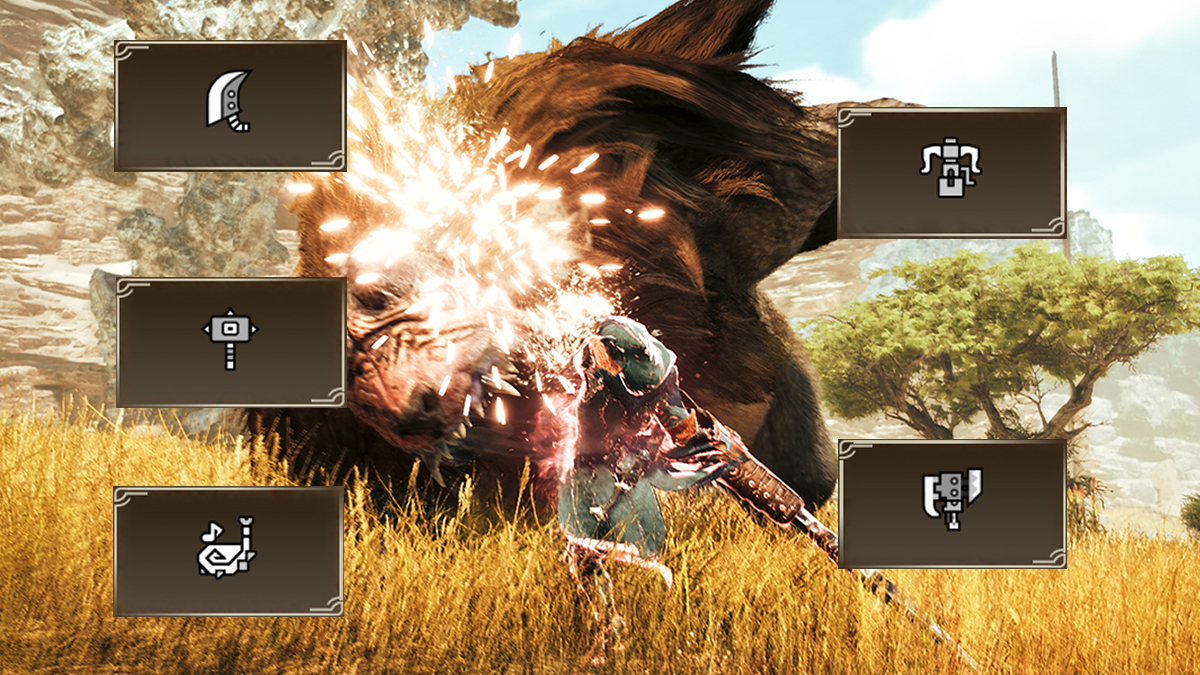
Offset Attack is basically a parry move given to several weapons with relatively limited evasive moves, unlike Long Sword, Dual Blades, and Insect Glaive. Similar to shielded weapons’ Power Clash mechanic, Offset Attack in Monster Hunter Wilds can only be performed by specific weapon types:
- Great Sword.
- Heavy Bowgun.
- Switch Axe.
- Hammer.
- Hunting Horn.
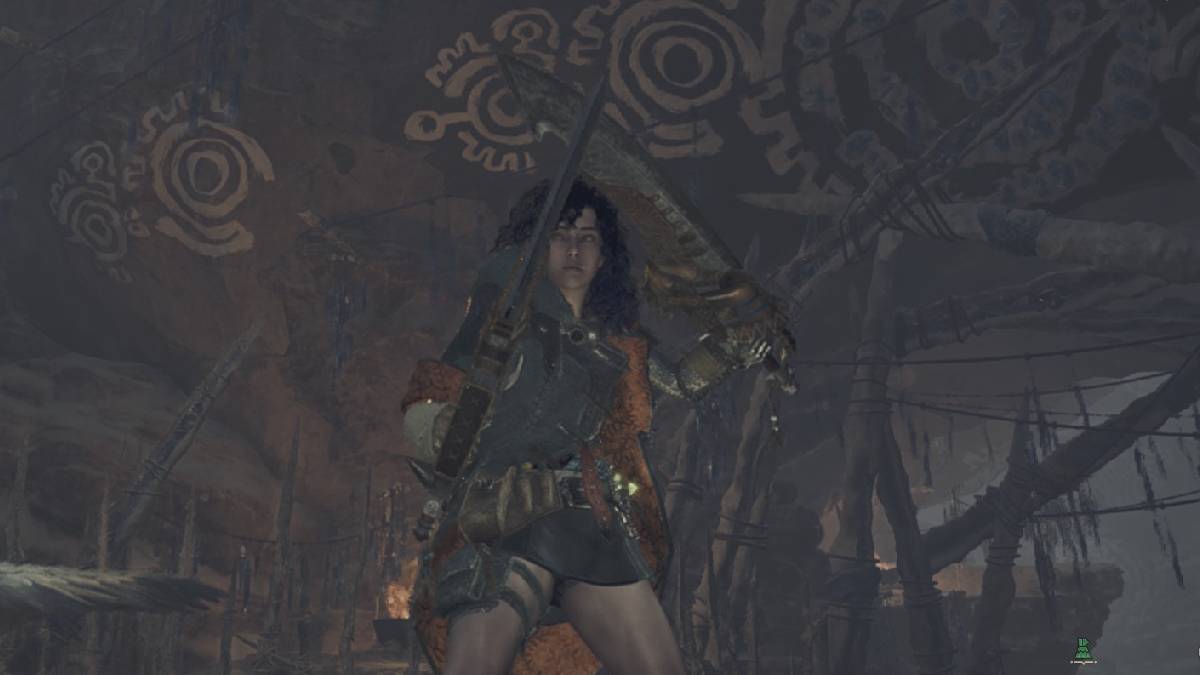
However, unlike Power Clash which can only be triggered by blocking a specific move, Offset Attack can be used to parry all monsters’ melee attacks. Successfully executing an Offset will always give you a ‘super armor’ effect, reducing any damage taken. This mechanic will not work if a monster uses a projectile or any kind of ranged attack, such as Balahara’s mudblast or Rey Dau’s railgun.
Parrying moves with Offset Attacks will build up an invisible ‘Offset Damage.’ Deal enough Offset Damage, and your target will be staggered or even knocked down. The more damaging move you parry with an Offset Attack, the bigger Offset Damage you’ll dish out, knocking down monsters often.
How to Perform Offset Attack in Monster Hunter Wilds
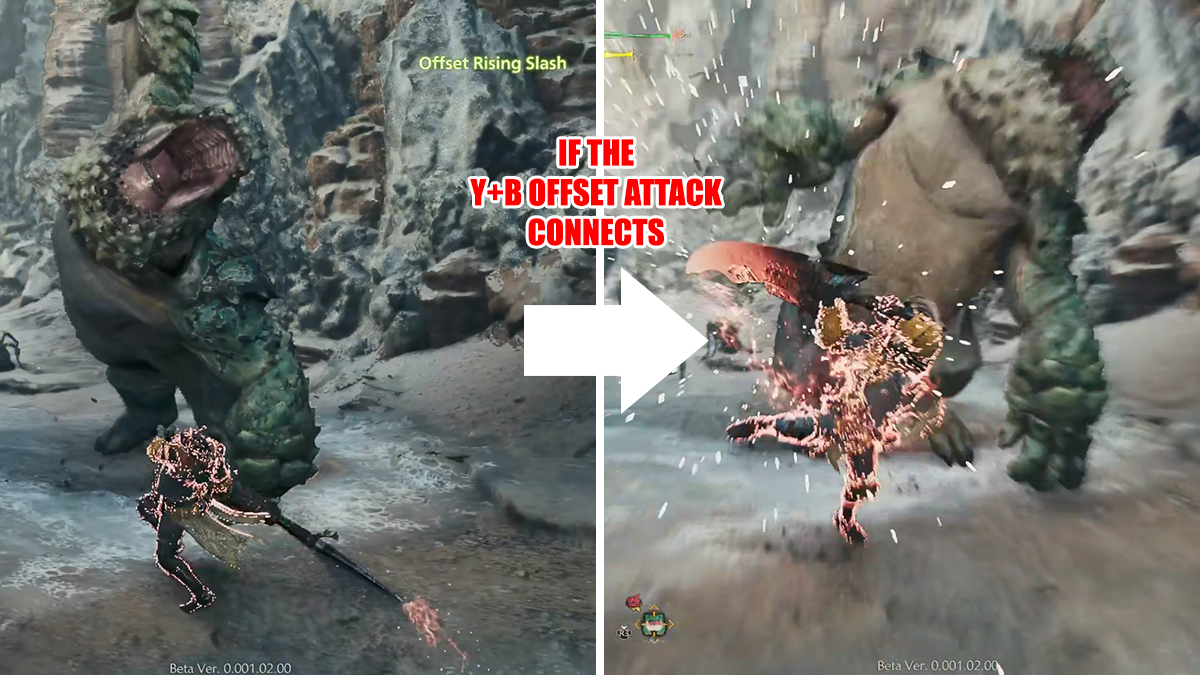
To successfully perform an Offset Attack in Monster Hunter Wilds, you have to make sure the Offset Attack connects with a monster’s attack. That means, you must get the timing right as Offset Attacks will have prior windup animation or moves before they can be fully executed. A polar opposite to Perfect Guard or Power Clash as guarding animation is instant.
- Great Sword: Offset Rising Slash.
- Input: Y/Triangle/Left Click + B/O/Right Click.
- Can be charged up to Level 3 like Charged Slash and released early.
- Heavy Bowgun: Wyverncounter Ignition.
- Input:
- B/O/Right Click (Ignition Mode).
- LT/L2/Mouse 3 + Y/Triangle/Left Click (Wyverncounter Ignition).
- Must be in Ignition Mode first.
- Can be charged and released early.
- Input:
- Switch Axe: Axe Mode: Offset Rising Slash.
- Input: Y/Triangle/Left Click + B/O/Right Click.
- Must be in Axe Mode; Sword Mode doesn’t have an Offset Attack move.
- Hammer: Upswing.
- Input:
- Y/Triangle/Left Click.
- Y/Triangle/Left Click.
- Y/Triangle/Left Click, this part is the Upswing move.
- Takes time to perform as it is a combo ender.
- Input:
- Hunting Horn: Offset Melody.
- Notes: Yellow, Red, Yellow, White.
- Input:
- Y/Triangle/Left Click + B/O/Right Click (Yellow note).
- B/O/Right Click (Red note).
- Y/Triangle/Left Click + B/O/Right Click (Yellow note).
- Y/Triangle/Left Click (White note).
- Y/Triangle/Left Click + B/O/Right Click + RT/R2/R key (Offset Melody).
- Save the melody first then perform it while the monster is winding up its attack.
Most weapons above can follow up an Offset with an additional short Y/Triangle/Left Click combo, like Great Sword’s Follow-Up Cross Slash. The Hunter will close the gap between them and a knocked-down monster using the Slinger and perform quick slashes.
Hunting Horn is an exception to this rule, as it cannot perform any follow-up combo after knocking down a monster. Because of that, we suggest saving up some melodies first before launching an Offset Attack. That way, you can use the downtime to buff your teammates or do an Echo Wave.





