Close Menu
  • Gaming
    • Platforms
      • Nintendo
      • PC
      • PlayStation
      • Xbox
  • Entertainment
    • Movies
    • TV
    • Royals
  • Celebrity
    • Hollywood
  • Human Interest
  • Astrology
  • More
    • Reviews
Facebook X (Twitter) Instagram LinkedIn YouTube
  • About Us
  • Join Our Team
  • Meet the Team
  • Privacy Policy
  • DMCA Policy
  • Contact Us
  • Terms of Use
  • Sitemap
  • Editorial Guidelines
  • Advertising Policy
The Nerd Stash
  • Gaming
  • Celebrity
  • Hollywood
  • Human Interest
The Nerd Stash
Home»Gaming»How To Fix Exoprimal Capcom ID Not Working Issue

How To Fix Exoprimal Capcom ID Not Working Issue

Want to know how to fix Capcom ID Not Working issue in Exoprimal? Despite high expectations from Capcom fans, Exoprimal didn’t get off to a great start. Some…

Artur NovichenkoBy Artur NovichenkoJuly 17, 20233 Mins Read
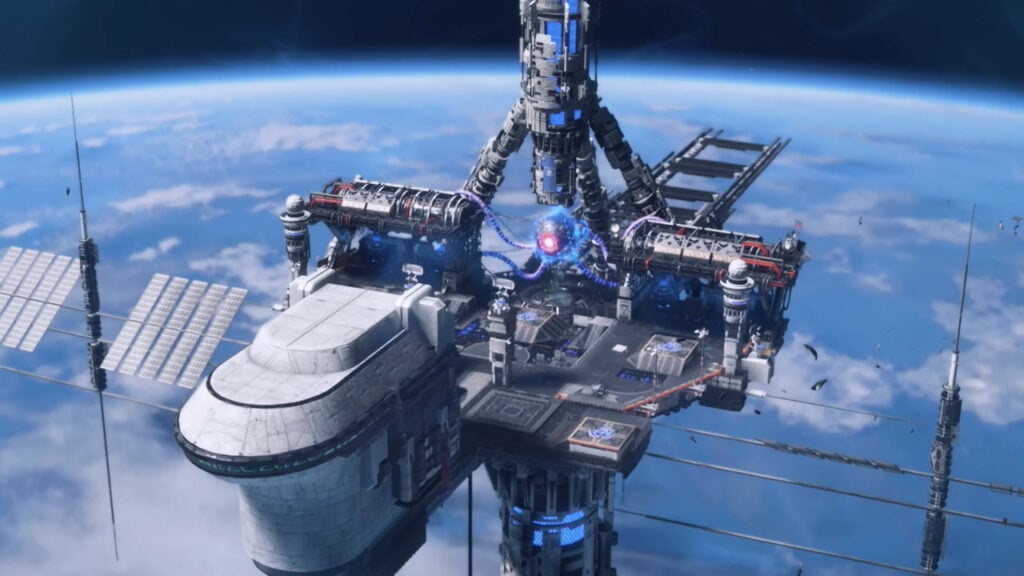
How To Fix Exoprimal Capcom ID Not Working
Image Source: Capcom via The Nerd Stash
This article is over 2 years old and may contain outdated information.

Want to know how to fix Capcom ID Not Working issue in Exoprimal? Despite high expectations from Capcom fans, Exoprimal didn’t get off to a great start. Some were disappointed that Exoprimal and Dino Crisis are not in the same universe. In contrast, others found the gameplay of this game very similar to Destiny 2. However, the release of Exoprimal was not without the basic bugs that any game faces. One of the most common errors players encounter is Capcom ID Not Working, and here we will tell you how to fix it in Exoprimal.

Fixing Exoprimal Capcom ID Not Working
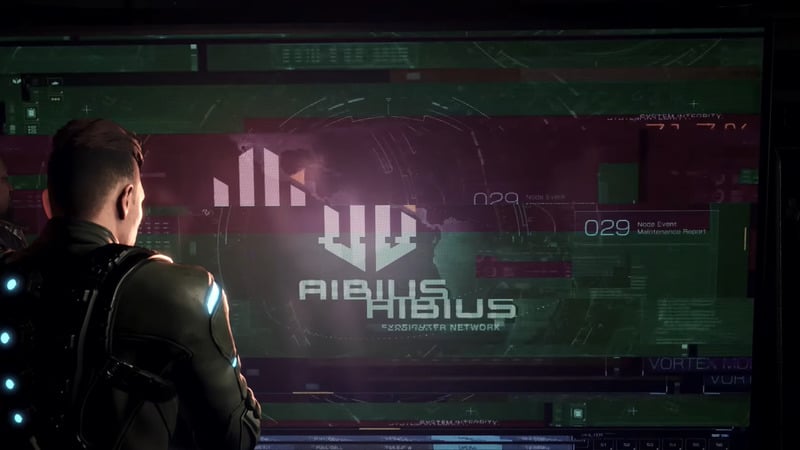
Exoprimal Capcom ID Not Working
Image Source: Capcom via The Nerd Stash

First of all, it is worth noting that players encounter this error when entering the game. But sometimes, it occurs directly during the gameplay.

When you see the ominous “No Capcom ID linked” notification, you can wait for the developers to fix the problem, but this is not the best solution. So if you want to get back to dynamic dinosaur combat, here are a few ways to fix Capcom ID Not Working in Exoprimal:

  • First, try restarting the game several times. It will seem trivial, but maybe the servers are just overloaded. You only need to try a few more times before you enter the game world.
  • Also, we advise you to resort to the most basic method and restart the platform and device on which you play. The connection to the Capcom servers may remain unstable until you make a completely new login to the game. We recommend you repeat this method several times before giving up. It’s upsetting, but you are not immune from the fact that you will encounter a problem twice in a row.
  • The third way is to check the Capcom ID link with your account. You only need to visit the official Capcom page, log into your account, and check your login details on the specific platform (Steam, PSN, and Xbox network). This method often helps players who play simultaneously on different devices.
  • The final method combines the previous ones. You need to log into your Capcom account and scroll down the page. Select the platform you are playing on, then unlink and re-link the account. With your login details updated, try to enter the game again.

If none of the above helped you, most likely, the problem is on the server side. You can only wait until the developers solve this issue or release a hot patch.

Related:

Exoprimal Modules Guide

Exoprimal is available on PC, PlayStation, and Xbox.

Related Topics
exoprimal Guide
Share. Facebook Twitter LinkedIn Reddit Email
Artur Novichenko
  • Website

Artur is a copywriter and SEO specialist, as well as a small business owner. In his free time, he loves to play computer games and is glad that he was able to connect his professional career with his hobby.

SUGGESTED READS

PlayStation Fighting Controller Backlash
Gaming

PlayStation’s Return to Social Media is Met With Backlash and Angry Consumers: ‘I Was Hoping It Was a Digital Controller’

Black Flag Resynced
Gaming

Assassin’s Creed Black Flag Remake Delivers Brutal Skull & Bones Comparison Before Launch

PlayStation Reportedly Didn't Warn Asian Partners, Local Branches Before Physical Disc Shut Down Announcement: 'They Didn't Know Either'
Gaming

PlayStation Reportedly Didn’t Warn Asian Partners, Local Branches Before Physical Disc Shut Down Announcement: ‘They Didn’t Know Either’

XBOX Sells Off Four Studios, Cuts 3,000 Jobs, as Marvel's Blade Reportedly Goes Over Budget
Gaming

Xbox Sells Off Four Studios and Cuts 3,000 Jobs as Marvel’s Blade Reportedly Goes Over Budget

PSN Region Ban Claims Another Victim as Marvel Tokon is Blocked in 132 Countries
Gaming

PSN Region Ban Claims Another Victim as Marvel Tokon is Blocked in 132 Countries

PlayStation PS Plus subscription cancel
Gaming

Angry PlayStation Users Threaten to Cancel PS Plus After Sony Cancels Physical Media: ‘They’re Already on Thin Ice’

The Nerd Stash
Facebook X (Twitter) Instagram YouTube LinkedIn
  • About Us
  • Join Our Team
  • Meet the Team
  • Privacy Policy
  • DMCA Policy
  • Contact Us
  • Terms of Use
  • Sitemap
  • Editorial Guidelines
  • Advertising Policy
© 2026 The Nerd Stash. All Rights Reserved.

Type above and press Enter to search. Press Esc to cancel.