Close Menu
  • Gaming
    • Platforms
      • Nintendo
      • PC
      • PlayStation
      • Xbox
  • Entertainment
    • Movies
    • TV
    • Royals
  • Celebrity
    • Hollywood
  • Human Interest
  • Astrology
  • More
    • Anime
    • Reviews
Facebook X (Twitter) Instagram LinkedIn YouTube
  • About Us
  • Join Our Team
  • Meet the Team
  • Privacy Policy
  • DMCA Policy
  • Contact Us
  • Terms of Use
  • Sitemap
  • Editorial Guidelines
  • Advertising Policy
The Nerd Stash
  • Gaming
  • Celebrity
  • Hollywood
  • Human Interest
The Nerd Stash
Home»Gaming»How To Fix Fortnite Not Launching

How To Fix Fortnite Not Launching

Fortnite not launching? Don’t worry. Just try these solutions!

Asanga WijeratneBy Asanga WijeratneDecember 27, 20232 Mins Read
How To Fix Fortnite Not Launching
Image Source: Epic Games
This article is over 2 years old and may contain outdated information.

We’ve all experienced the frustration. You are ready to jump into a Fortnite match, but it won’t launch. The game might not start for several reasons, including missing files, issues with EasyAntiCheat, or a lack of administrative privileges. Also, Epic Games has given several solutions for this error on the official website, including checking system requirements, verifying game files, running the Epic Games launcher as an administrator, and many more. However, not every solution works on fixing the Fortnite not launching error. So, let’s look at the most workable solutions.

Possible Fixes for the Fortnite Not Launching Error
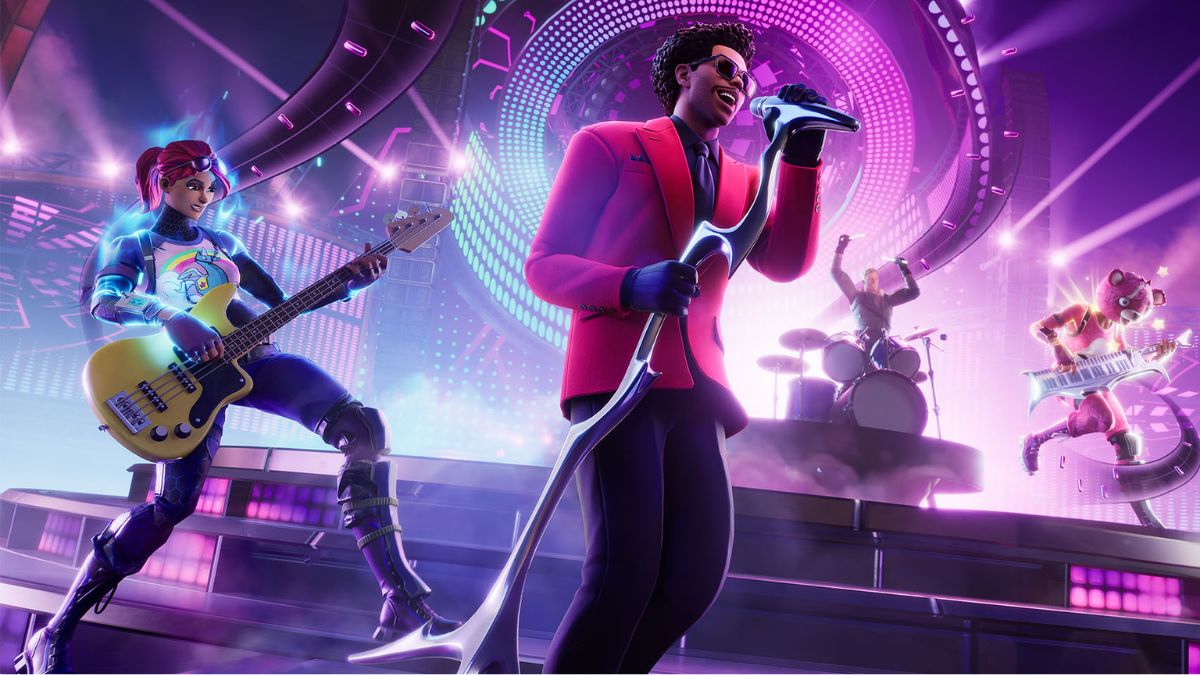
Fortnite Not Launching Error
Image Source: Epic Games

You can fix this error by temporarily closing background apps, updating software, and temporarily turning off the antivirus. These are the most workable solutions given by other players in relevant threads.

1. Close Background Applications

Some background apps might interfere with the game’s launch process. According to many players, Discord can especially conflict with the launch. Temporarily closing these apps can help fix the Fortnite not launching error.

2. Reinstall Fortnite and Epic Games Launcher

The Epic Games Launcher and the game might have gotten minor technical issues. To fix Fortnite not launching error, you can try to reinstall both the game and the launcher.

Related:

All Weekly Quests in Fortnite Chapter 5 Season 1 (Week 4)

3. Update Graphics Card and Windows

Fortnite is developed with Unreal Engine and requires a decent graphics card to run smoothly. If you’re experiencing this issue, try updating your graphics card driver and Windows OS. This will be able to fix Fortnite‘s not launching error.

4. Disable Antivirus Software Temporarily

While keeping your system protected is essential, some antivirus programs might interfere with the game’s launch process. Consider temporarily turning off your antivirus software to check if this resolves the issue.

These are the most successful methods other players used to fix the Fortnite not launching error. Contact Epic Games support for further assistance. They might be able to have a detailed look at it and give you a customized solution.


Related Topics
Fortnite Guide
Share. Facebook Twitter LinkedIn Reddit Email
Asanga Wijeratne
  • Website

SUGGESTED READS

Path of Exiles 2 Build Planner Guide
Gaming

How To Use the Build Planner in Path of Exile 2

Adopt Me Kicks Off Summer With Journey to Summer Camp Update, Here's All The New Week 1 Pets & Rewards
Gaming

Roblox Adopt Me Launches Journey to Summer Camp Update, Here’s All the Week 1 Pets & Rewards

LEGO Batman Legacy of the Dark Knight PC Review
9
Gaming

LEGO Batman: Legacy of the Dark Knight Review – A Hero Rises

Call of Duty: Modern Warfare 4 Launching This October on Next-Gen Consoles & Switch 2, But Not Game Pass
Gaming

Call of Duty: Modern Warfare 4 Launching This October on Next-Gen Consoles & Switch 2, But Not Game Pass

Hideo Kojima Teams Up With Prada for an AI Film, And Fans Aren't Happy: 'Beyond Incredibly Disappointing'
Gaming

Hideo Kojima Teams Up With Prada for an AI Film, And Fans Aren’t Happy: ‘Beyond Incredibly Disappointing’

The Witcher 3 Songs of the Past expansion
Gaming

A Witcher 3 Leak Just Forced CD Projekt Red to Announce a Brand-New Expansion: Songs of the Past

The Nerd Stash
Facebook X (Twitter) Instagram YouTube LinkedIn
  • About Us
  • Join Our Team
  • Meet the Team
  • Privacy Policy
  • DMCA Policy
  • Contact Us
  • Terms of Use
  • Sitemap
  • Editorial Guidelines
  • Advertising Policy
© 2026 The Nerd Stash. All Rights Reserved.

Type above and press Enter to search. Press Esc to cancel.