Close Menu
  • Gaming
    • Platforms
      • Nintendo
      • PC
      • PlayStation
      • Xbox
  • Entertainment
    • Movies
    • TV
    • Royals
  • Celebrity
    • Hollywood
  • Human Interest
  • Astrology
  • More
    • Reviews
Facebook X (Twitter) Instagram LinkedIn YouTube
  • About Us
  • Join Our Team
  • Meet the Team
  • Privacy Policy
  • DMCA Policy
  • Contact Us
  • Terms of Use
  • Sitemap
  • Editorial Guidelines
  • Advertising Policy
The Nerd Stash
  • Gaming
  • Celebrity
  • Hollywood
  • Human Interest
The Nerd Stash
Home»Gaming»How To Fix The Finals Error Code TFMR0007

How To Fix The Finals Error Code TFMR0007

Error code TFMR0007? Try with a different region or a crossplay switch!

Asanga WijeratneBy Asanga WijeratneJanuary 17, 20242 Mins Read
How To Fix The Finals Error Code TFMR0007
Image Source: Embark Studios
This article is over 2 years old and may contain outdated information.

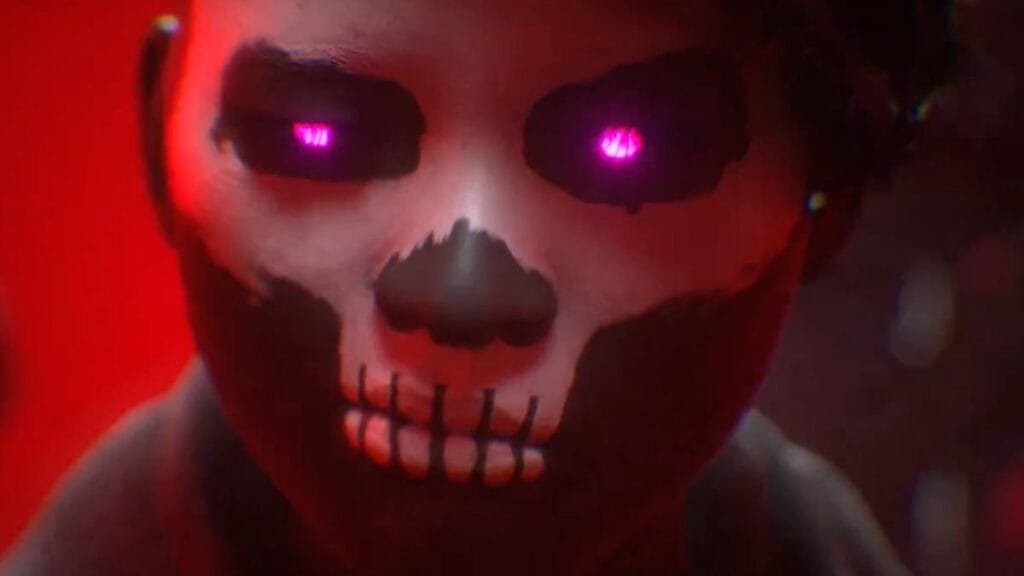
The Finals have become quite popular among players within a short period. However, like any other online game, it is not without errors. One of the most common ones is Error Code TFMR0007, while Error Code TFLA0002 is another. You will get this error code when queuing up for a matchmaking. However, there are some fixes for this Error Code TFMR0007 in The Finals.

Troubleshooting Steps for Error Code TFMR0007
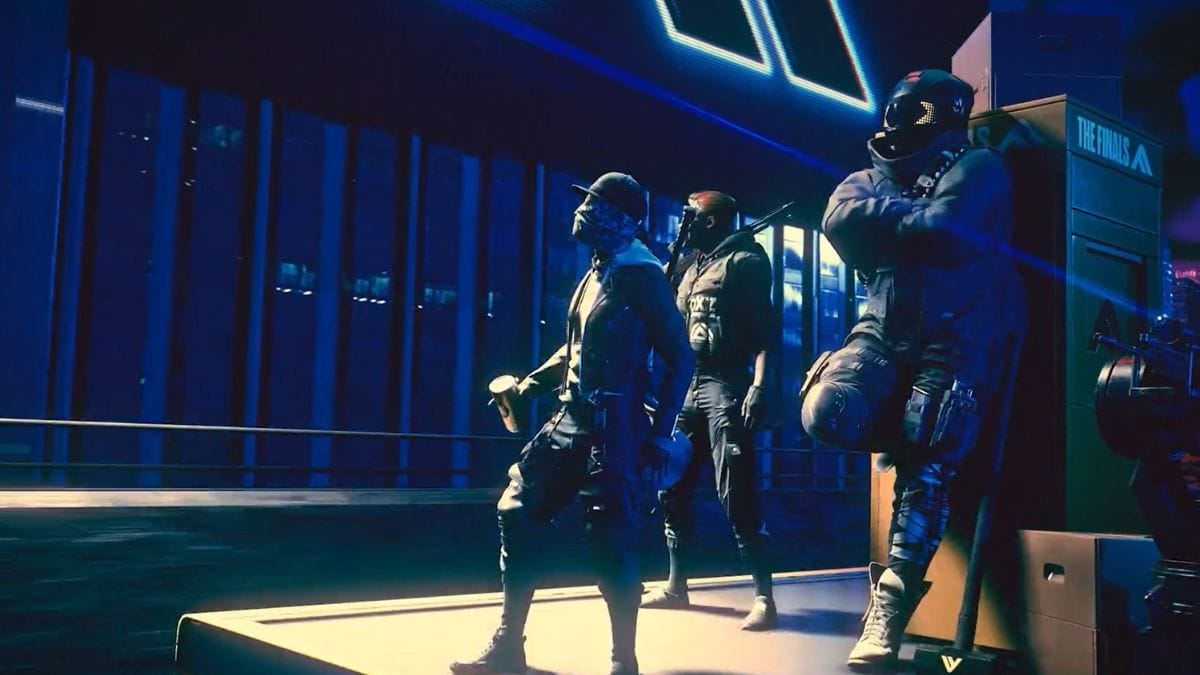
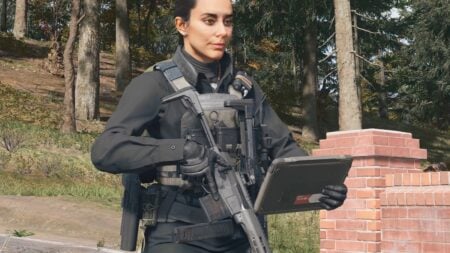
The Finals Error Code TFMR0007
Image Source: Embark Studios

The best method to sort this problem is to ensure you don’t have any process permission overlays. Because The Finals refers to these as cheats and blocks the game, ensure you have closed all overlay software before starting the game.

However, sometimes, if the Embark servers are down, you will still get The Finals Error Code TFMR0007. So, before jumping to other fixes, check the server status from the official page. If the servers are down, you cannot do much until they are back up and running. If the servers are up, but you still get the error code, try these fixes:

  1. Change the Region: There is a chance the server you are currently using may have issues. Change the region and try again. Changing the region will start a new matchmaking process and may fix the The Finals Error Code TFMR0007.
  2. Switch on and off the Crossplay: This method has also successfully resolved many players’ problems. If you have kept the crossplay on, switch it off and try to launch again. Similarly, if you have not turned it on, turn on the crossplay.

Related:

How To Use Arena Carriables in The Finals, Explained

Generally, the above methods are the most successful ways to fix The Finals Error Code TFMR0007. Also, in a relevant thread, one player mentioned he had hit the escape button back up one screen and then tried again to start the match. It worked for them, but the issue continued whenever they tried to matchmake.

Related Topics
Guide The Finals
Share. Facebook Twitter LinkedIn Reddit Email
Asanga Wijeratne
  • Website

SUGGESTED READS

DC white house MAGA game
Gaming

Trump’s MAGA Video Games Feature Immigrant Hunts and Tetris Walls in Bold New Vision for DC: ‘It’s Like the White House is Being Run by Evil 12 Year Olds’

Can Blood of Dawnwalker Run on Steam Deck? Best Settings & Performance Guide
Gaming

Can Blood of Dawnwalker Run on Steam Deck? Best Settings & Performance Guide

The Blood of Dawnwalker Scouting Towers
Gaming

The Blood of Dawnwalker: How to Clear Scouting Towers and Reveal Map Locations

How to Fast Travel and Activate Shrines in Blood of Dawnwalker
Gaming

How to Fast Travel and Activate Shrines in Blood of Dawnwalker

State of Play September 2026 Announcements
Gaming

PlayStation State of Play (September 2026): All Major Announcements

CS2 float values
Gaming

How to Read Float Before Buying a Skin

The Nerd Stash
Facebook X (Twitter) Instagram YouTube LinkedIn
  • About Us
  • Join Our Team
  • Meet the Team
  • Privacy Policy
  • DMCA Policy
  • Contact Us
  • Terms of Use
  • Sitemap
  • Editorial Guidelines
  • Advertising Policy
© 2026 The Nerd Stash. All Rights Reserved.

Type above and press Enter to search. Press Esc to cancel.