
Close Menu
  • Gaming
    • Game Guides
    • Codes
    • Game News
    • Game Previews
    • Game Reviews
    • Game Features
    • Game Lists
    • Platforms
      • Nintendo
      • PC
      • PlayStation
      • Xbox
      • Mobile
  • Entertainment
    • Movies
    • Movie Features
    • Movie Reviews
    • TV
    • Reality TV
    • Royals
  • Celebrity
  • Human Interest
  • Astrology
  • Videos
  • More
    • Anime
    • Lists
    • Podcasts
    • Reviews
Facebook X (Twitter) Instagram LinkedIn YouTube
  • About Us
  • Join Our Team
  • Meet the Team
  • Privacy Policy
  • DMCA Policy
  • Contact Us
  • Terms of Use
  • Sitemap
  • Editorial Guidelines
  • Advertising Policy
The Nerd Stash
  • Gaming
  • Celebrity
  • Human Interest
  • Videos
The Nerd Stash
Home»Game Guides»How To Fix the Palworld Black Screen on Launch Error

How To Fix the Palworld Black Screen on Launch Error

Here’s how to fix the Palworld black screen issue.

Joshua ChuBy Joshua ChuJanuary 19, 20243 Mins Read
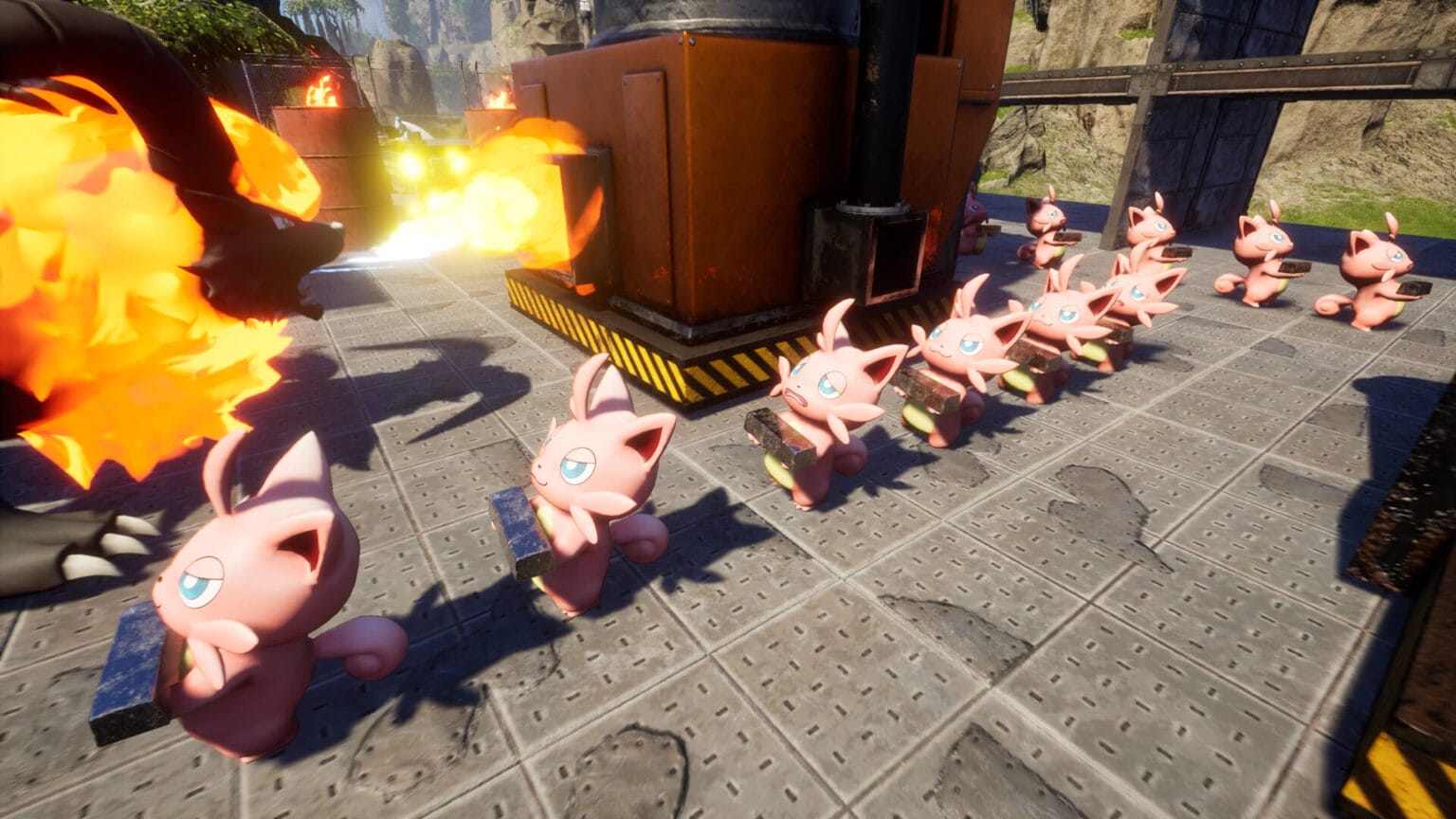
palworld black screen
Image Source: Pocketpair

Skip To...

  • Run Palworld as administrator to fix the black screen
  • Verify your Steam game files & update your drivers
  • You might just need to wait 10 minutes
This article is over 1 years old and may contain outdated information.

Are you excited to finally jump into the world of Pokemon with guns? You’re not alone — the launch of this monster-collecting open-world RPG is so successful that servers are struggling to keep up with demand. Palworld is only in early access, and naturally, the game will launch with some bugs. One widely reported issue is a black screen that appears on launch. The developers have acknowledged the issue, but here are some things you can try to circumvent the Palworld black screen issue.

Run Palworld as administrator to fix the black screen

A bonafide classic in troubleshooting technical issues, you can try running the game as administrator if a black screen is a recurring issue. One Reddit user reported this fix helped open the game on Gamepass, with some other users echoing his claims in the comments. To apply this simple fix, you need to right-click Palworld and then click “Run as Administrator.”

If you’re on Steam, you might need to take an extra step. A popular fix posted on Reddit suggests that players take the following steps:

  • Right-click the game’s launcher and head to Properties.
  • Click Compatibility and then check “Disable fullscreen optimizations.”
  • Run the game as administrator.

Try those steps and see how they work for you in fixing the Palworld black screen issue.

Related:

How To Level Up Fast in Palworld

Verify your Steam game files & update your drivers

Image Source: The Nerd Stash

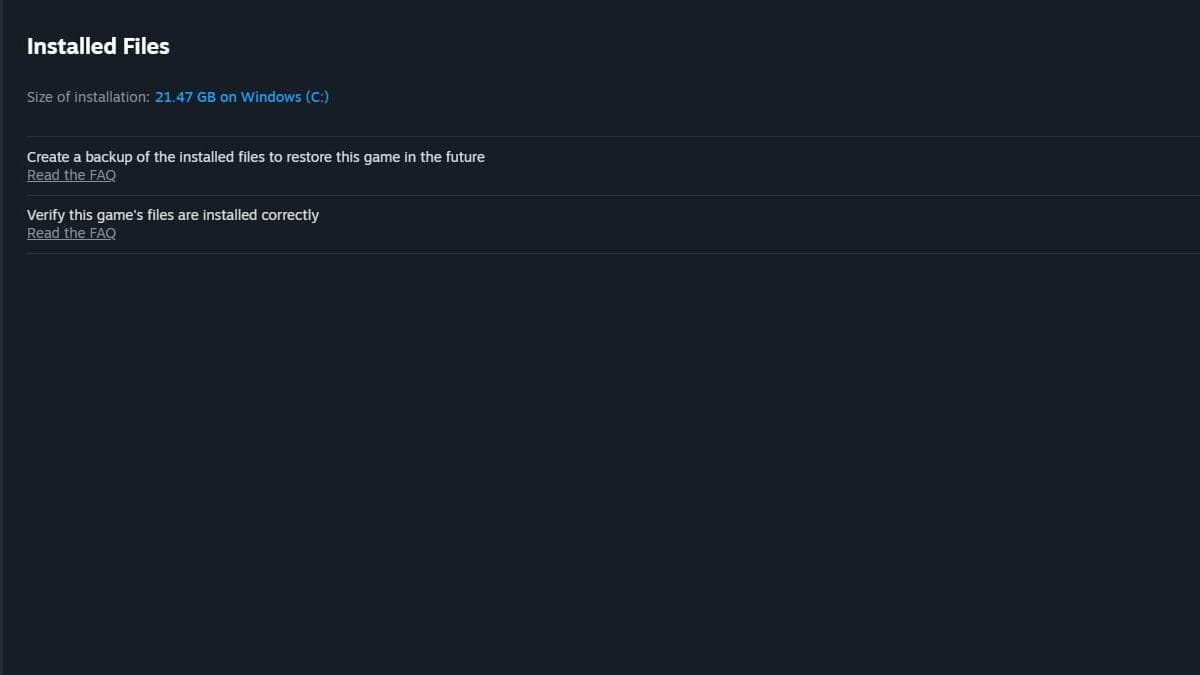
You probably don’t need me telling you this, but there are some potential band-aid fixes you can try that apply to most Steam games out there. If you’re running out of options, make sure your graphics card drivers are updated, or try verifying your game download in case any files are corrupted. You can do this on Steam by:

  • Heading to the Palworld in your library.
  • Click on Settings, then click the “Properties” tab. Click “Installed Files.”
  • Click “Verify Integrity of Game Files.”

If all else fails, you can try reinstalling Palworld to see if that fixes the black screen bug.

Related:

5 Things to Craft First in Palworld

You might just need to wait 10 minutes

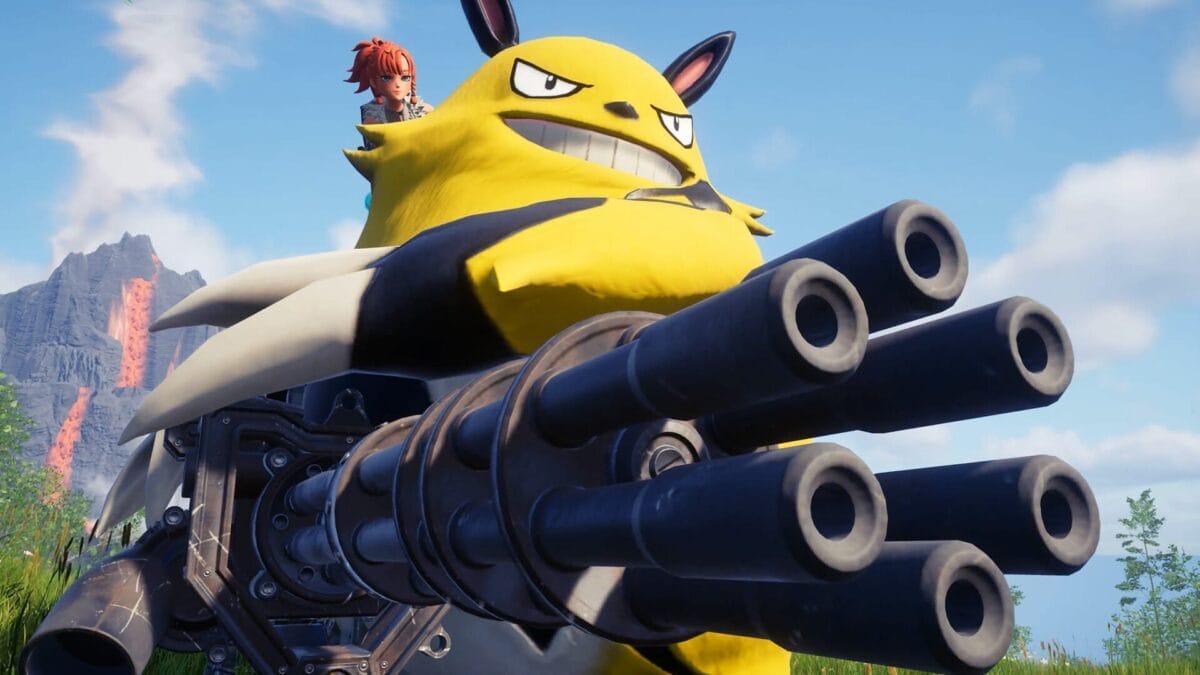
pocketpair black screen
Image Source: Pocketpair

Discovered by Game8, the game’s developers have suggested the game may just start up if you wait for approximately 10 minutes. As the game warms up in its initial launch, there’s a chance you can circumvent the issue by just waiting it out. Grab a cup of coffee or do some laundry, and hopefully, this issue might just sort itself out.


Related Topics
Guide Palworld
Share. Facebook Twitter LinkedIn Reddit Email
Joshua Chu
  • Website

Writer and journalist covering the gaming industry for The Nerd Stash. Currently enjoying League of Legends, Teamfight Tactics, and Genshin Impact.

SUGGESTED READS

Bungie’s Smash Bros-like MOBA Gummy Bears May Be Nearing Major Testing, According to a PlayStation Job Listing
Game News

Bungie’s Smash Bros-like MOBA Gummy Bears May Be Nearing Major Testing Phase, According to a PlayStation Job Listing

Astra Malorum main easter egg quest guide
Game Guides

Astra Malorum Zombies Full Easter Egg Guide – Black Ops 7 Zombies

Astra Malorum Zombies easter egg song
Game Guides

Where To Find Astra Malorum Easter Egg Song In Black Ops 7 Zombies

Path of Exile 2 The Last of the Druids Update Preview
Features

One Of the Most Unique Druid Archetypes Is Ready to Land on Path of Exile 2: The Last of the Druids

Avatar TLA Fans Are Finally Getting the Open-World Game They've Been Waiting For: 'We Got Avatar's Creed Before GTA 6'
Game News

Avatar TLA Fans Are Finally Getting the Open-World Game They’ve Been Waiting For: ‘We Got Avatar’s Creed Before GTA 6’

Best Augments in Black Ops 7 Zombies
Game Guides

Best Augments You Need To Fully Research In Call of Duty: Black Ops 7 Zombies

Trending
Bungie’s Smash Bros-like MOBA Gummy Bears May Be Nearing Major Testing, According to a PlayStation Job Listing

Bungie’s Smash Bros-like MOBA Gummy Bears May Be Nearing Major Testing Phase, According to a PlayStation Job Listing

Astra Malorum main easter egg quest guide

Astra Malorum Zombies Full Easter Egg Guide – Black Ops 7 Zombies

Astra Malorum Zombies easter egg song

Where To Find Astra Malorum Easter Egg Song In Black Ops 7 Zombies

Path of Exile 2 The Last of the Druids Update Preview

One Of the Most Unique Druid Archetypes Is Ready to Land on Path of Exile 2: The Last of the Druids

The Nerd Stash
Facebook X (Twitter) Instagram YouTube LinkedIn
  • About Us
  • Join Our Team
  • Meet the Team
  • Privacy Policy
  • DMCA Policy
  • Contact Us
  • Terms of Use
  • Sitemap
  • Editorial Guidelines
  • Advertising Policy
© 2025 The Nerd Stash. All Rights Reserved.

Type above and press Enter to search. Press Esc to cancel.




