
Close Menu
  • Gaming
    • Game Guides
    • Codes
    • Game News
    • Game Previews
    • Game Reviews
    • Game Features
    • Game Lists
    • Platforms
      • Nintendo
      • PC
      • PlayStation
      • Xbox
      • Mobile
  • Entertainment
    • Movies
    • Movie Features
    • Movie Reviews
    • TV
    • Reality TV
    • Royals
  • Celebrity
    • Hollywood
  • Human Interest
  • Astrology
  • More
    • Anime
    • Lists
    • Podcasts
    • Reviews
Facebook X (Twitter) Instagram LinkedIn YouTube
  • About Us
  • Join Our Team
  • Meet the Team
  • Privacy Policy
  • DMCA Policy
  • Contact Us
  • Terms of Use
  • Sitemap
  • Editorial Guidelines
  • Advertising Policy
The Nerd Stash
  • Gaming
  • Celebrity
  • Hollywood
  • Human Interest
The Nerd Stash
Home»Game Guides»How to Get the OG Black Widow Skin in Fortnite

How to Get the OG Black Widow Skin in Fortnite

Natasha Romanoff is Back!

Masoud KazemiBy Masoud KazemiNovember 29, 20232 Mins Read
Fortnite OG Black Widow Skin
Image Source: Epic Games
This article is over 2 years old and may contain outdated information.

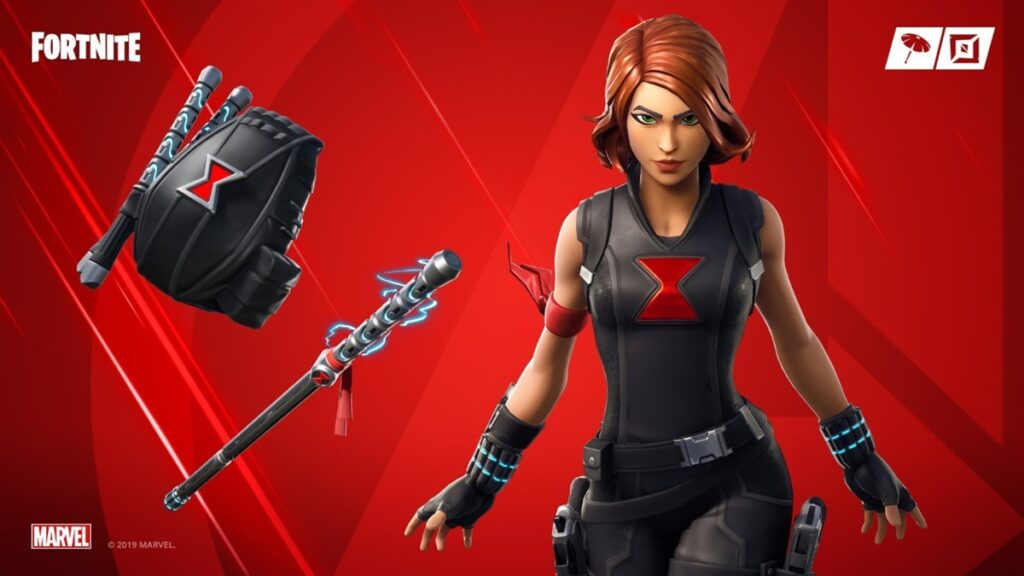
With the release of OG Fortnite, we get the chance to see some of the rarest skins in the game make a return. The latest of that collection is the OG Black Widow skin that was added to Fortnite back in 2019. With the OG Black Widow skin becoming available again, here is how you can get it in Fortnite before it leaves the shop.

OG Black Widow Skin in Fortnite
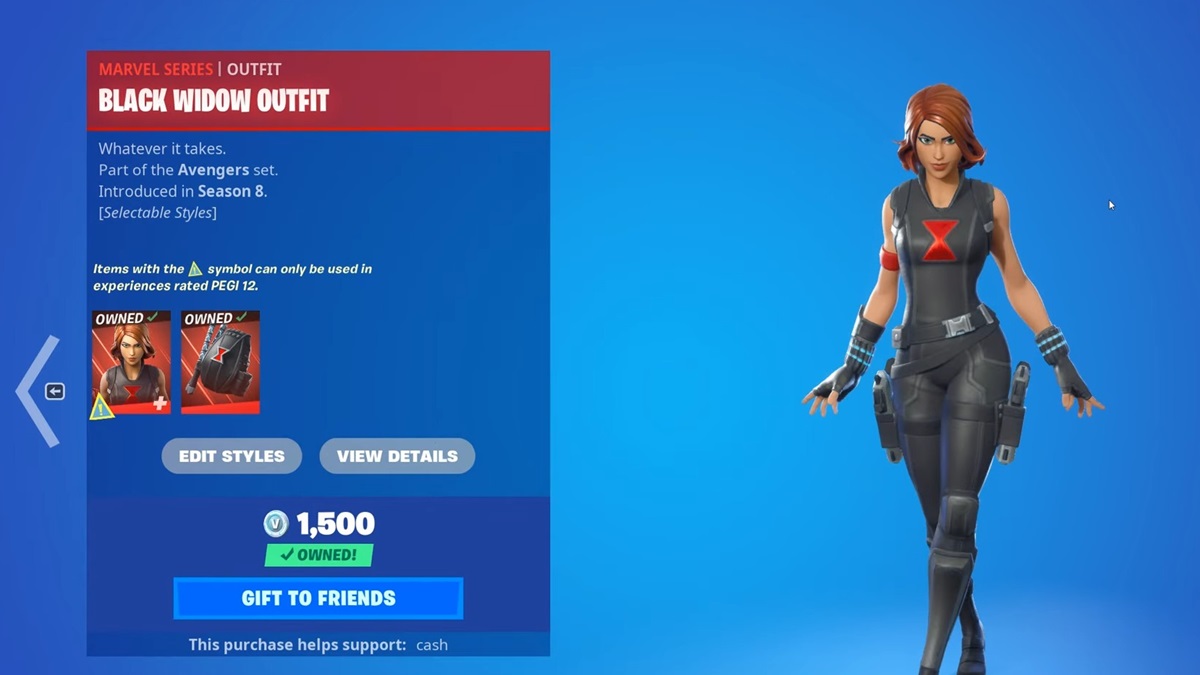
OG Black Widow in Fortnite
Image Source: Epic Games via SnowTex

Fortnite added the skin of Black Widow back in 2019 as a collaboration with Marvel for the release of Avengers: Endgame. The last time we saw this skin in the shop of Fortnite was back on May 6, 2019, which makes it more than 4 years since this skin has been taken out of the game.

Related:

Top 10 Rarest Back Blings in Fortnite

But now, thankfully, the OG Black Widow skin is available for fans to acquire once again. The price of the Black Widow bundle that includes a Widow’s Pack back bling is 1,500 V-Bucks. So make sure you have enough V-Bucks in your account before going to purchase the outfit.

To get the OG Black Widow skin in Fortnite simply follow these steps:

  1. Launch Fortnite and Head to the Shop Tab

  2. Scroll Down Until You Reach Marvel Skins

  3. Find Black Widow Outfit and Click on It

  4. Hold the Purchase Button to Finalize the Purchase

With that done, you can now choose Black Widow as your avatar before starting a match. There is also Widow’s Pirouette emote that you can purchase for 200 V-Bucks. The procedure is the same and you can find it on the menu where you bought the skin.

OG Fortnite is now available for PC, PS4, PS5, Xbox One, Xbox Series X|S, Nintendo Switch, iOS, and Android phones.

Related Topics
Fortnite Guide
Share. Facebook Twitter LinkedIn Reddit Email
Masoud Kazemi
  • Website
  • X (Twitter)

I don't care about the real world. I cared only about the world of fiction. -Woody Allen

SUGGESTED READS

Crimson Desert Community Tips and Tricks
Game Guides

I Played Crimson Desert for 90 Hours and STILL Learned These 10 Tricks From Social Media

Doom Co-creator and Wife Say The Current Game Industry Is 'Crashier' Than the '80s Crash: 'It Can't Stay Like This Forever'
Game News

Doom Co-Creator and Wife Say the Current Game Industry Is ‘Crashier’ Than the ’80s Crash: ‘It Can’t Stay Like This Forever’

Marathon PC Review
9.5
Game Features

Marathon Review – Bungie’s Finest

XBox Partner Preview November 2025 Announcements
Game Features

Every Major Announcement at the Xbox Partner Preview (March 2026)

A Single AAA Game Budget Now Hits $300M, Cost the Same as Buying 600 Houses
Game News

A Single AAA Game Budget Now Hits $300M, Costs the Same as Buying 600 Houses

World of Warcraft Midnight Review
8
Game Features

World of Warcraft: Midnight Review – Light and Shadow

The Nerd Stash
Facebook X (Twitter) Instagram YouTube LinkedIn
  • About Us
  • Join Our Team
  • Meet the Team
  • Privacy Policy
  • DMCA Policy
  • Contact Us
  • Terms of Use
  • Sitemap
  • Editorial Guidelines
  • Advertising Policy
© 2026 The Nerd Stash. All Rights Reserved.

Type above and press Enter to search. Press Esc to cancel.





